You have submitted your AdSense application and now you are checking your email every hour. Sound familiar? The wait can feel endless, but understanding the real timeline helps manage expectations—and knowing what speeds things up puts you in control.
Based on data from thousands of applications in 2025, most AdSense decisions arrive within 2 to 14 days. But that range varies widely based on several factors. Let us break down exactly what to expect and how to potentially speed up your approval.
What You Will Learn:
- The actual AdSense approval timeline in 2025
- Factors that speed up or slow down your application
- What happens during the review process
- 7 tips to get approved faster
- What to do while waiting
The Average AdSense Approval Timeline
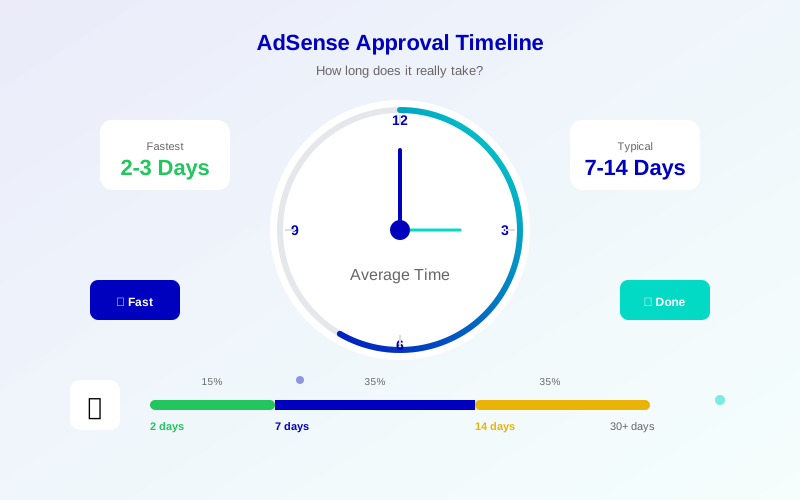
Google officially states that the review process can take "a few days to a few weeks." In practice, here is what most applicants experience:
- Fastest approvals (2-3 days): About 15% of applicants
- Typical timeframe (4-7 days): About 35% of applicants
- Standard review (8-14 days): About 35% of applicants
- Extended review (15-30 days): About 12% of applicants
- Lengthy review (30+ days): About 3% of applicants
"Once you've submitted your application, it typically takes a few days, but in some cases can take 2-4 weeks."
— Google AdSense Help Center
What Affects Approval Speed?
Several factors influence how quickly Google processes your application:
Factors That Speed Up Approval:
Meeting all items on the AdSense requirements checklist helps speed up your review:
- Quality content: Well-written, original articles get faster reviews
- Complete legal pages: Privacy policy, about page, and contact information
- Clean site structure: Easy navigation and no broken links
- Established domain: Domains older than 6 months often process faster
- Previous history: Clean track record with Google services
Factors That Slow Down Approval:
- New domains: Very new websites may face longer reviews
- Thin content: Fewer than 20 articles triggers deeper review
- Complex niches: Some topics require human review
- Missing pages: Incomplete sites take longer to evaluate
- High application volume: Busy periods slow all reviews
What Happens During the Review Process?
Understanding Google's review process helps explain the timeline:
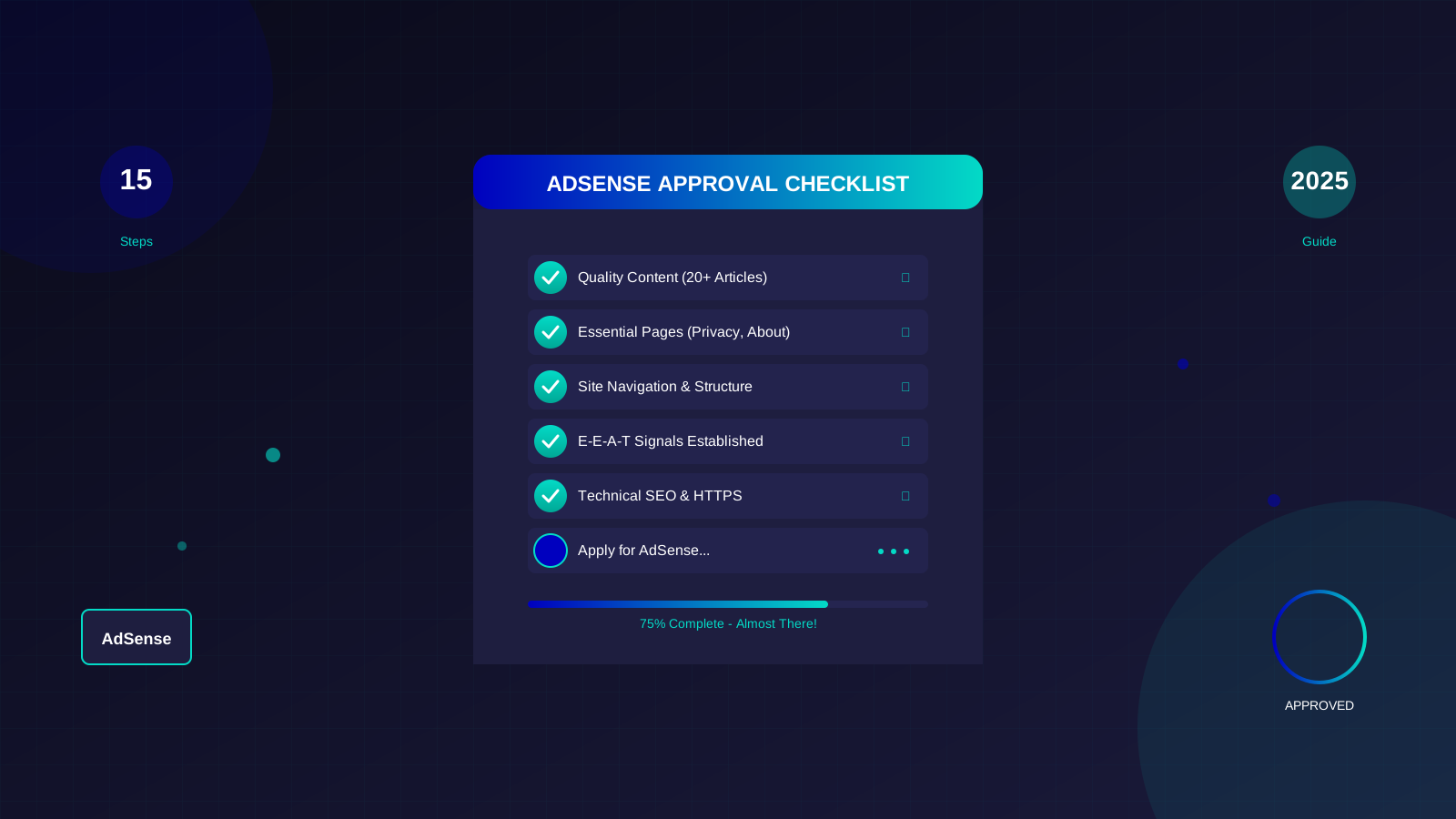
See also: AdSense Approval Checklist 2026: 15 Steps to Get Approved Fast →
Stage 1: Automated Screening (Minutes to Hours)
Immediately after you apply, automated systems scan your site for:
- Basic policy compliance
- Content existence and accessibility
- Technical issues (broken links, slow loading)
- Known policy violation patterns
Stage 2: Content Evaluation (1-7 Days)
Algorithms evaluate your content quality:
- Originality checks against existing content
- Topic relevance and coherence
- User experience signals
- Content depth and value assessment
Stage 3: Human Review (If Triggered)
Some applications get escalated to human reviewers:
- Borderline cases where automated systems are uncertain
- Sensitive topic categories
- Complex site structures
- Appeals from previous rejections
7 Tips to Speed Up Your AdSense Approval
Tip 1: Apply With 25+ Quality Articles
Sites with more content get processed faster because the system has more to evaluate. Learn exactly how many articles you need for AdSense approval and aim for at least 25 well-written articles before applying.
See also: Google AdSense Best Practices 2026: What Works Now (and What Doesn't) →
Tip 2: Ensure All Pages Load Quickly
Slow sites can stall the review process. Use Google PageSpeed Insights and fix any issues before applying.
Tip 3: Remove Any Existing Ads
If you have other ad networks on your site, consider removing them temporarily. Google wants to see your content, not competitor ads.
Tip 4: Fix All Broken Links
404 errors and broken links can trigger extended reviews. Use a link checker tool to find and fix all issues.
Tip 5: Verify All Legal Pages Are Accessible
Make sure your privacy policy, about page, and contact page are easily accessible from every page on your site.
Learn more in AdSense YouTube vs Website: Which Earns More Money in 2026? →
Tip 6: Use a Clean, Professional Theme
Cluttered or unprofessional designs may require additional human review. Choose a clean, mobile-responsive theme.
Tip 7: Apply During Business Hours
While not officially confirmed, some publishers report faster responses when applying during Google's business hours (US Pacific time).
What to Do While Waiting
The waiting period does not have to be wasted time:
- Keep publishing: Continue adding quality content
- Monitor traffic: Use Google Analytics to track visitors
- Build backlinks: Work on legitimate link building
- Fix any issues: Address any technical problems you find
- Plan your ad strategy: Research optimal ad placements
What If Approval Takes Too Long?
If you have waited more than 2 weeks without a response:
Learn more in Free vs Self-Hosted Blogs for AdSense: Which One Gets Approved? →
- Check your spam folder for emails from Google
- Verify the AdSense code is still on your site
- Log into your AdSense account to check status
- Use the AdSense Help forum if needed
- Continue improving your site while waiting
"If you haven't heard back from us in 2 weeks, check your AdSense account for any messages or required actions."
— Google AdSense Support
Setting Realistic Expectations
Most AdSense applications receive a decision within 7-14 days. While waiting can feel frustrating, use this time productively by continuing to improve your site. The better your site, the faster and more likely your approval. If you do get rejected, follow our guide on how to reapply for AdSense after rejection.
Remember: a thorough review is actually a good sign. It means Google is taking your application seriously and evaluating your content properly. Quick rejections often mean obvious problems, while longer reviews suggest your site is being considered carefully.
Frequently Asked Questions
Can I speed up AdSense approval by contacting Google?
No, there is no way to expedite the review by contacting Google. The process is automated, and reaching out will not speed things up. Focus on ensuring your site meets all requirements instead.
Learn more in AdSense vs Alternatives: Which Ad Network Pays You More? →
Does applying multiple times slow down approval?
Submitting multiple applications will not speed up the process and may actually delay it. Submit once and wait for a response before taking any action.
Why do some sites get approved in 24 hours while others wait weeks?
Sites that clearly meet all requirements with no edge cases can be approved quickly by automated systems. Sites requiring human review take longer, especially during busy periods.
Should I remove AdSense code if approval is taking too long?
No, keep the code in place. Removing it may reset your application or cause issues. Leave everything as is while waiting.
Is there a best time of year to apply for AdSense?
While not officially confirmed, some publishers report faster reviews during Q1 (January-March) when application volumes are lower. Avoid applying during major holidays when Google staff availability may be reduced.