Did Google say "no" to your AdSense application? That's really frustrating! You worked so hard on your website. But here's good news—you can fix most problems. This guide shows you the top 10 reasons Google says no. You'll also learn how to fix each one!
Understanding AdSense Rejection
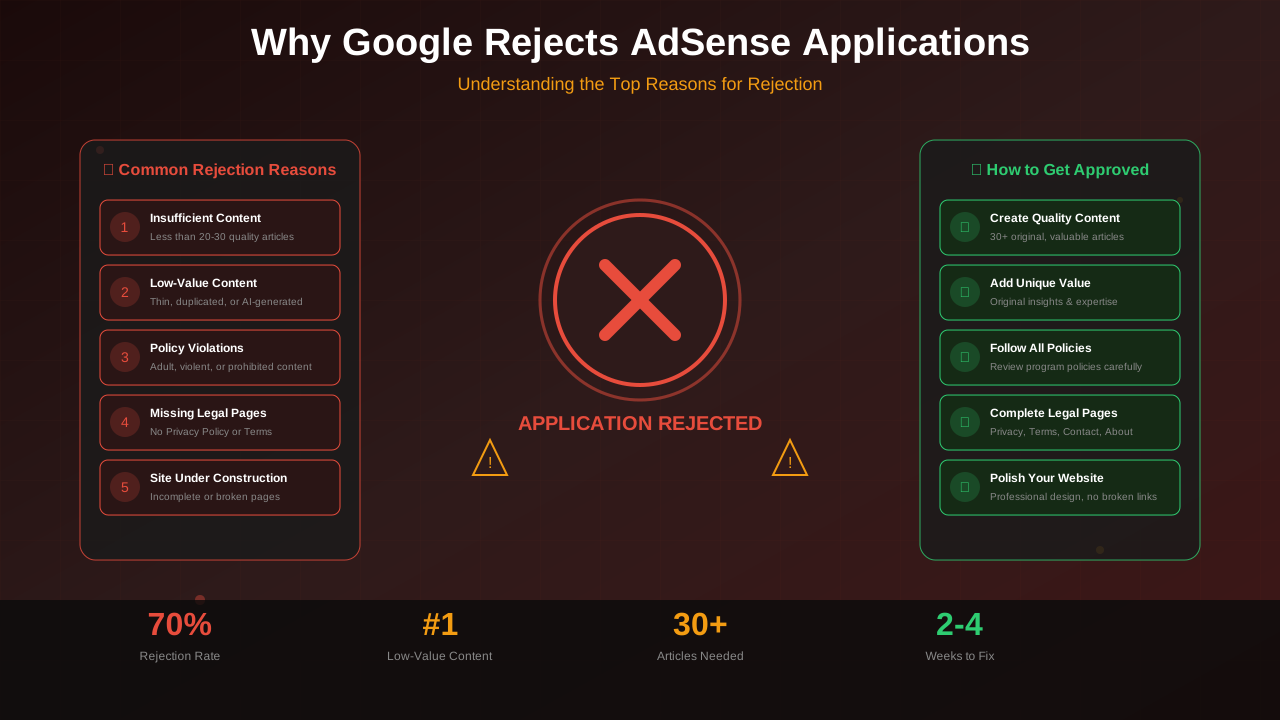
Let's start with the basics. Google AdSense has strict rules. They want ads to show up on great websites. Your site needs to help people and give them something useful.
"We want to provide a great experience for users and advertisers. That's why we have content policies that publishers must follow."
— Google AdSense Help Center
1. Not Enough Content (Low-Value Content)
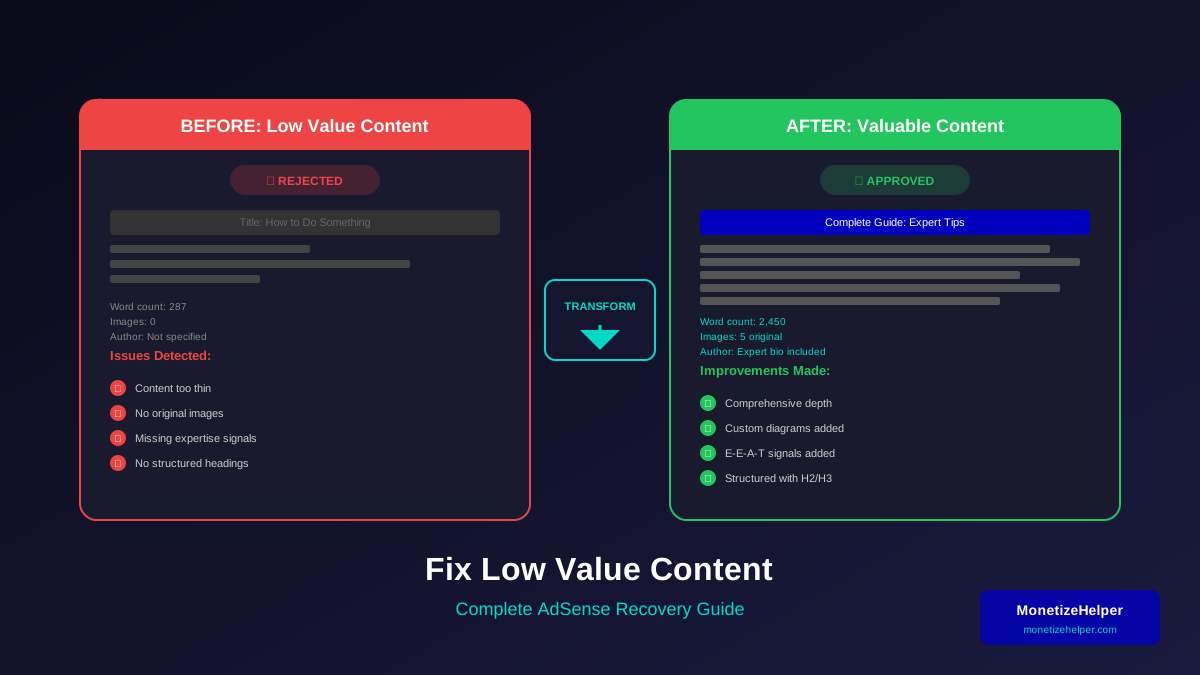
This is the biggest reason Google says no. They want your website to have lots of helpful stuff. Your visitors should learn something valuable.
How to Fix It:
- Write at least 20-30 good articles before you apply
- Make each article at least 1000 words long
- Write your own original ideas—don't copy others
- Give readers tips they can actually use
2. Missing Important Pages
Your website needs certain pages. Without them, Google won't trust your site.
Required Pages:
- Privacy Policy: You must have this! Tell visitors how you use their data.
- About Us: Let people know who you are and what your site does.
- Contact Page: Give visitors a way to reach you.
- Terms of Service: This one is optional but it's a good idea.
3. Hard to Navigate
People need to find their way around your site easily. So does Google! A confusing site can get rejected.
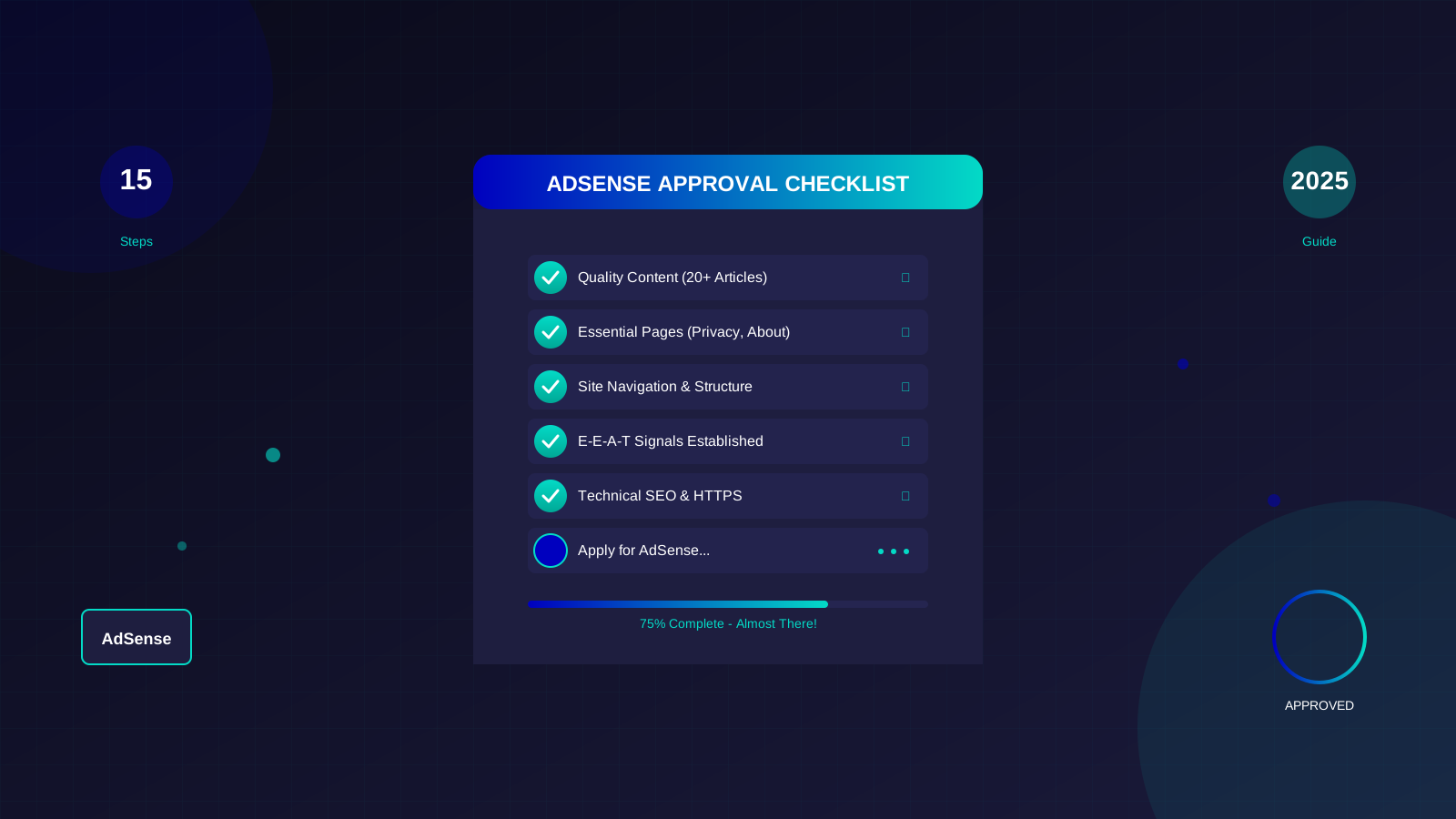
See also: AdSense Approval Checklist 2026: 15 Steps to Get Approved Fast →
Best Practices:
- Make a simple menu that shows all your main pages
- Put your articles into clear categories
- Add a search bar if you have lots of content
- Check that all your links work—no broken pages!
4. Site Is Too New
Brand new websites often get rejected. Google doesn't say how old your site must be. But waiting a while helps! Check out our guide on domain age and AdSense for more info.
Our Tips:
- Wait about 3-6 months before you apply
- Use that time to create awesome content
- Get other websites to link to yours
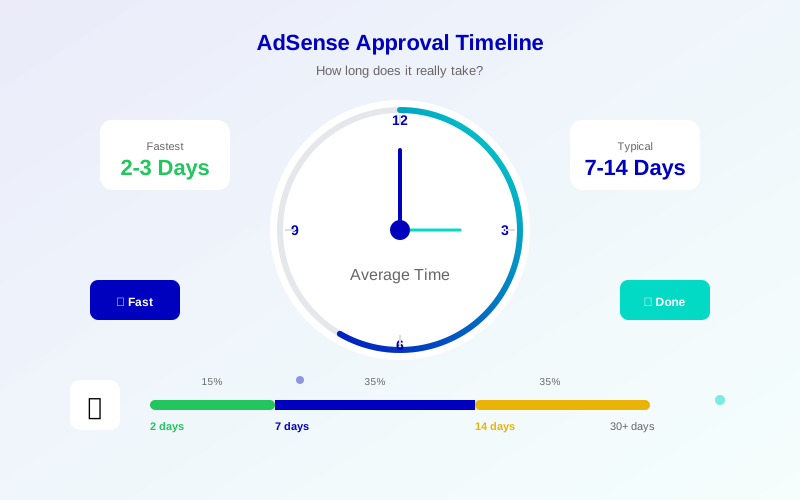
After you apply, learn how long AdSense approval takes. This helps you know what to expect.
5. Missing E-E-A-T Signals
E-E-A-T stands for Experience, Expertise, Authority, and Trust. Google wants to know you're the real deal! The Google Search Guidelines explain why this matters.
See also: Google AdSense Best Practices 2026: What Works Now (and What Doesn't) →
How to Improve E-E-A-T:
- Add a bio that tells people about the author
- Link to your social media accounts
- Get mentioned on other trustworthy websites
- Show off any awards or special skills you have
6. Banned Content
Some types of content are not allowed. Google will reject you if you have these things.
Avoid:
- Adult or inappropriate content
- Dangerous or mean content
- Content you copied from others
- Anything illegal
- Gambling or casino stuff
7. Tech Problems
Sometimes tech problems stop your site from getting approved. Here's what to check.
Check for:
- Does your site work on phones? Test it with Google's Mobile-Friendly Test
- Is your site fast? Check with PageSpeed Insights
- Make sure you have HTTPS (the little lock icon)
- Set up your robots.txt file the right way
8. Copied Content
Google can spot copied content super easily. Even if you didn't mean to copy, they might reject you.
Learn more in AdSense YouTube vs Website: Which Earns More Money in 2026? →
How to Avoid This:
- Always write your own stuff
- Use tools like Copyscape to check for copied text
- When you quote someone, give them credit
9. Too Many Ads
Do you already have ads from other networks? Too many ads can hurt your chances.
Guidelines:
- Take down ads from other networks or use fewer
- Make sure people see your content first, not ads
- Don't put ads right next to your menu
10. Wrong Language
AdSense only works with certain languages. Check that your site uses a language they support.
Your Path to AdSense Approval
Getting AdSense approval takes time and care. Focus on making great content. Build a professional-looking website. Follow Google's rules. If they rejected you, read our guide on how to reapply after rejection. Try our Content Analyzer tool to find and fix problems before you apply again.
Learn more in Free vs Self-Hosted Blogs for AdSense: Which One Gets Approved? →
Here's the most important tip: quality beats quantity every time. A site with 20 amazing articles wins over a site with 100 boring ones!