You've earned money with AdSense. Now how do you get paid? This guide covers every payment method, when payments happen, and how to set everything up correctly.
What You'll Learn:
- All available AdSense payment methods
- The payment threshold and schedule
- How to set up your payment method
- Payment methods by country
- How to fix common payment issues
Available Payment Methods
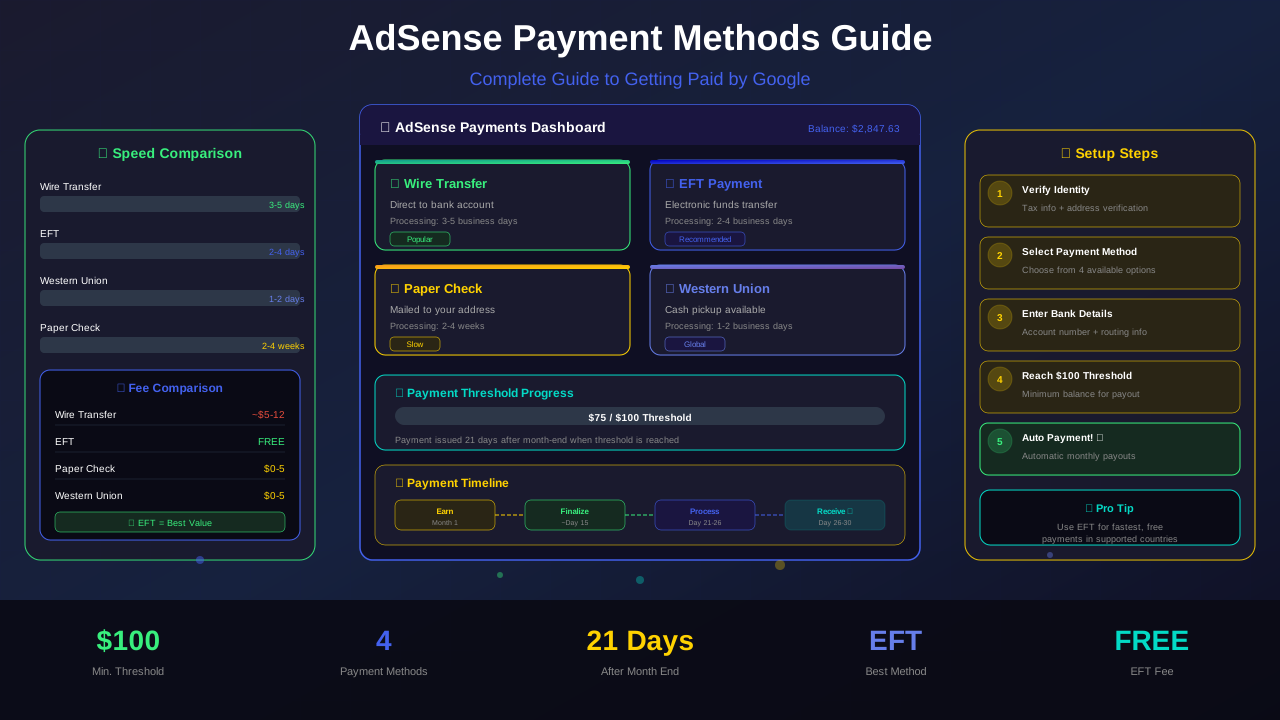
Google offers several ways to receive your AdSense earnings. The options depend on your country. Here are the main methods:
| Method | Speed | Availability | Best For |
|---|---|---|---|
| Wire Transfer (EFT) | 5-7 business days | Most countries | Fastest option |
| Check | 2-4 weeks | Select countries | No bank account needed |
| Western Union | 1-2 business days | Select countries | Quick cash pickup |
| Rapida | 1-3 business days | Russia and CIS | Regional option |
Wire transfer (also called EFT or direct deposit) is the most popular choice. It sends money straight to your bank account. According to Google AdSense Help, this is the recommended method for most publishers.
Payment Threshold and Schedule
Google pays you when your earnings reach the payment threshold. Here's how it works:
The $100 Threshold
You must earn at least $100 before Google sends a payment. This amount varies by currency. For example, it's €70 in Europe.
Monthly Payment Cycle
Google pays once per month. Your earnings from one month get finalized early the next month. Then payment is issued around the 21st.
See also: AdSense Approval Checklist 2026: 15 Steps to Get Approved Fast →
Payment Timeline Example
- January – You earn $150 from AdSense
- February 1-20 – Google finalizes your January earnings
- February 21 – Payment is issued
- February 26-28 – Money arrives in your bank account
How to Set Up Your Payment Method
Setting up payments is simple. Follow these steps:
- Log in to AdSense – Go to adsense.google.com
- Click Payments – Find this in the left menu
- Add payment method – Click "Add payment method"
- Enter bank details – Add your bank account info
- Verify your account – Google sends a small test deposit
- Confirm the amount – Enter the test deposit amount in AdSense
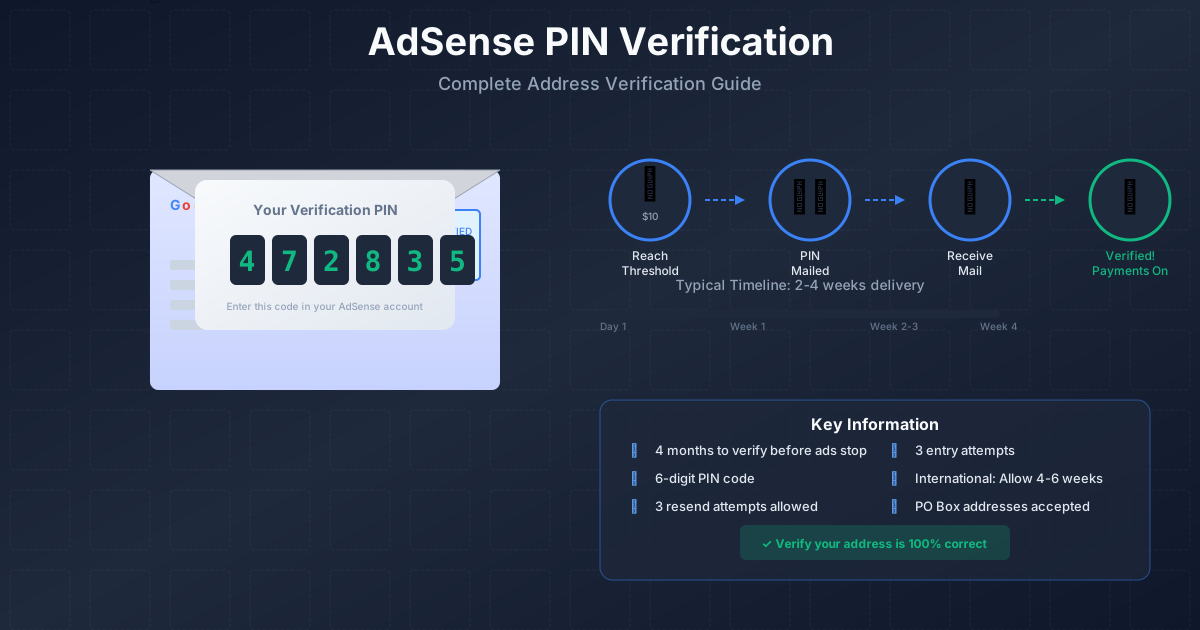
Before setting up payments, you may need to verify your address with a PIN. Read our PIN verification guide for help with that step.
"Make sure your payment information is accurate and up to date. Incorrect details can delay your payments significantly."
See also: Google AdSense Best Practices 2026: What Works Now (and What Doesn't) →
— Google AdSense Payment Help
Common Payment Issues and Fixes
Sometimes payments don't go smoothly. Here are the most common problems and how to fix them:
| Problem | Cause | Solution |
|---|---|---|
| Payment on hold | Haven't verified address/identity | Complete verification steps |
| Payment returned | Wrong bank details | Update your bank information |
| Below threshold | Haven't earned $100 yet | Keep publishing quality content |
| Account on hold | Policy violation or review | Check emails and fix issues |
| Tax info needed | Missing tax forms | Submit tax information in settings |
Tax Information You Need
Google may require tax information before paying you. US-based publishers need a W-9 form. Non-US publishers may need a W-8BEN form.
Submit your tax forms in AdSense under Payments > Manage settings > Tax information. Without proper tax info, Google may withhold part of your earnings.
Learn more in AdSense YouTube vs Website: Which Earns More Money in 2026? →
Frequently Asked Questions
Can I change my payment method after setting it up?
Yes! Go to Payments in your AdSense dashboard. You can add new methods or remove old ones at any time.
What happens if I don't reach $100 in a month?
Your earnings roll over to the next month. Google keeps adding up until you hit the threshold. You won't lose any money.
Can I lower the payment threshold?
No. The $100 minimum is the same for everyone. You cannot change it.
Learn more in Free vs Self-Hosted Blogs for AdSense: Which One Gets Approved? →
How long does a wire transfer take?
Most wire transfers arrive within 5-7 business days after the 21st. Some banks may take a day or two longer.
Does Google charge fees for payments?
Google doesn't charge fees for wire transfers. However, your bank might charge a receiving fee. Check with your bank.
Conclusion
Getting paid from AdSense is straightforward once you set it up. Choose wire transfer for the fastest payments. Make sure your bank details are correct.
Learn more in AdSense vs Alternatives: Which Ad Network Pays You More? →
Remember to complete your address verification and tax forms. These are required before Google sends your first payment.
Start by checking your AdSense payment settings today. Make sure everything is filled in correctly so you get paid on time every month!