Receiving an AdSense rejection email is discouraging, but it is not the end of your monetization journey. Most successful publishers were rejected at least once before getting approved. The key is understanding exactly what to fix and following a systematic approach to reapplication.
In this comprehensive guide, you will learn the exact 7-step process to analyze your rejection, make meaningful improvements, and reapply with confidence.
What You Will Learn:
- How to decode your rejection email
- The 7-step reapplication process
- Common rejection reasons and fixes
- How long to wait before reapplying
- Mistakes that cause repeated rejections
Understanding Your Rejection
Before making changes, you need to understand exactly why you were rejected. Google's rejection emails provide clues, though they can be vague.
Common Rejection Categories
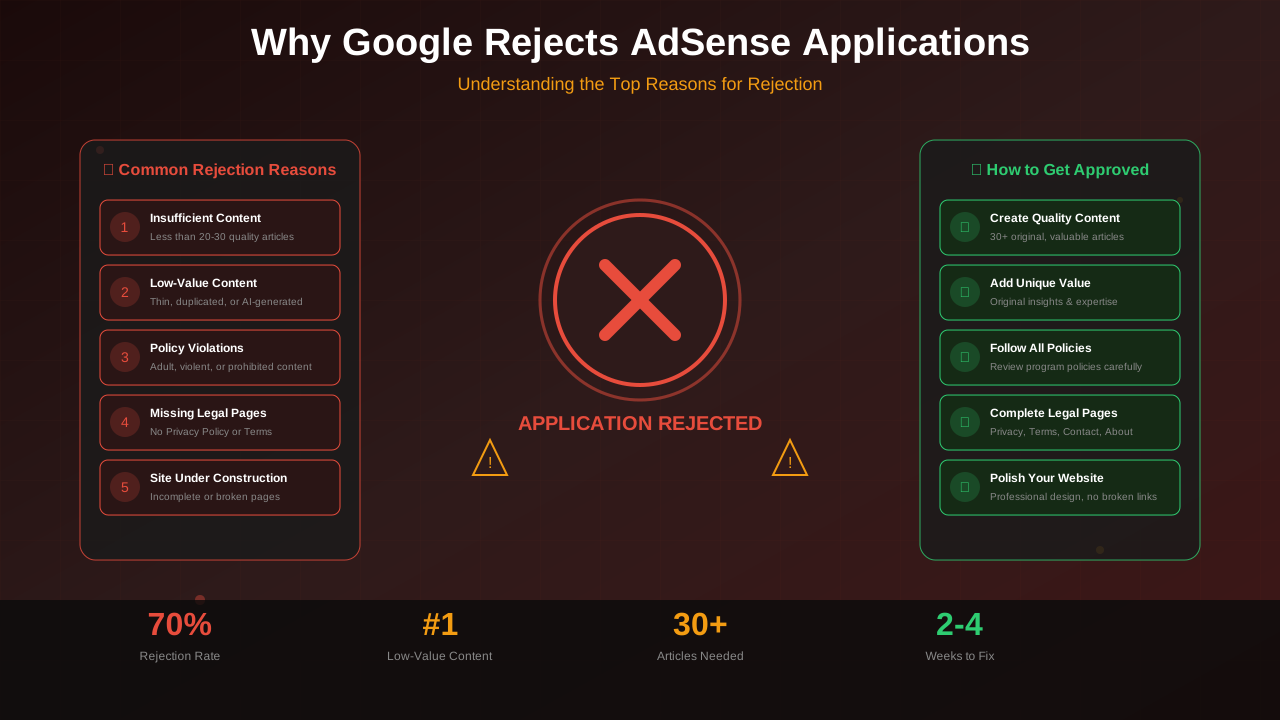
- Insufficient Content: Not enough articles or articles are too short
- Low-Value Content: Content does not provide unique value
- Site Under Construction: Site appears incomplete
- Policy Violation: Content violates AdSense policies (see our policy violations recovery guide)
- Navigational Issues: Site is hard to use or has broken links
- Ownership Issues: Cannot verify site ownership
"The rejection email tells you the category, but you need to investigate deeper to find the specific issues. Generic rejections require comprehensive site audits."
— AdSense Publisher Support
Step 1: Analyze Your Rejection Email Carefully
Your rejection email contains important clues. Read it multiple times and note:
- The specific reason category mentioned
- Any policy links provided
- Whether it mentions specific pages
- The language used (vague vs. specific)
What "Low-Value Content" Really Means
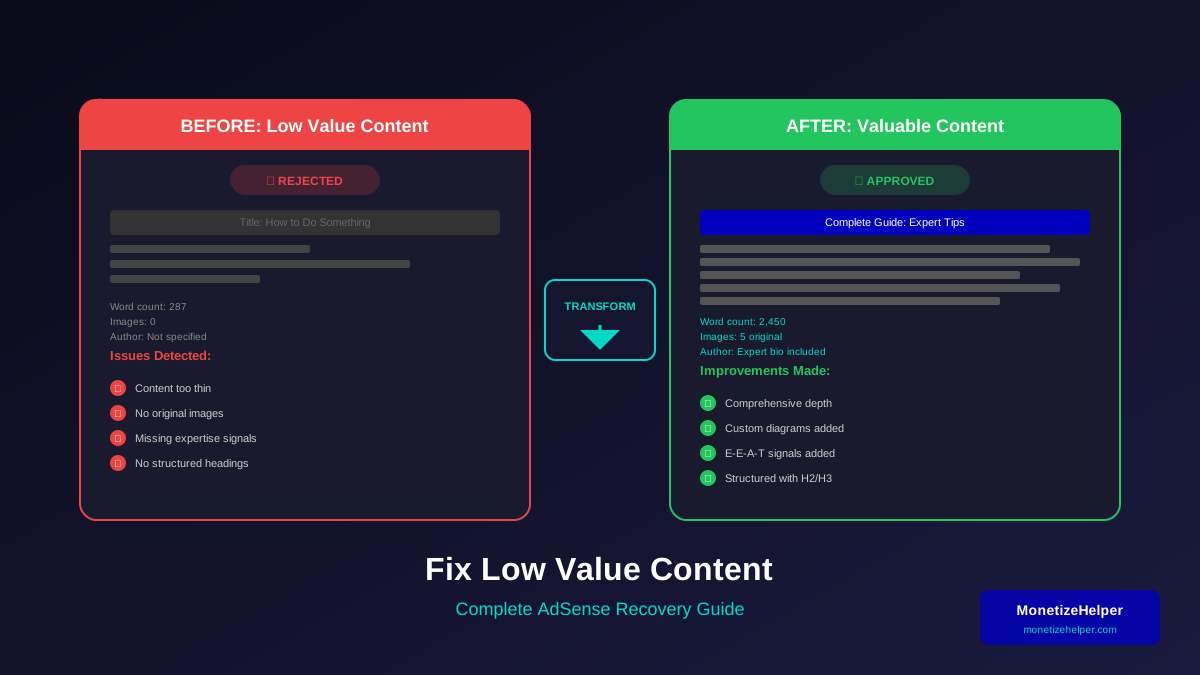
This is the most common rejection reason. Understanding what qualifies as quality content is essential. It typically indicates:
- Content is not original or unique
- Articles do not provide genuine value
- Content is too thin or shallow
- Too much copied or syndicated content
What "Navigational Issues" Means
This usually indicates:
See also: AdSense Approval Checklist 2026: 15 Steps to Get Approved Fast →
- Broken links or 404 errors
- Missing navigation menu
- Poor mobile experience
- Slow loading pages
Step 2: Conduct a Complete Site Audit
Do not assume you know the problem. Conduct a thorough audit of every aspect:
Content Audit
- Review every article for quality and originality
- Check word counts (minimum 800 words each)
- Run plagiarism checks on all content
- Evaluate whether each article provides genuine value
Technical Audit
- Test site speed with Google PageSpeed Insights
- Check for broken links with a crawler tool
- Verify mobile responsiveness on multiple devices
- Confirm HTTPS is working properly
Legal Pages Audit
- Verify privacy policy is complete and accessible
- Check about page has real information
- Test contact form functionality
- Review terms of service page
Step 3: Fix Every Issue You Find
Now it is time to make real improvements. Do not cut corners—fix everything properly.
For Content Issues
- Rewrite thin articles to be comprehensive
- Add more depth to existing content
- Delete or noindex truly low-quality pieces
- Add new, high-quality articles
For Technical Issues
- Optimize images and enable caching
- Fix or remove broken links
- Improve mobile design
- Address Core Web Vitals issues
For Navigation Issues
- Create clear menu structure
- Add internal linking between articles
- Create a proper sitemap
- Ensure all pages are accessible
"The publishers who get approved on their second try are those who made substantial improvements, not just minor tweaks."
— Kelvin Orjika, MonetizeHelper.com
Step 4: Add More Quality Content
Even if content quantity was not mentioned, adding more quality content helps:
See also: Google AdSense Best Practices 2026: What Works Now (and What Doesn't) →
- Publish 5-10 new high-quality articles
- Each article should be 1,000+ words
- Focus on providing genuine value
- Include proper formatting, images, and sources
New content shows Google that you are actively improving your site and taking the application seriously.
Step 5: Wait the Appropriate Time
Timing matters. Do not reapply too quickly or wait too long.
Minimum Wait: 2 Weeks
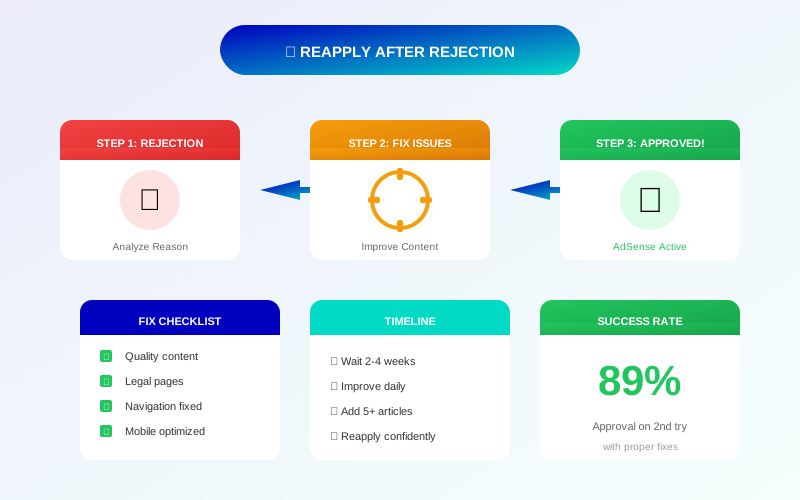
Google recommends waiting at least 2 weeks before reapplying. This gives their systems time to re-crawl your site.
Recommended Wait: 3-4 Weeks
This gives you time to make substantial improvements and ensures Google sees a significantly different site.
Learn more in AdSense YouTube vs Website: Which Earns More Money in 2026? →
Use Waiting Time Wisely
- Continue publishing quality content
- Build organic traffic through SEO
- Improve site design and functionality
- Get feedback from other publishers
Step 6: Verify All Requirements Before Reapplying
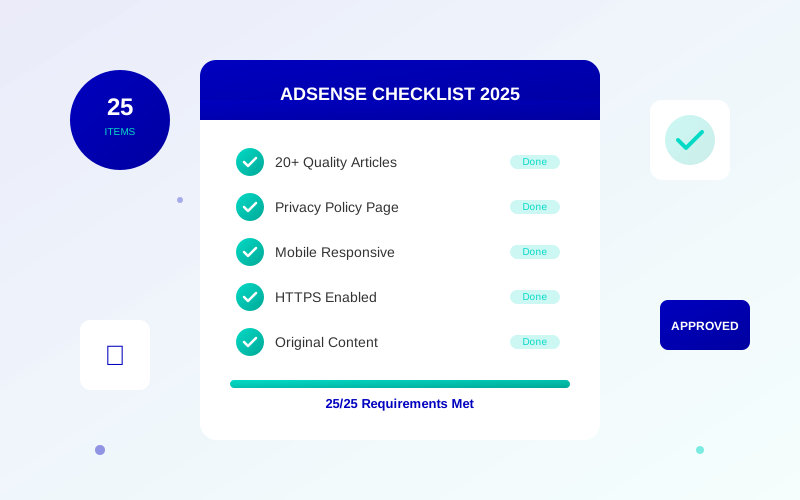
Before submitting again, verify everything is in order. Use our complete AdSense requirements checklist to ensure nothing is missed:
- ☐ All rejection issues have been fixed
- ☐ Site has 25+ quality articles
- ☐ All articles are 800+ words
- ☐ Legal pages are complete and accessible
- ☐ Site loads quickly on mobile and desktop
- ☐ No broken links or 404 errors
- ☐ Navigation is clear and functional
- ☐ At least 2 weeks have passed since rejection
- ☐ Content has been improved or expanded
- ☐ Original AdSense code is still in place
Step 7: Reapply and Monitor
When you reapply:
- Use the same AdSense account (do not create a new one)
- Ensure the AdSense code is properly installed
- Double-check your site URL is correct
- Submit and be patient
After Reapplying
- Continue publishing content normally
- Do not make major site changes
- Check your email daily (including spam folder)
- Log into AdSense to check for status updates
Mistakes That Cause Repeated Rejections
Avoid these common errors that lead to multiple rejections:
Making Only Minor Changes
Adding one article or fixing a single broken link is not enough. Make substantial, noticeable improvements.
Learn more in Free vs Self-Hosted Blogs for AdSense: Which One Gets Approved? →
Reapplying Too Quickly
Reapplying within a few days without meaningful changes wastes everyone's time and may hurt your future chances.
Creating a New Account
Never create a new Google account to reapply. This violates AdSense policies and can result in permanent bans.
Ignoring the Rejection Reason
If Google says "low-value content," focus on content quality. Do not assume the problem is something else.
Not Testing on Mobile
Many rejection issues are only visible on mobile devices. Always test your site on actual phones and tablets.
Learn more in AdSense vs Alternatives: Which Ad Network Pays You More? →
What to Do After Finally Getting Approved
Once you are approved:
- Do not immediately add ads to every page
- Start with a conservative ad placement strategy
- Continue publishing quality content
- Monitor your AdSense account for any warnings
- Learn about AdSense policies to avoid violations
Frequently Asked Questions
How many times can I reapply for AdSense?
There is no official limit. You can reapply as many times as needed. However, each rejection should be followed by significant improvements before trying again.
Will multiple rejections hurt my chances?
Not directly, as long as you make genuine improvements each time. However, repeatedly applying without fixing issues may lead to longer review times.
Should I remove the AdSense code after rejection?
No, keep the code in place. You will need it for your reapplication, and removing it serves no purpose.
Can I apply with a different website?
Yes, you can add a different website to your same AdSense account. However, if your original site had policy violations, address those before trying with a new site.
What if I keep getting rejected with no clear reason?
If rejections continue with vague reasons, consider having your site reviewed by experienced publishers in AdSense forums. Fresh eyes often spot issues you have missed.