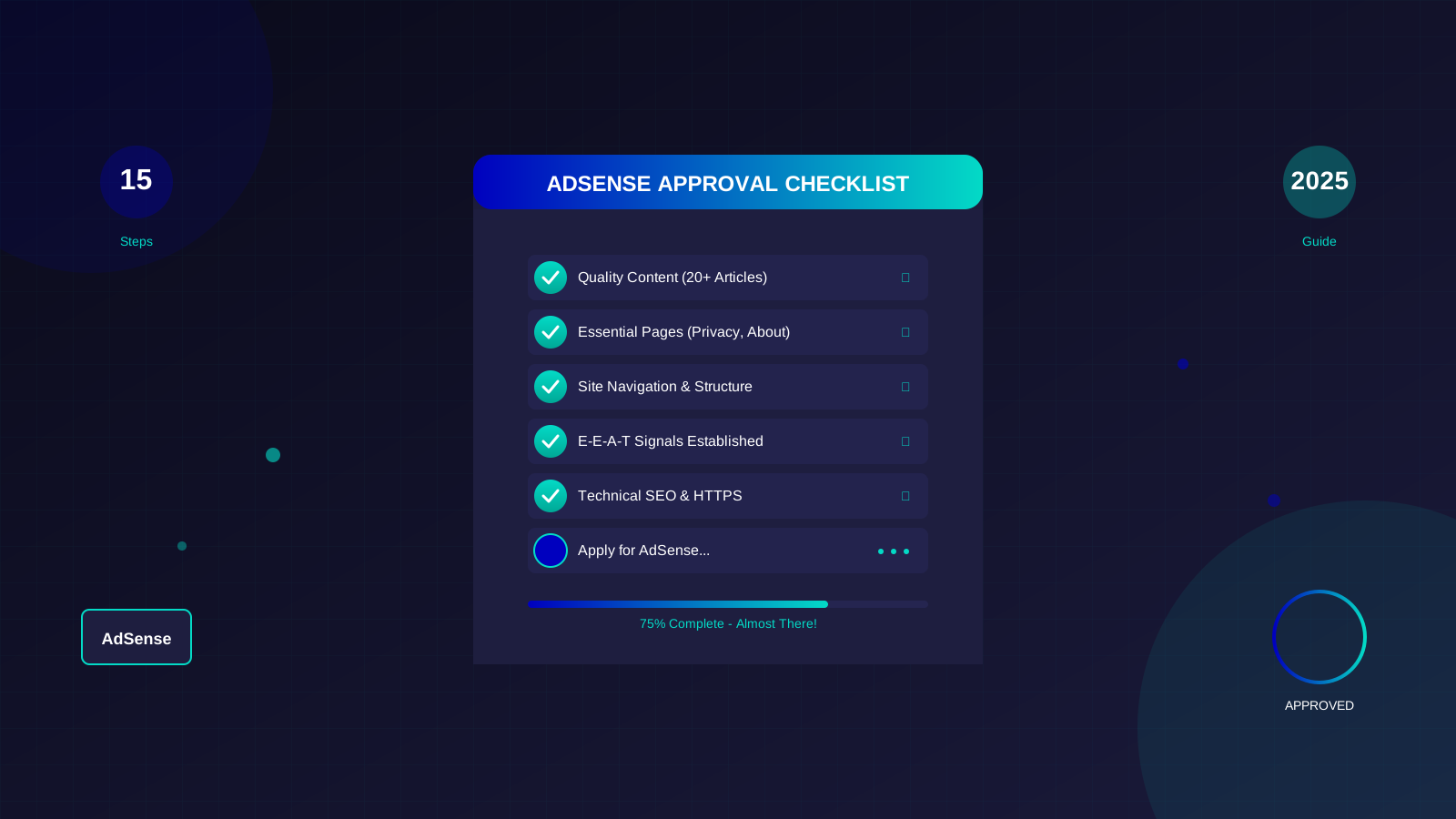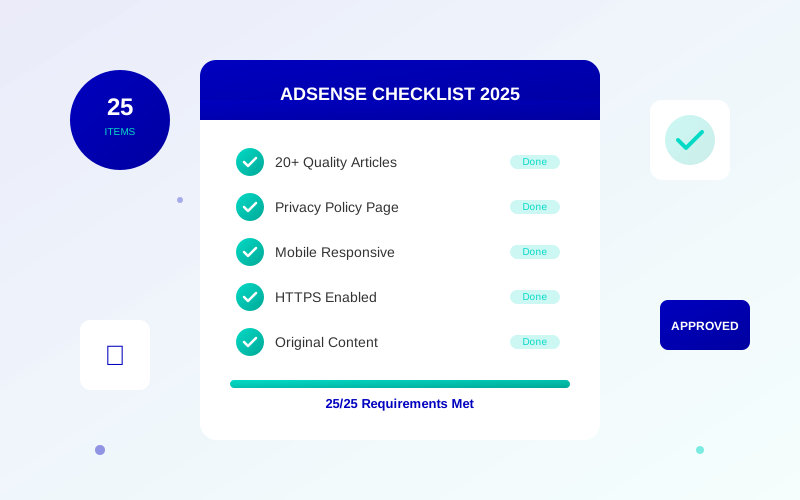
Want to get approved for Google AdSense? You need to meet certain rules. Google does not always tell you what these rules are. I have helped many people get approved. Here is my list of 25 things you must do before you apply.
This checklist covers content, legal pages, tech setup, and design. Check each item before you apply. This will help you get approved the first time.
What This Checklist Covers:
- Content rules (how much, how good, must be original)
- Legal pages your site needs
- Tech things Google expects
- Design and user experience tips
- Account setup rules
Content Rules (Items 1-8)
Content is the most important part. Google wants to see that your site helps visitors.
1. Have 20-30 Good Articles
Google does not say how many articles you need. But sites with 20-30 articles get approved most often. Each article should help your readers. Learn more about how many articles you need.
"We look for sites that have been active for a few months. Having good content helps us review your site."
— Google AdSense Help
2. Write 800+ Words Per Article
Longer articles show depth and value. Write at least 800 words per article. Your best articles should be 1,500 to 3,000 words. Short articles often get rejected.
3. Write 100% Original Content
Every word must be your own. Google can find copied content. Do not spin articles. Do not copy from other sites. Use a tool to check for copying before you publish.
4. Publish on a Regular Schedule
Show Google that you update your site. Publish 2-4 articles per week. Do this for at least 3 months before you apply. This shows you are serious about your site.
5. Write Helpful Content
Your content should solve problems. It should answer questions. Ask yourself: "Would I save this article?" If not, make it better. Learn what Google calls quality content.
See also: AdSense Approval Checklist 2026: 15 Steps to Get Approved Fast →
6. Format Your Content Well
Use headings like H2 and H3. Use bullet points and lists. Keep paragraphs short. Good formatting makes reading easy. It shows you are professional.
7. Avoid Banned Topics
Read Google's rules carefully. You cannot write about adult topics. No violence or hate speech. No gambling content. No illegal things. No dangerous activities.
8. Pick a Clear Topic
Sites about one topic do better. Do not be a random blog about everything. Google wants to see you know your topic well. Pick a niche and stick to it.
Legal Pages You Need (Items 9-14)
You must have these pages. If any are missing, you will get rejected.
9. Privacy Policy Page
AdSense requires a privacy policy. It must say what data you collect. It must say how you use that data. It must talk about cookies and ads.
10. About Page
Add a page about you or your team. Include real names and photos. Show your skills or background. Explain why readers should trust you. This helps build E-E-A-T signals that Google looks for.
See also: Google AdSense Best Practices 2026: What Works Now (and What Doesn't) →
11. Contact Page
Let visitors reach you. Add a contact form or email address. Test that it works. Google may try to contact you during review.
12. Terms of Service Page
List the rules for using your site. This protects you and your visitors. It shows Google you are a real business.
13. Disclaimer Page (If Needed)
Do you give money advice? Health tips? Legal info? Then you need a disclaimer. It tells readers your limits. This matters for serious topics.
14. Cookie Consent Banner
If EU visitors come to your site, you need this. Even if your readers are from other places, add one anyway. It shows you know the rules.
Tech Rules (Items 15-20)
Fix these tech issues before you apply. They can delay or stop approval.
15. Fast Loading Speed
Your site should load in under 3 seconds. Test with Google PageSpeed Insights. Slow sites give users a bad time. Google may reject slow sites.
Learn more in AdSense YouTube vs Website: Which Earns More Money in 2026? →
"Page speed matters. Slow pages hurt user experience and ad results."
— Google Web Basics
16. Works on Mobile
Your site must look good on phones. Test on different screen sizes. Use Google's Mobile Test. Google looks at your mobile site first.
17. Use HTTPS
Your site must be secure. Get an SSL certificate. Sites without HTTPS show as "Not Secure." Ads may not work on unsafe sites.
18. Fix Broken Links
Check your site for broken links. Fix any 404 error pages. Too many broken links show poor care. This can delay your approval.
19. Easy Navigation
Visitors should find any page easily. Use a clear menu. Have good categories. Make a logical site structure. No hidden or orphan pages.
20. Working Search Box
Add a search feature to your site. Make sure it works well. It helps visitors find what they need. Google likes sites that are easy to use.
Learn more in Free vs Self-Hosted Blogs for AdSense: Which One Gets Approved? →
Design Rules (Items 21-23)
First looks matter. Your design shows if you are professional.
21. Clean, Pro Design
Use a nice theme or design. Do not clutter your pages. Remove other ad networks before applying. Keep things simple and clean.
22. Easy-to-Read Text
Use clear fonts. Make text at least 16 pixels big. Use dark text on light backgrounds. Readers should not strain their eyes.
23. Content Above the Fold
Show good content right away. Do not fill the top with huge headers or sliders. Visitors should see your content without scrolling.
Account Rules (Items 24-25)
Make sure your account is set up right.
24. Be 18 or Older
You must be at least 18 years old. Google checks this when you set up payments. Younger people cannot join AdSense.
Learn more in AdSense vs Alternatives: Which Ad Network Pays You More? →
25. Use a Real Google Account
Use a real Google account. Put in correct info about yourself. If you had AdSense problems before, fix them first.
Full Checklist
Check each item before you apply:
Content Rules
- ☐ 20-30+ good articles
- ☐ Each article has 800+ words
- ☐ All content is 100% original
- ☐ Published regularly for 3+ months
- ☐ Content helps readers
- ☐ Good formatting with headings and lists
- ☐ No banned topics
- ☐ Clear topic focus
Legal Pages
- ☐ Privacy policy page
- ☐ About page with your info
- ☐ Contact page that works
- ☐ Terms of service page
- ☐ Disclaimer (if needed)
- ☐ Cookie consent banner
Tech Rules
- ☐ Loads in under 3 seconds
- ☐ Works on mobile
- ☐ Uses HTTPS (SSL)
- ☐ No broken links or errors
- ☐ Easy navigation
- ☐ Search box works
Design Rules
- ☐ Clean, pro design
- ☐ Easy-to-read text (16px+)
- ☐ Content shows above the fold
Account Rules
- ☐ You are 18 or older
- ☐ Real Google account
Mistakes That Get You Rejected
Even if you do everything right, these mistakes can still get you rejected:
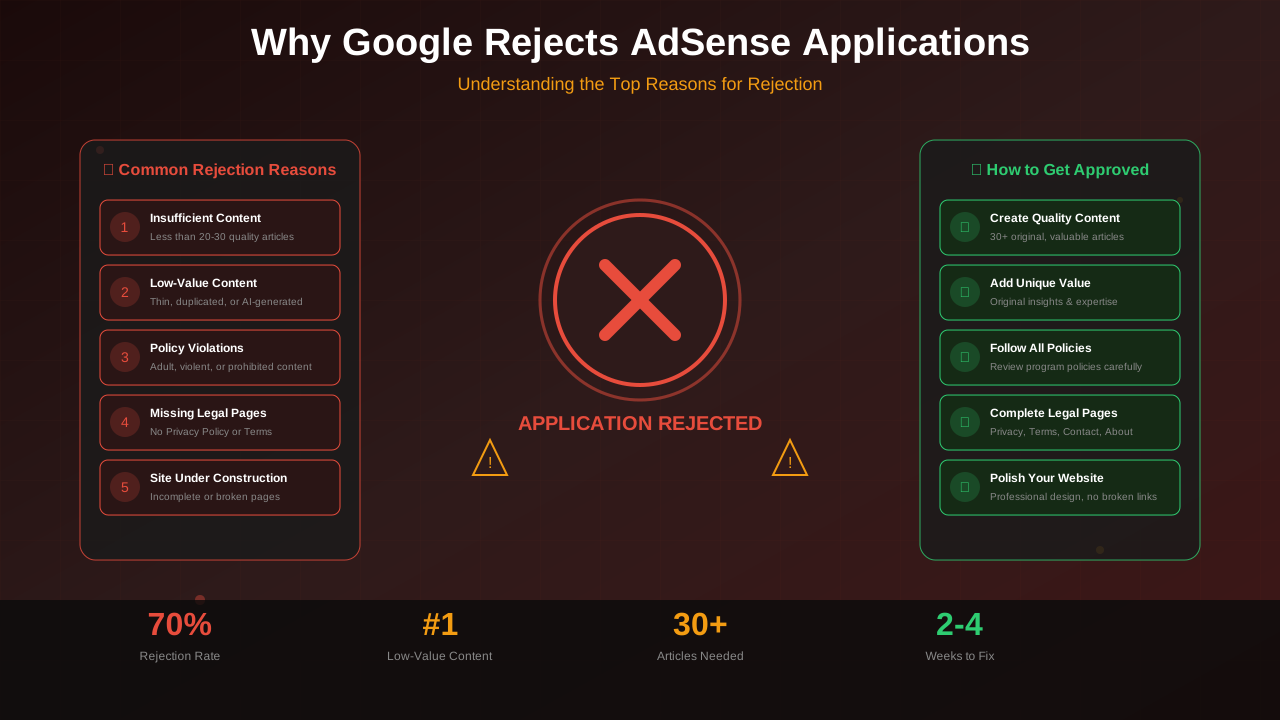
- Applying too soon: Wait at least 3 months. Build up your content first.
- Using free hosting: Free sites like Blogger or WordPress.com get rejected more often. Use your own domain.
- Having other ads: Remove other ad networks before you apply.
- Empty pages: No blank category pages. No "coming soon" content.
- Bad images: Add alt text to all images. Make sure images load fast.
"Sites that are still being built or have placeholder content will not be approved."
— Google AdSense Rules
What to Do After You Apply
After you submit your application:
- Keep publishing new articles
- Do not change your site too much
- Check your email every day (check spam too)
- Log into AdSense to check your status
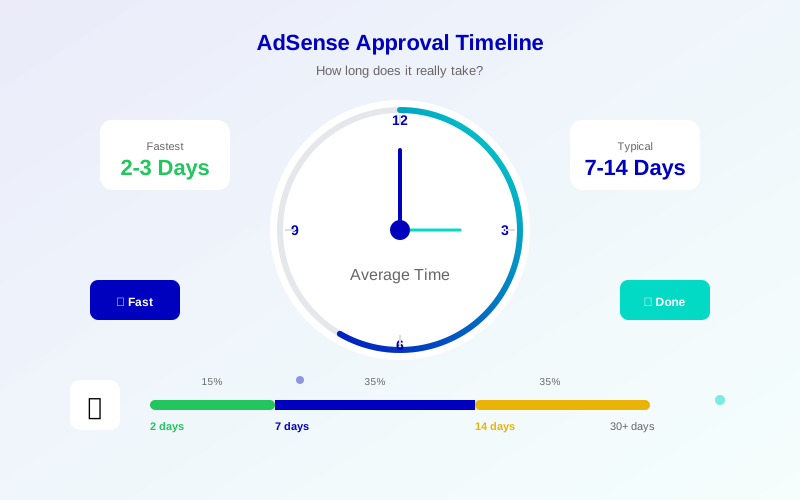
- Be patient. It usually takes 7-14 days
Common Questions
How much traffic do I need?
Google does not say you need a certain amount. But some traffic helps. Even 100-500 visitors per month is good. It shows real people like your content.
Can I apply with a new website?
Yes, but older sites do better. Sites 3-6 months old get approved more often. If your site is new, wait and build content first.
Does my country matter?
AdSense works in most countries. Some places have limits. Check if your country is on the list of allowed places.
How many times can I apply?
You can apply as many times as you need. If rejected, fix the problems they mention. Wait 2 weeks between tries. Make real changes each time.
Free WordPress or Self-Hosted WordPress?
Self-hosted WordPress is much better. Use your own domain name. Free WordPress.com sites get rejected more often. You have less control with free sites.