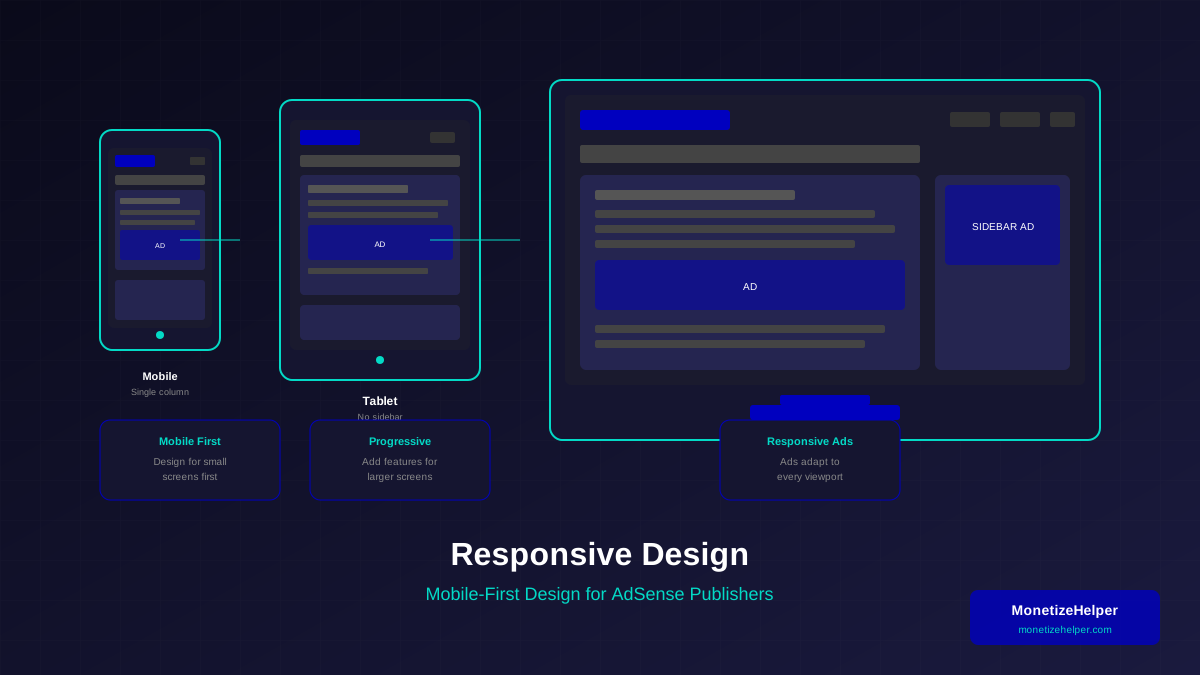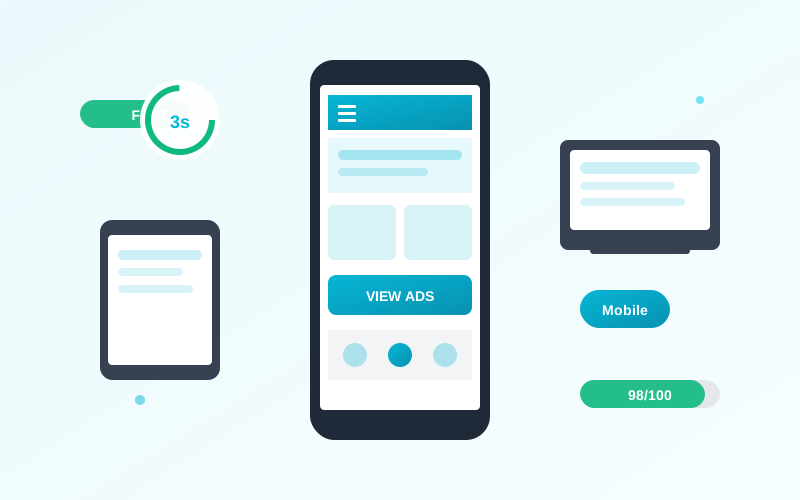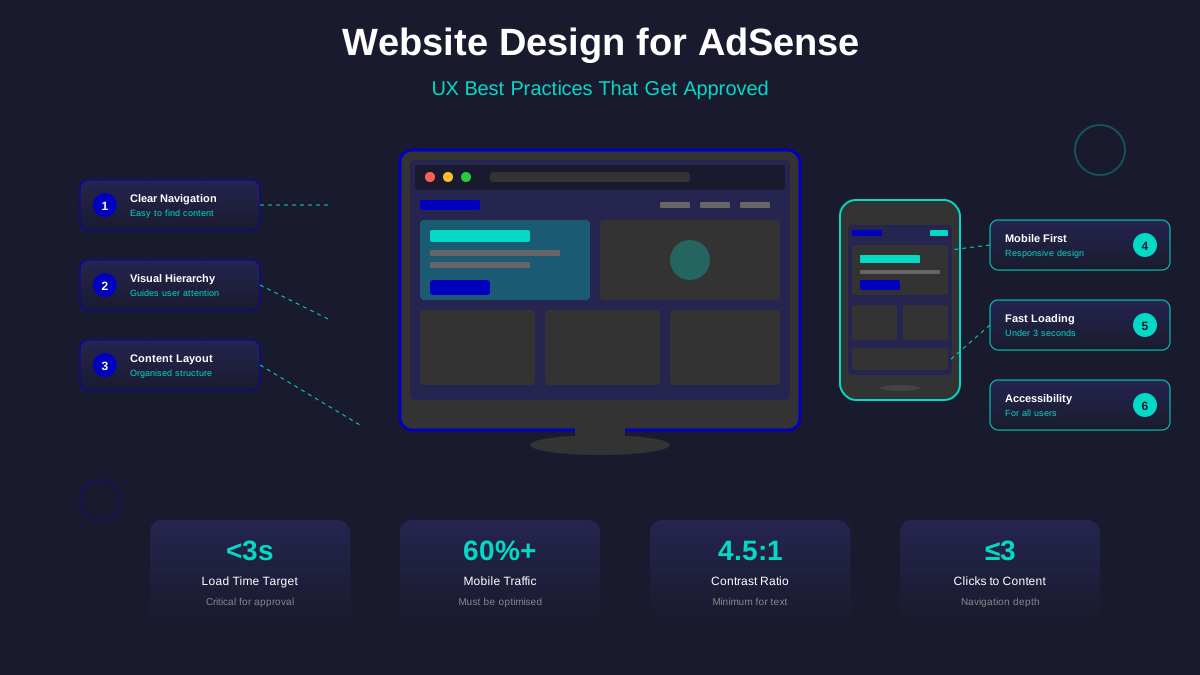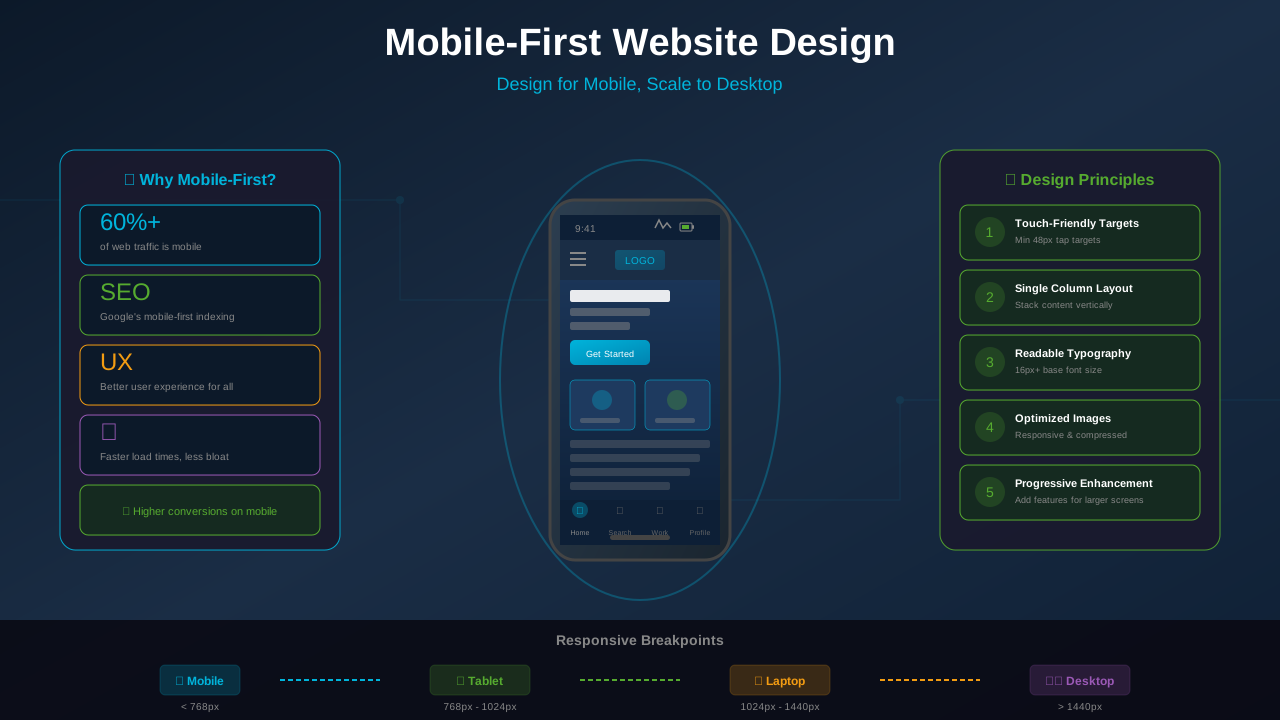
With over 60% of web traffic coming from mobile devices and Google using mobile-first indexing, designing for mobile is no longer optional—it is essential. Mobile-first design means starting with the mobile experience and then enhancing for larger screens, not the other way around.
This comprehensive guide teaches you the principles, techniques, and best practices of mobile-first design, specifically tailored for bloggers and publishers who want to rank higher and maximize ad revenue.
Why Mobile-First Matters in 2025
Mobile-first design is not just a trend—it is a fundamental shift in how websites must be built.
Google's Mobile-First Indexing
Google primarily uses the mobile version of your site for indexing and ranking. If your mobile experience is poor, your search rankings suffer regardless of how good your desktop site looks.
"Mobile-first indexing means Google predominantly uses the mobile version of the content for indexing and ranking. This applies to all sites as of October 2023."
— Google Search Central
User Behavior Statistics
- 62% of global web traffic comes from mobile devices
- 79% of smartphone users have made a purchase using their mobile device
- Mobile users spend 50% more time on sites with good mobile experiences
- 53% of mobile visitors leave sites that take longer than 3 seconds to load
AdSense and Ad Performance
Mobile-optimized sites see better ad performance because:
- Responsive ads display correctly on all screen sizes
- Better user experience leads to longer sessions
- Improved page speed boosts ad viewability
- Google rewards mobile-friendly sites with better ad inventory
Core Mobile-First Design Principles
These principles guide every design decision:
1. Start With Mobile, Then Enhance
Design for the smallest screen first. Add complexity and features for larger screens, not the other way around.
See also: Content Formatting Tips That Boost CTR & Keep Readers on Your Blog →
- Begin with essential content and features only
- Remove clutter that does not serve mobile users
- Add enhancements progressively for larger screens
2. Content Prioritization
Mobile screens force you to prioritize:
- Most important content first
- Clear visual hierarchy
- Minimal navigation complexity
- Focused calls to action
3. Touch-Friendly Interactions
Fingers are less precise than mouse pointers:
- Touch targets at least 44x44 pixels
- Adequate spacing between clickable elements
- No hover-dependent interactions
- Swipe and gesture support where appropriate
4. Performance First
Mobile users often have slower connections:
- Minimize page weight
- Optimize images for mobile
- Reduce JavaScript reliance
- Implement lazy loading
Implementing Responsive Layouts
Responsive design adapts your layout to different screen sizes. For AdSense-specific guidance, see our responsive website design for AdSense guide.
CSS Media Queries
Media queries allow you to apply different styles based on screen size. Learn more about responsive techniques at CSS-Tricks:
You might also find helpful: SEO-Friendly URL Design: Best Practices for Clean, Clickable URLs →
- Mobile base: No media query needed (default styles)
- Tablet: @media (min-width: 768px)
- Desktop: @media (min-width: 1024px)
- Large desktop: @media (min-width: 1280px)
Flexible Grids
Use percentage-based or flexible grid systems:
- CSS Grid for complex layouts
- Flexbox for component arrangements
- Percentage widths instead of fixed pixels
- Max-width constraints to prevent over-stretching
Fluid Typography
Text should scale appropriately:
- Base font size of 16px minimum
- Use relative units (rem, em) for scalability
- Consider clamp() for fluid scaling
- Ensure readable line lengths (45-75 characters)
"Good responsive design is invisible. Users should never think about whether they're on mobile or desktop—the experience should just work."
— David Olowatobi, UX Design Specialist
Mobile Navigation Patterns
Navigation is crucial for mobile user experience. Review our complete website navigation best practices for more details:
Hamburger Menu
The standard pattern for mobile navigation:
See also: Ad Placement Strategies That Boost Revenue Without Hurting UX →
- Three horizontal lines icon (universally recognized)
- Opens full menu overlay or slide-in panel
- Easy to dismiss with tap or swipe
- Keeps main content uncluttered
Bottom Navigation
Alternative for frequently accessed sections:
- Fixed bar at bottom of screen
- 3-5 primary navigation items
- Easy thumb reach on larger phones
- Works well for apps and app-like websites
Sticky Headers
Keep navigation accessible while scrolling:
- Slim header that follows scroll
- Minimize height to preserve content space
- Consider hiding on scroll down, showing on scroll up
Touch-Friendly Elements
Designing for fingers requires specific considerations. Our CTA button design guide covers these in depth:
Button Sizing
- Minimum touch target: 44x44 CSS pixels
- Recommended: 48x48 pixels or larger
- Padding can extend touch area beyond visible button
- Primary actions should be even larger
Spacing Between Elements
- Minimum 8px between touch targets
- 12-16px recommended for comfortable use
- Extra spacing in navigation menus
- Consider users with accessibility needs
Form Inputs
- Large input fields (44px height minimum)
- Appropriate keyboard types (email, number, tel)
- Clear labels that do not disappear
- Easy-to-tap submit buttons
Optimizing Content for Mobile
Content presentation differs on small screens:
Text Formatting
- Shorter paragraphs (2-3 sentences max)
- Generous line height (1.5-1.7)
- Left-aligned text (not justified)
- High contrast between text and background
Images and Media
- Responsive images with srcset attribute
- Appropriately compressed for mobile
- Lazy loading for below-the-fold images
- Video embeds that resize gracefully
Tables and Data
- Horizontal scrolling for complex tables
- Card layouts for list-style data
- Collapsible sections for long content
- Priority columns shown first
Mobile Performance Optimization
Speed is critical for mobile users:
Learn more in Color Schemes for Professional Websites That Boost Revenue →
Page Weight Guidelines
- Target under 1.5MB total page weight
- Critical content under 500KB
- Defer non-essential scripts
- Inline critical CSS
Image Optimization
- Use WebP format where supported
- Serve appropriate sizes for device width
- Compress aggressively while maintaining quality
- Use SVG for icons and logos
Resource Loading
- Preload critical resources
- Defer JavaScript when possible
- Use browser caching effectively
- Consider Content Delivery Networks (CDNs)
Testing Mobile Design
Regular testing ensures your mobile experience works:
Browser Developer Tools
Chrome and Firefox include device emulation for quick testing. However, always test on real devices too.
Real Device Testing
- Test on multiple phone sizes
- Include both iOS and Android
- Test in different orientations
- Try with different connection speeds
Tools for Testing
- Google Mobile-Friendly Test
- PageSpeed Insights
- WebPageTest for performance
- BrowserStack for cross-device testing
Common Mobile Design Mistakes
Avoid these frequent errors:
Tiny Touch Targets
Links and buttons that are too small frustrate users and hurt conversion rates.
Intrusive Interstitials
Pop-ups that cover content on mobile can hurt your Google rankings and annoy users.
You might also find helpful: Best WordPress Themes for AdSense: Top Picks for Maximum Revenue →
Horizontal Scrolling
Forcing users to scroll sideways breaks the natural mobile experience.
Unplayable Media
Flash content or non-responsive videos that do not work on mobile devices.
Text Too Small
Font sizes below 16px strain mobile readers and hurt usability.
Frequently Asked Questions
What is the difference between mobile-first and responsive design?
Responsive design makes layouts adapt to any screen size. Mobile-first is a specific approach to responsive design where you start with the mobile layout and progressively enhance for larger screens.
How do I know if my site is mobile-friendly?
Use Google's Mobile-Friendly Test tool. It will analyze your page and report any mobile usability issues. Also test on real devices and watch how the layout responds.
Will mobile-first design affect my desktop experience?
When done correctly, no. Mobile-first design actually often results in cleaner, faster desktop experiences because you start with essential features and add enhancements purposefully.
What breakpoints should I use for responsive design?
Common breakpoints are 768px (tablet), 1024px (small desktop), and 1280px (large desktop). However, choose breakpoints based on your content rather than specific devices.
How does mobile-first design affect AdSense performance?
Mobile-friendly sites typically see better AdSense performance because ads display correctly, page speed improves ad viewability, and better user experience increases time on site.