Great UX design isn't just about making your blog look pretty. It directly affects how much money you earn. Better user experience means longer visits, more page views, and higher ad revenue.
What You'll Learn:
- Core UX principles that impact blog revenue
- How navigation design affects page views per session
- Typography and readability best practices
- Mobile UX optimization techniques
- How to test and improve your blog's UX
The UX-Revenue Connection
User experience and revenue are directly linked. When visitors find your blog easy to use, they stay longer. Longer sessions mean more ad impressions. More impressions mean more money.
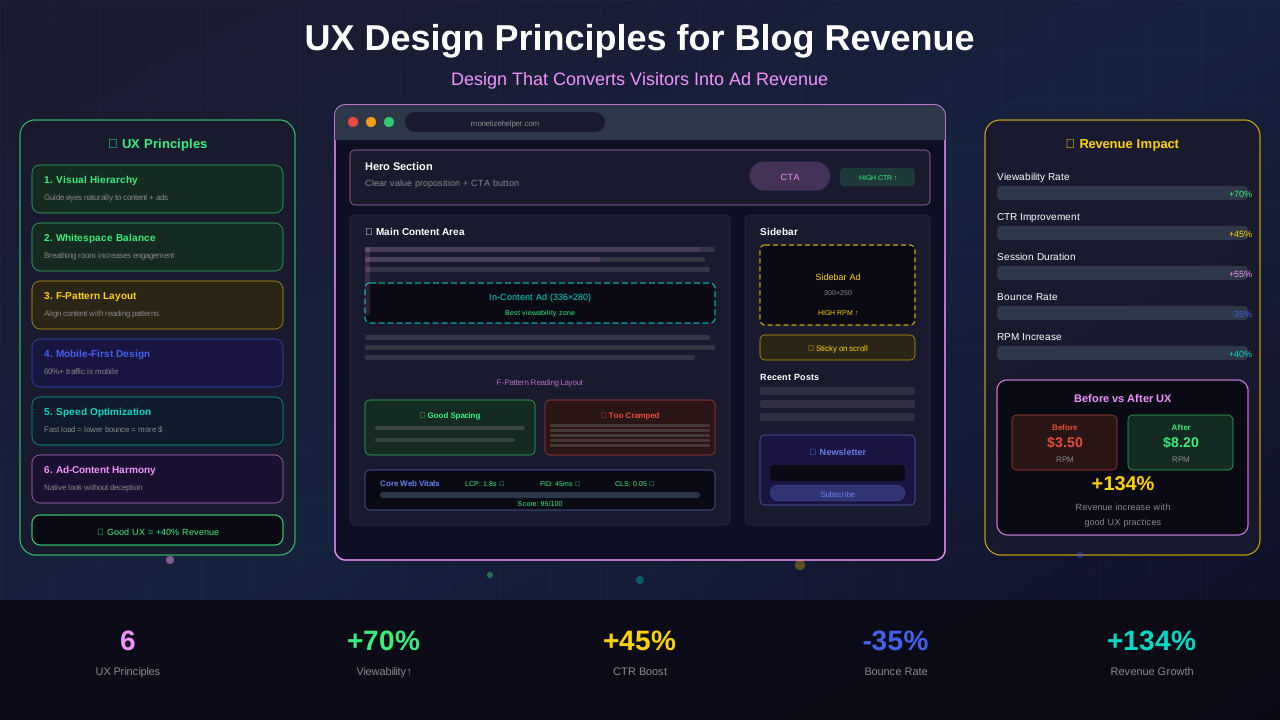
Studies show that blogs with good UX earn 2-3x more from AdSense than poorly designed ones. That's because UX affects three critical metrics:
Time on page: Clear layouts keep readers engaged longer. More time means more ad views.
Pages per session: Good navigation helps visitors explore more content. Each page view generates more ad impressions.
Bounce rate: A low bounce rate signals to Google that your content is valuable. This helps your rankings and traffic.
Navigation Design That Increases Page Views
Your navigation is the roadmap of your blog. Poor navigation means visitors get lost and leave. Great navigation guides them to more content.
Keep Your Menu Simple
Limit your main menu to 5-7 items. Too many options paralyze visitors. Group related pages under clear dropdown categories.
Add a Sticky Header
A sticky header that follows the user as they scroll makes navigation always accessible. This increases pages per session by up to 15%.
Use Breadcrumbs
Breadcrumbs show visitors where they are on your site. They also help with SEO and make it easy to navigate back to category pages. Learn more about breadcrumb navigation for blogs.
See also: Content Formatting Tips That Boost CTR & Keep Readers on Your Blog →
Include Related Posts
Show 3-4 related articles at the end of each post. This keeps visitors on your site longer and increases ad impressions. Use thumbnail images and compelling titles.
"Every extra page view a visitor makes is another chance to earn from your ads. Navigation is how you create those opportunities."
— David Olowatobi, UI/UX Designer
Typography and Readability
If visitors can't read your content comfortably, they leave. Good typography keeps them reading — and earning you money.
| Element | Best Practice | Why It Matters |
|---|---|---|
| Font Size | 16-18px body text | Readable on all devices |
| Line Height | 1.5-1.7 ratio | Reduces eye strain |
| Paragraph Length | 2-3 sentences max | Improves scannability |
| Contrast | 4.5:1 minimum | Accessibility standard |
| Font Choice | Sans-serif for web | Better screen readability |
| Max Width | 680-720px content | Optimal reading length |
Use headings strategically. Break content into sections with clear H2 and H3 headings. This helps readers scan your article and find what they need. It also creates natural ad placement opportunities.
Add white space. Don't crowd your content. Generous padding around paragraphs and images makes the page feel cleaner and less overwhelming.
Visual Hierarchy and Layout
Visual hierarchy guides the eye through your content in a logical order. Good hierarchy makes your blog feel intuitive.
Use the F-pattern. Studies show people scan web content in an F-shaped pattern. Place your most important content and ads along this path — the top, left side, and beginning of paragraphs.
You might also find helpful: SEO-Friendly URL Design: Best Practices for Clean, Clickable URLs →
Create clear content sections. Use cards, borders, and background colors to separate different types of content. This makes your layout feel organized.
Size matters. Larger elements get more attention. Make your headlines big. Keep body text at a comfortable reading size. Use smaller text for metadata like dates and categories.
Mobile UX Optimization
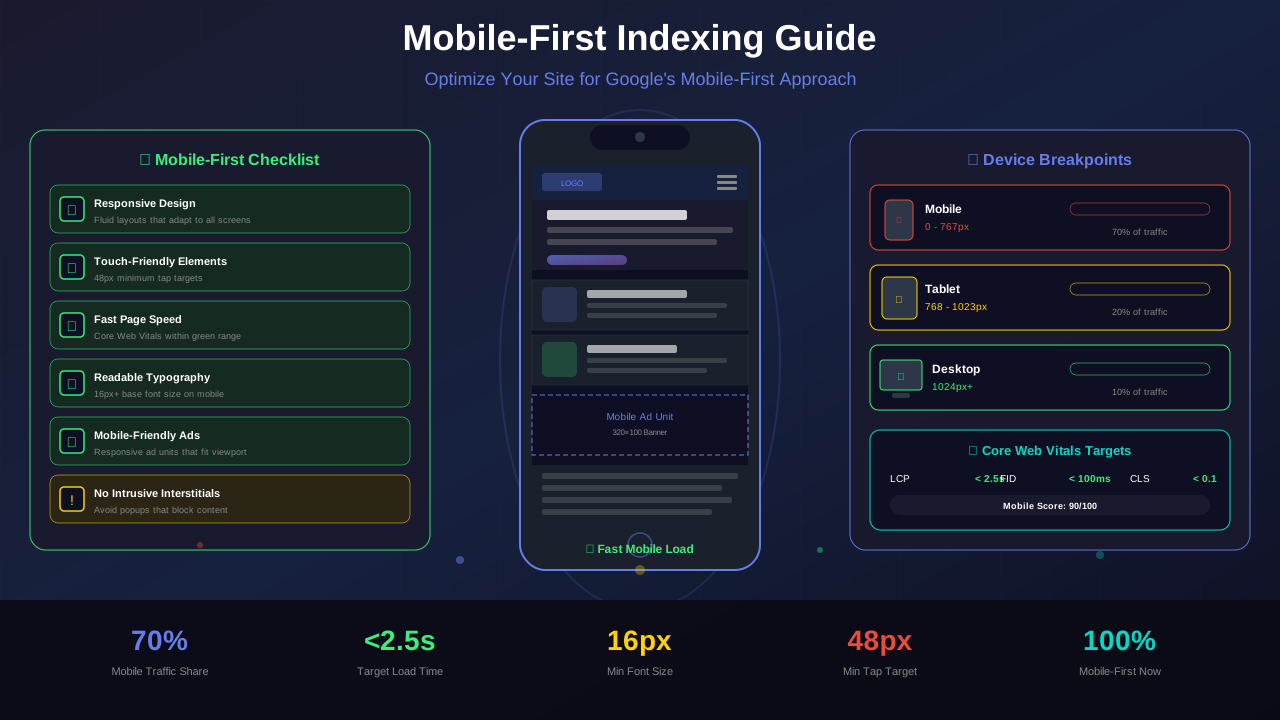
Over 60% of blog traffic comes from mobile devices. If your blog isn't optimized for mobile, you're losing most of your potential revenue.
Touch-friendly elements. Make buttons and links at least 44x44 pixels. Small tap targets frustrate users and increase bounce rates.
Avoid interstitials. Full-screen pop-ups on mobile hurt your Google rankings. Use banner-style notifications instead. Check the latest mobile-first indexing guidelines.
Optimize images. Use WebP format and lazy loading. Large images slow down mobile pages and kill user experience.
Test on real devices. Don't just use browser dev tools. Test your blog on actual phones. The experience is often different from what you see on desktop.
See also: Ad Placement Strategies That Boost Revenue Without Hurting UX →
Page Speed and UX
Speed is a core part of UX. Every second of load time increases bounce rate by 32%. Here's how to keep your blog fast:
| Metric | Good | Needs Work | Poor |
|---|---|---|---|
| Largest Contentful Paint | < 2.5s | 2.5-4.0s | > 4.0s |
| First Input Delay | < 100ms | 100-300ms | > 300ms |
| Cumulative Layout Shift | < 0.1 | 0.1-0.25 | > 0.25 |
| Time to First Byte | < 200ms | 200-500ms | > 500ms |
Minimize JavaScript, compress images, and use a CDN. These three changes alone can cut load times in half. A faster blog means happier visitors and more revenue.
Balancing Ads and User Experience
Too many ads ruin user experience. Too few means less revenue. Finding the balance is crucial.
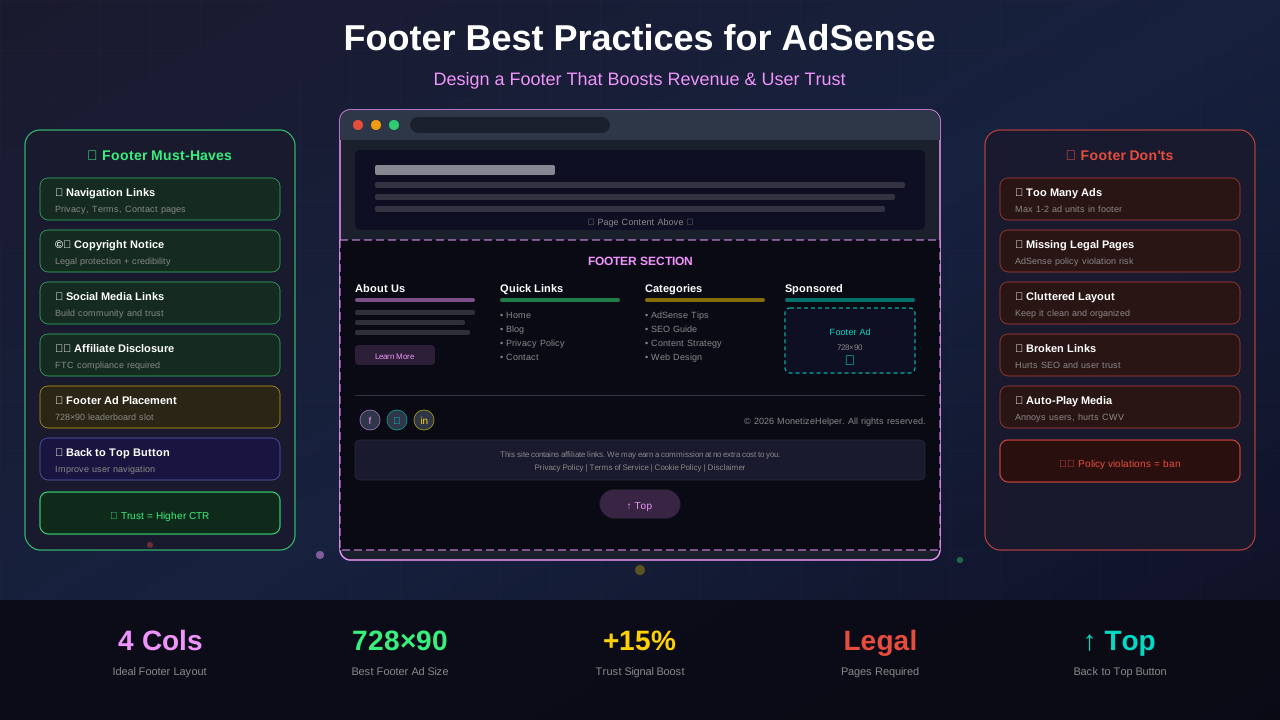
Rule of three: Place no more than 3 ad units above the fold. More than that feels spammy and increases bounce rate.
Match your design: Use ad styles that complement your blog's color scheme. Jarring ads break the visual flow and look unprofessional.
Reserve space for ads: Always define dimensions for ad containers. This prevents layout shifts when ads load, which hurts both UX and your Core Web Vitals scores.
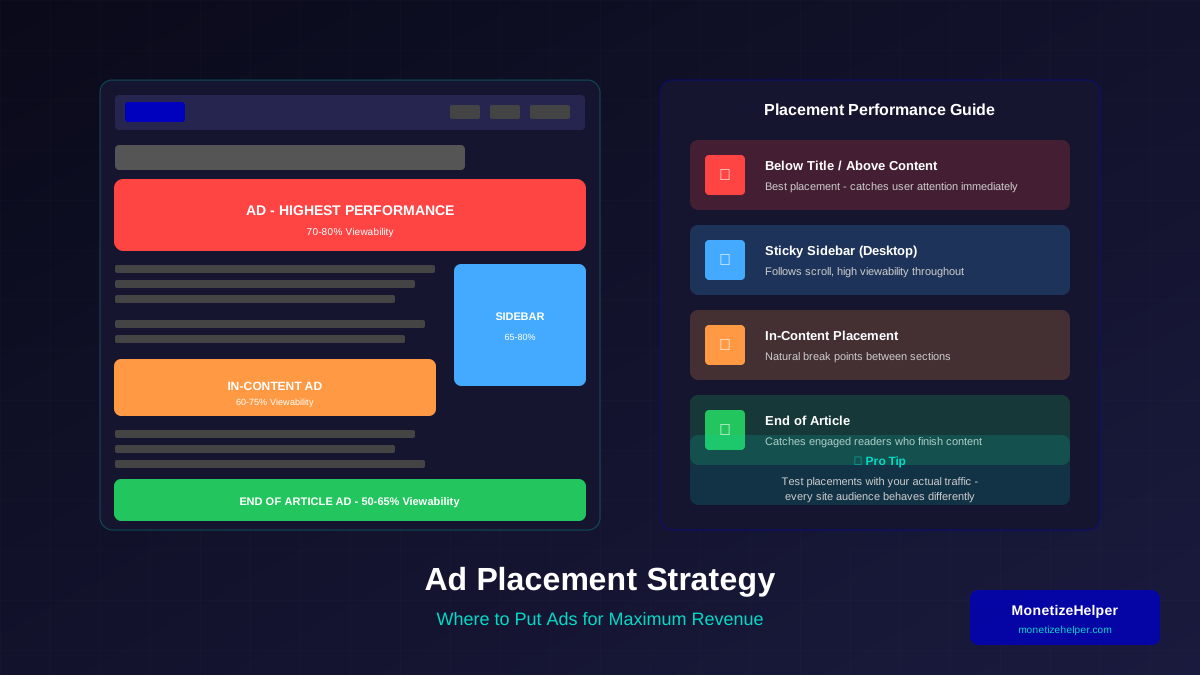
Use native ad formats: In-feed and in-article ad units blend naturally with your content. They perform better and don't annoy readers. Check our ad placement guide for specifics.
Learn more in Color Schemes for Professional Websites That Boost Revenue →
Testing and Improving Your UX
UX improvement is an ongoing process. Use these methods to measure and optimize:
Google Analytics: Track bounce rate, time on page, and pages per session. These metrics reveal UX problems.
Heatmaps: Tools like Hotjar show where visitors click and scroll. This reveals what's working and what's being ignored.
A/B Testing: Test different layouts, fonts, and ad placements. Small changes can make big differences in revenue. Test one element at a time for clear results.
User Feedback: Add a simple feedback widget to your blog. Ask visitors what they'd improve. Real user input is invaluable.
Frequently Asked Questions
Does better UX really increase AdSense revenue?
Yes. Better UX leads to longer sessions, more page views, and lower bounce rates. Each of these factors increases ad impressions and click opportunities, directly boosting your revenue.
What's the most important UX element for blog revenue?
Page speed. A slow blog drives visitors away before they even see your content or ads. Fix speed issues first, then optimize navigation and readability.
You might also find helpful: Best WordPress Themes for AdSense: Top Picks for Maximum Revenue →
How many ads can I show without hurting UX?
Google recommends keeping ads below the content-to-ad ratio threshold. As a rule, no more than 30% of your above-the-fold area should be ads. Focus on 3-5 well-placed ad units per page.
Should I use dark mode on my blog?
Offering a dark mode toggle improves UX for readers who prefer it. It reduces eye strain during nighttime reading. Many modern blogs offer both light and dark options.
How often should I redesign my blog?
Major redesigns every 2-3 years. Minor UX improvements should be ongoing. Test and refine continuously based on data and user feedback.
Conclusion
UX design is a revenue strategy, not just an aesthetic choice. Every improvement you make to navigation, readability, speed, and layout directly impacts your bottom line.
Start with the biggest wins: fix page speed, improve navigation, and optimize for mobile. Then work on typography, visual hierarchy, and ad-UX balance. Test everything and let data guide your decisions.
A blog that's pleasant to use earns more. It's that simple.