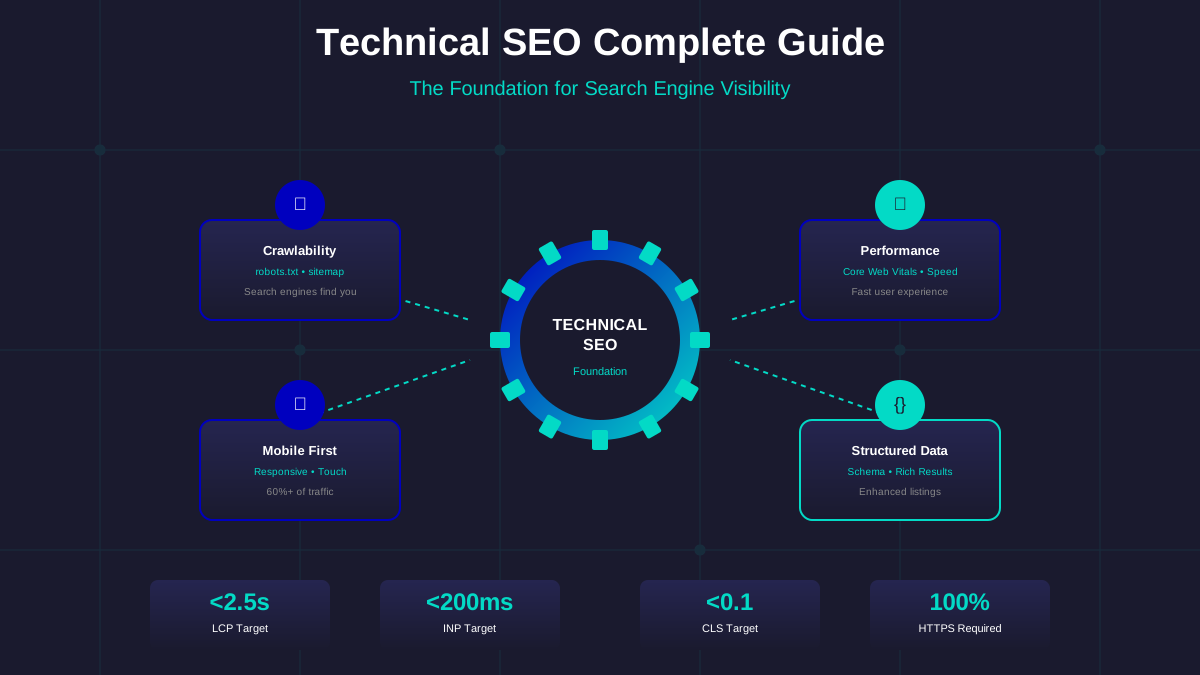
With over 60% of web traffic coming from mobile devices, Google prioritizes mobile-friendly websites. If your site doesn't work well on mobile, you're unlikely to get AdSense approved.
Why Mobile Matters for AdSense
Google uses mobile-first indexing, meaning they primarily use the mobile version of your site for ranking and indexing. A poor mobile experience signals low quality.
Mobile-Friendly Checklist
Responsive Design
- Use fluid layouts that adapt to screen size
- Implement proper viewport meta tags
- Test on multiple device sizes
Touch-Friendly Elements
- Buttons and links at least 44x44 pixels
- Adequate spacing between clickable elements
- Easy-to-use navigation menus
Readable Text
- Font size at least 16px for body text
- Good contrast ratios
- No horizontal scrolling required
Core Web Vitals
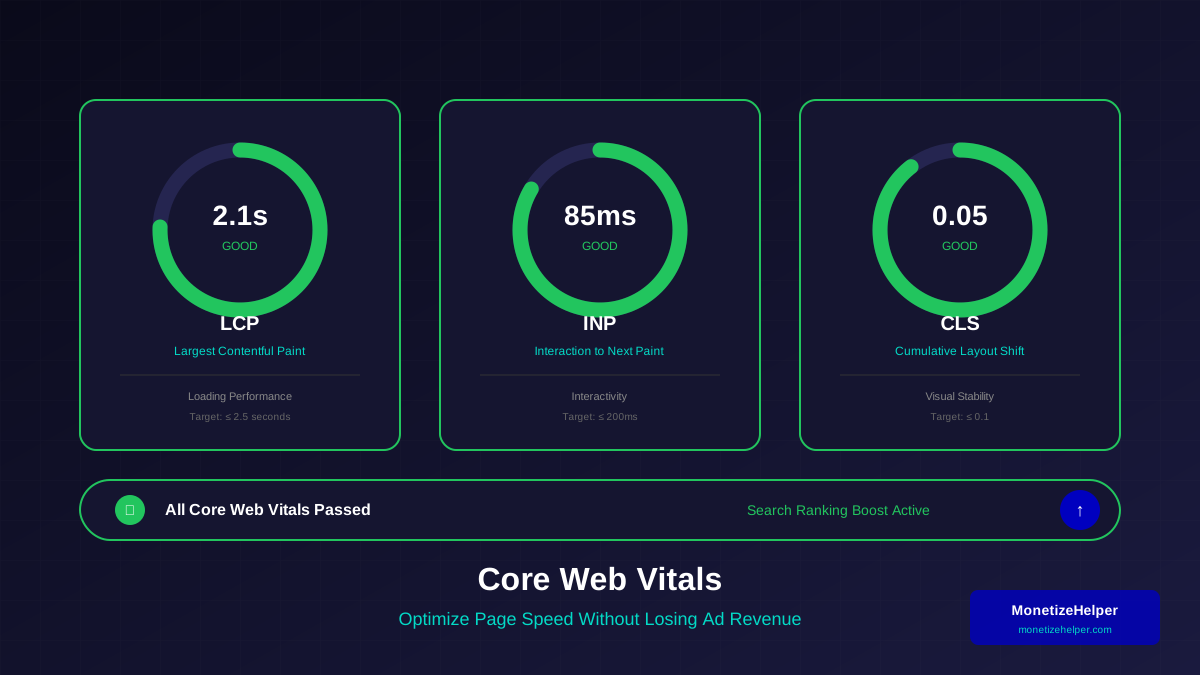
Google's Core Web Vitals measure user experience. Learn more in our detailed Core Web Vitals optimization guide:
- LCP (Largest Contentful Paint): Under 2.5 seconds
- FID (First Input Delay): Under 100 milliseconds
- CLS (Cumulative Layout Shift): Under 0.1
Page Speed Optimization
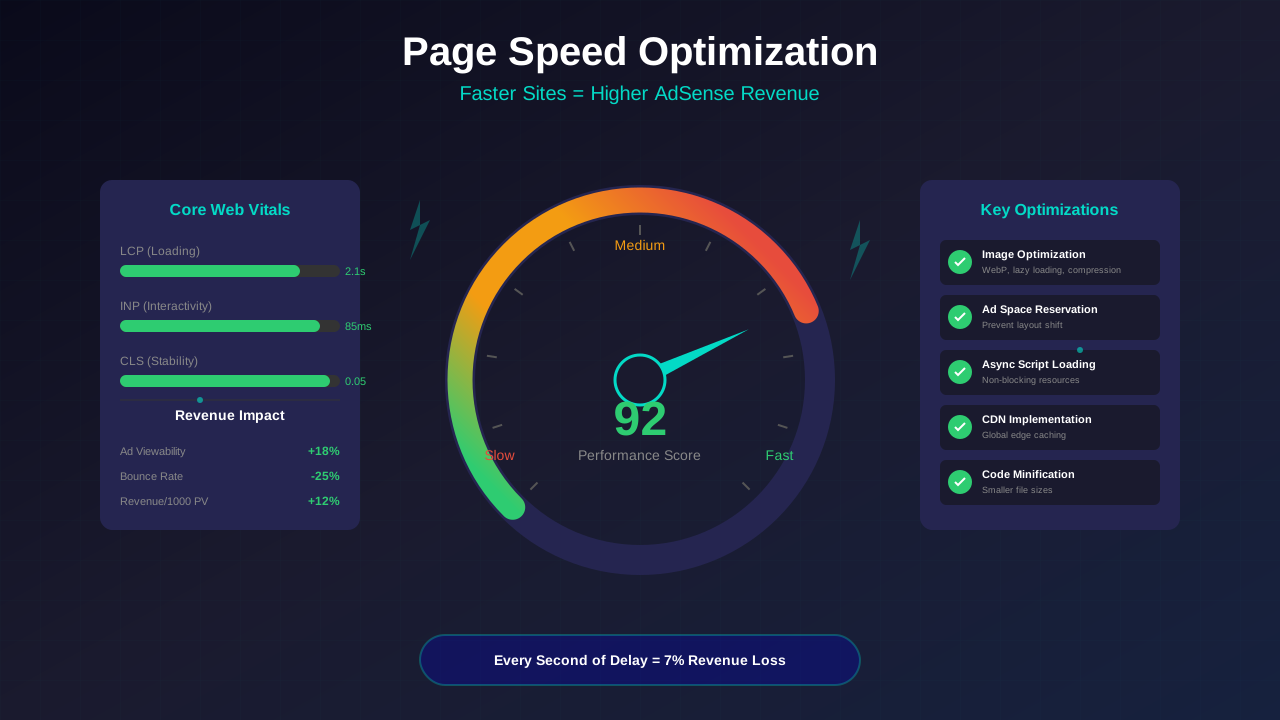
Improve your mobile page speed with these techniques. For a comprehensive guide, see our page speed optimization for AdSense article:
- Compressing and optimizing images for mobile
- Minifying CSS and JavaScript
- Using a CDN for static assets
- Enabling browser caching
- Reducing server response time
Testing Tools
Use these tools to check mobile-friendliness:
- Google's Mobile-Friendly Test
- PageSpeed Insights
- Chrome DevTools Device Mode
- Our Website Analyzer tool
Conclusion
Mobile optimization isn't optional—it's essential for AdSense approval. Invest time in making your mobile experience excellent before applying.
See also: How to Fix Mixed Content Errors: Complete Guide for Blog Owners →