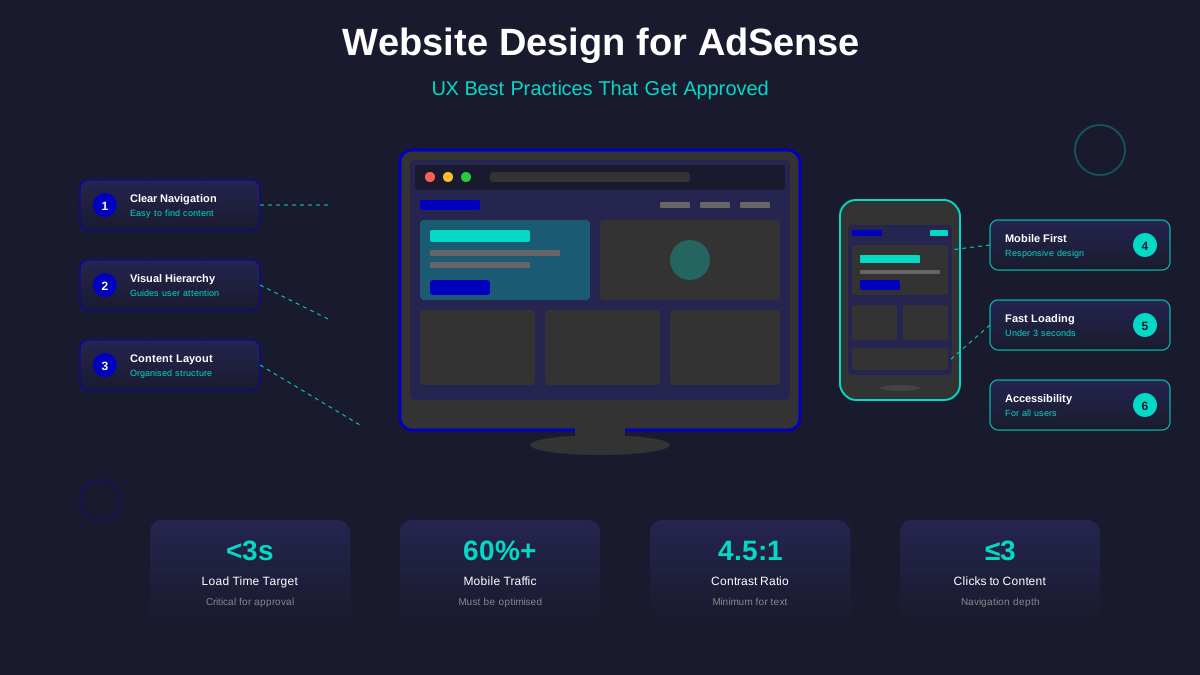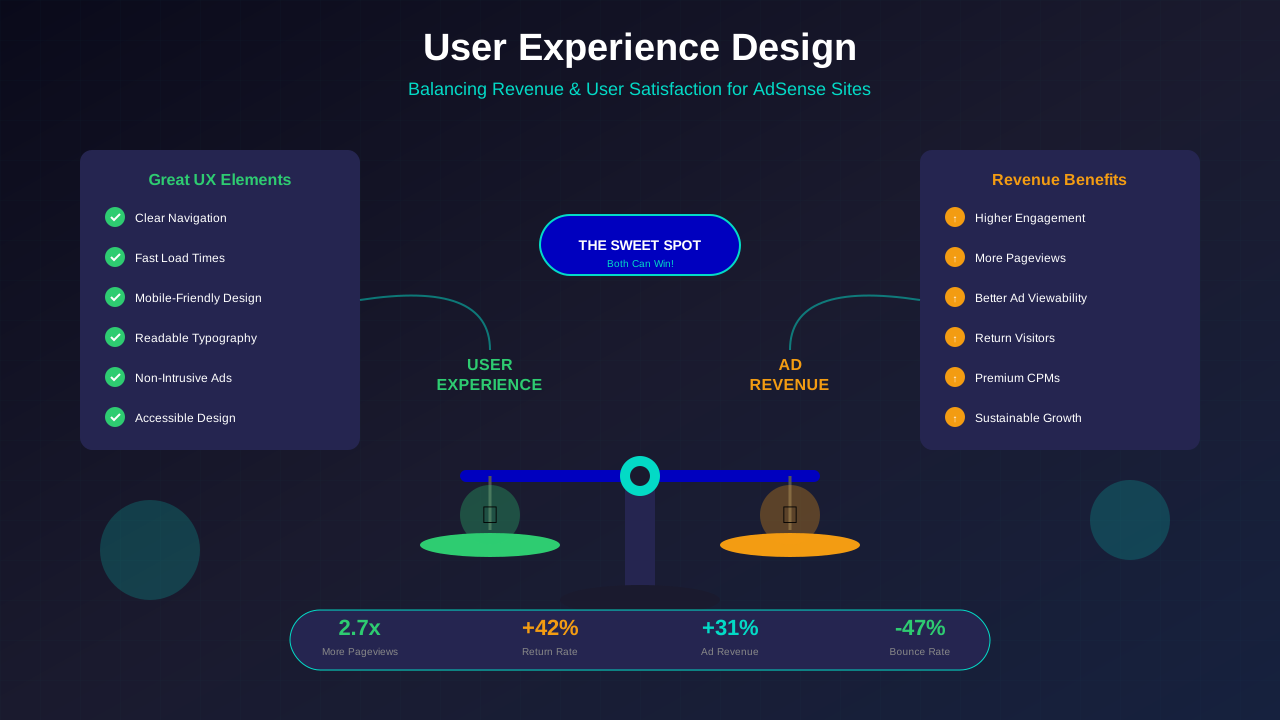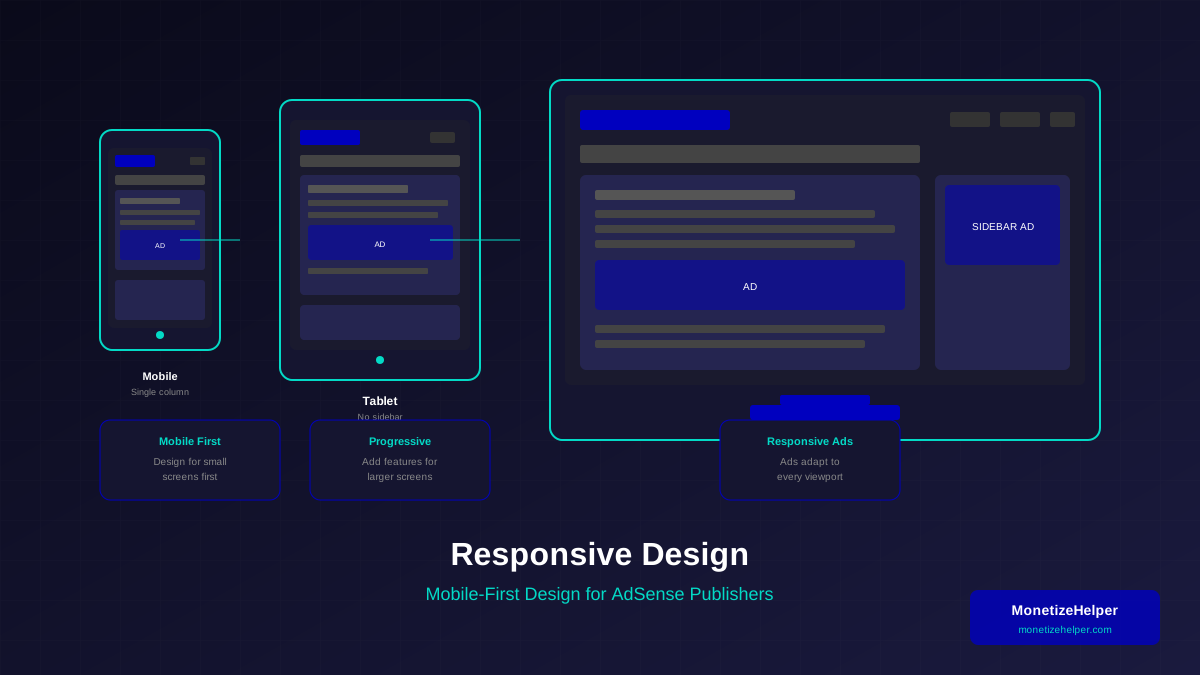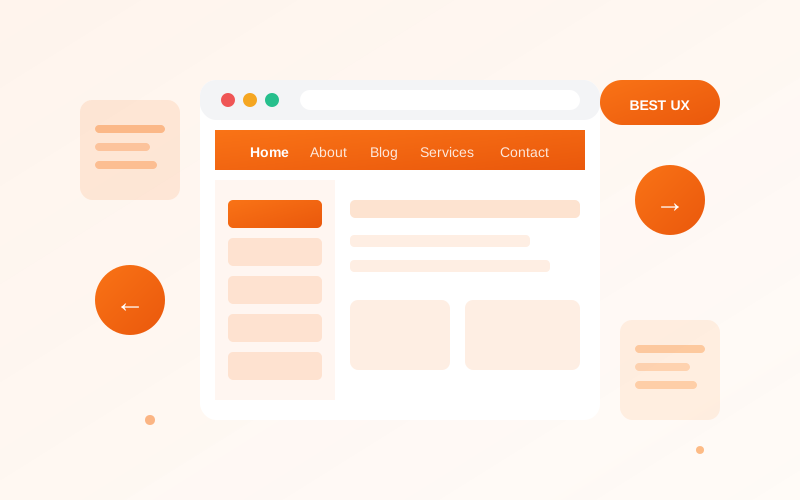
Poor navigation is a common reason for AdSense rejection. Google wants to see that users can easily find what they're looking for on your website. Here's how to create navigation that works.
Why Navigation Matters
Good navigation helps users and search engines, directly impacting your overall user experience. Research from Nielsen Norman Group shows:
- Users find content quickly
- Search engines crawl your site effectively
- Reduce bounce rates
- Increase time on site
Essential Navigation Elements
Main Menu
Your main menu should include these elements (for sidebar navigation tips, see our sidebar design guide):
- Home link
- Main content categories
- About page
- Contact page
Footer Navigation
Footer should contain:
- Privacy Policy link
- Terms of Service link
- Contact information
- Category links
Mobile Navigation
With mobile-first indexing, mobile navigation is crucial. Review our mobile-first design guide and follow accessibility best practices:
See also: Content Formatting Tips That Boost CTR & Keep Readers on Your Blog →
- Use a hamburger menu or similar pattern
- Ensure touch targets are large enough (44x44px minimum)
- Keep menu items to a manageable number
- Test on various device sizes
Internal Linking Strategy
Beyond main navigation, use internal links as recommended by A List Apart to:
- Connect related content
- Guide users through your site
- Distribute page authority
- Reduce orphan pages
Common Navigation Mistakes
- Too many menu items (keep it under 7)
- Broken links or 404 errors
- Unclear menu labels
- Missing essential pages
- Inconsistent navigation across pages
Conclusion
Clear, intuitive navigation is essential for both user experience and AdSense approval. Audit your navigation regularly and fix any issues before applying for AdSense.