Crawl budget is the number of pages Google will crawl on your site in a given time. If Google doesn't crawl your pages, they don't get indexed. If they don't get indexed, they don't show up in search results. For blogs that depend on AdSense revenue, this matters a lot.
What You'll Learn:
- What crawl budget actually means
- Why it matters for blogs of all sizes
- How to check your crawl stats in Search Console
- 10 ways to optimize your crawl budget
- Common mistakes that waste crawl budget
What Is Crawl Budget?
Crawl budget has two parts. First, there's crawl rate limit — how fast Google can crawl without hurting your server. Second, there's crawl demand — how much Google wants to crawl your site.
Google won't crawl every page on the internet every day. It has to choose. Your crawl budget determines how many of your pages get crawled in each visit.
For small blogs (under 1,000 pages), crawl budget usually isn't a problem. Google can typically crawl all your pages. But as your blog grows, or if you have technical issues, crawl budget becomes important.
"Crawl budget is the number of URLs Googlebot can and wants to crawl. If your site responds quickly, the limit goes up. If it slows down, the limit goes down."
— Google Search Central Documentation
Does Crawl Budget Matter for Your Blog?
For most small blogs, crawl budget isn't the biggest concern. But it starts to matter when:
| Situation | Crawl Budget Impact | Action Needed |
|---|---|---|
| Under 500 pages | Low impact | Basic optimization only |
| 500-5,000 pages | Medium impact | Remove wasted pages |
| 5,000+ pages | High impact | Full optimization needed |
| Slow server response | High impact (any size) | Fix speed immediately |
| Lots of duplicate content | High impact (any size) | Canonicalize or remove |
Even small blogs should care about crawl efficiency. If Google wastes time crawling tag pages and empty archives, your new content takes longer to appear in search.
How to Check Your Crawl Stats
Google Search Console shows you exactly how Google crawls your site. Here's how to find the data:
Step 1: Open Search Console
Go to Google Search Console and select your property.
Step 2: Find Crawl Stats
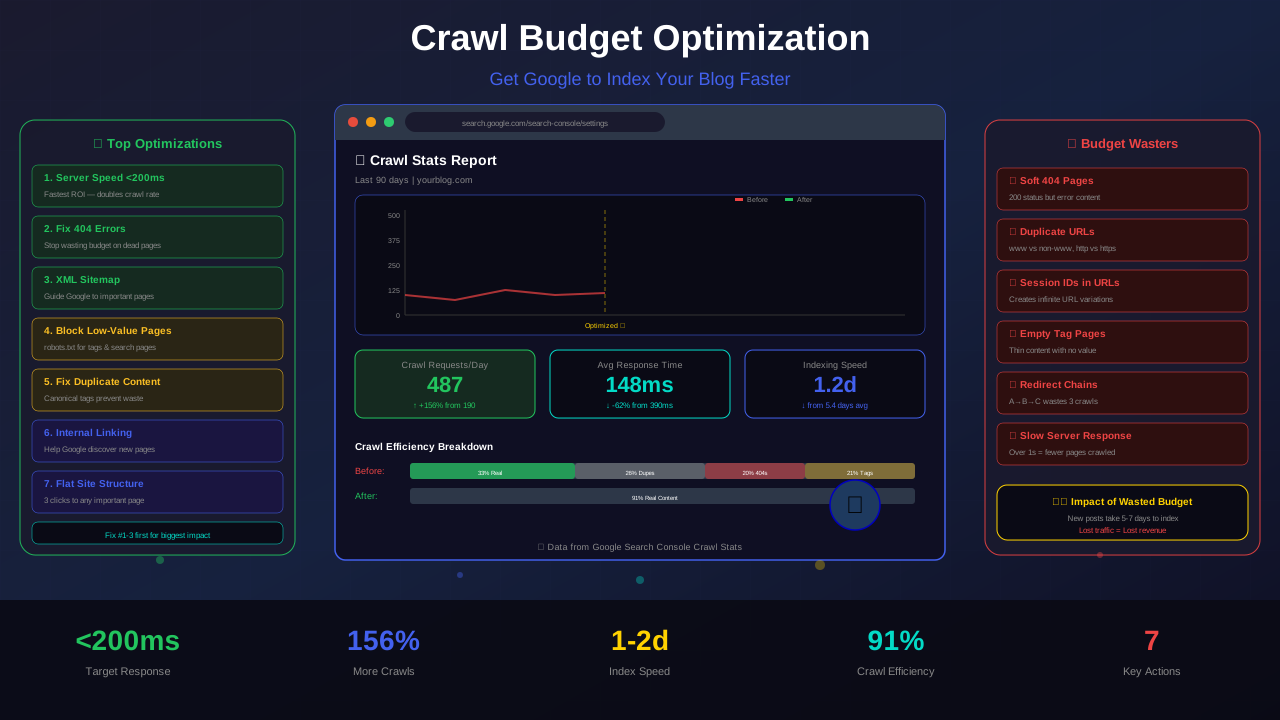
Go to Settings → Crawl Stats. You'll see three key metrics:
See also: How to Fix Mixed Content Errors: Complete Guide for Blog Owners →
- Total crawl requests: How many pages Google crawled
- Total download size: How much data Google downloaded
- Average response time: How fast your server responded
Step 3: Analyze the Data
Look for these warning signs:
- High response times (over 500ms is bad)
- Many "not modified" responses (wasted crawls)
- Crawl requests dropping over time
- Too many crawls on low-value pages
10 Ways to Optimize Your Crawl Budget
Here are the most effective ways to make Google crawl your site more efficiently:
1. Speed Up Your Server
The faster your server responds, the more pages Google will crawl. Aim for under 200ms server response time. Use a good hosting provider. A CDN helps too.
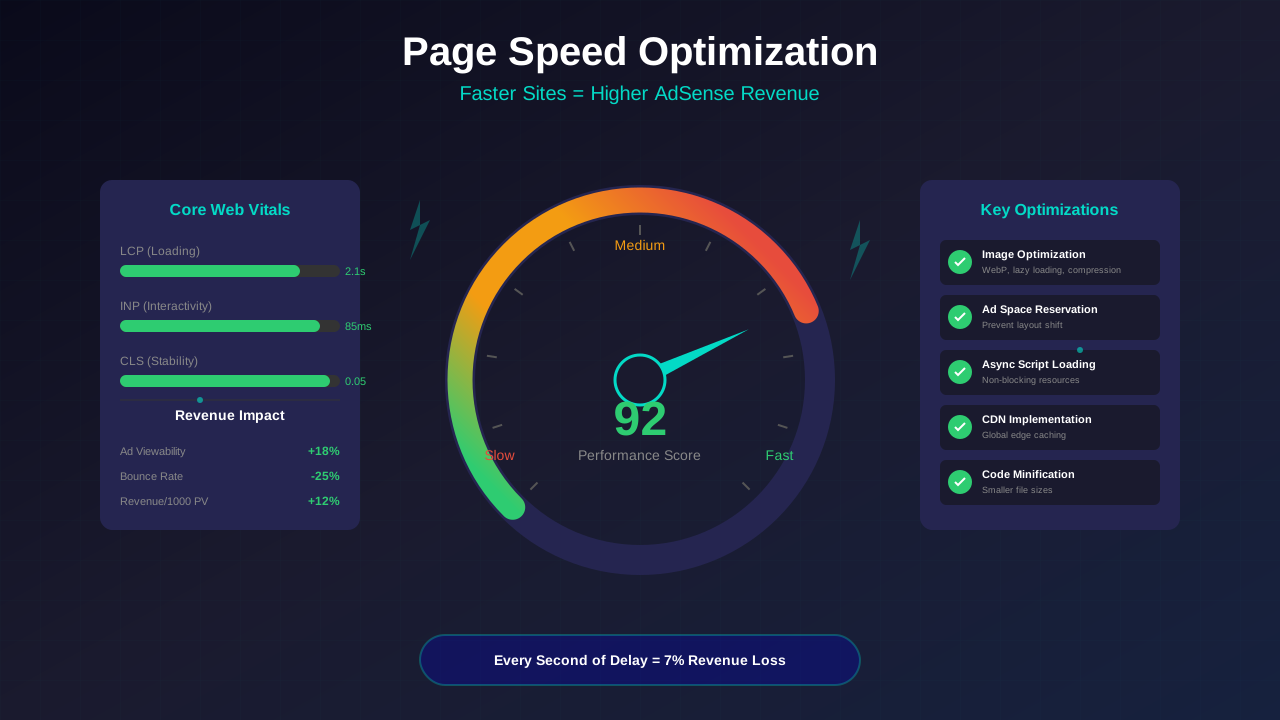
This is the single most important factor. Google has said that server speed directly affects how much they crawl. Check out our page speed optimization guide for detailed tips.
2. Fix Broken Links and 404 Errors
Every time Googlebot hits a broken link, it wastes crawl budget. Find and fix 404 errors regularly. Use tools like Screaming Frog or Google Search Console to identify them.
When you delete a page, set up a 301 redirect to a relevant page. This tells Google where the content moved instead of wasting a crawl on an error page. Learn more in our 404 error optimization guide.
3. Block Low-Value Pages in Robots.txt
Tell Google not to crawl pages that don't need to be indexed. Common pages to block:
You might also find helpful: URL Structure Best Practices: Clean URLs That Boost SEO & AdSense Revenue →
- Admin pages and login pages
- Search result pages on your site
- Tag pages with little content
- Print versions of articles
- Parameter-based URLs (sorting, filtering)
Add these rules to your robots.txt file to save crawl budget for important pages.
4. Submit an XML Sitemap
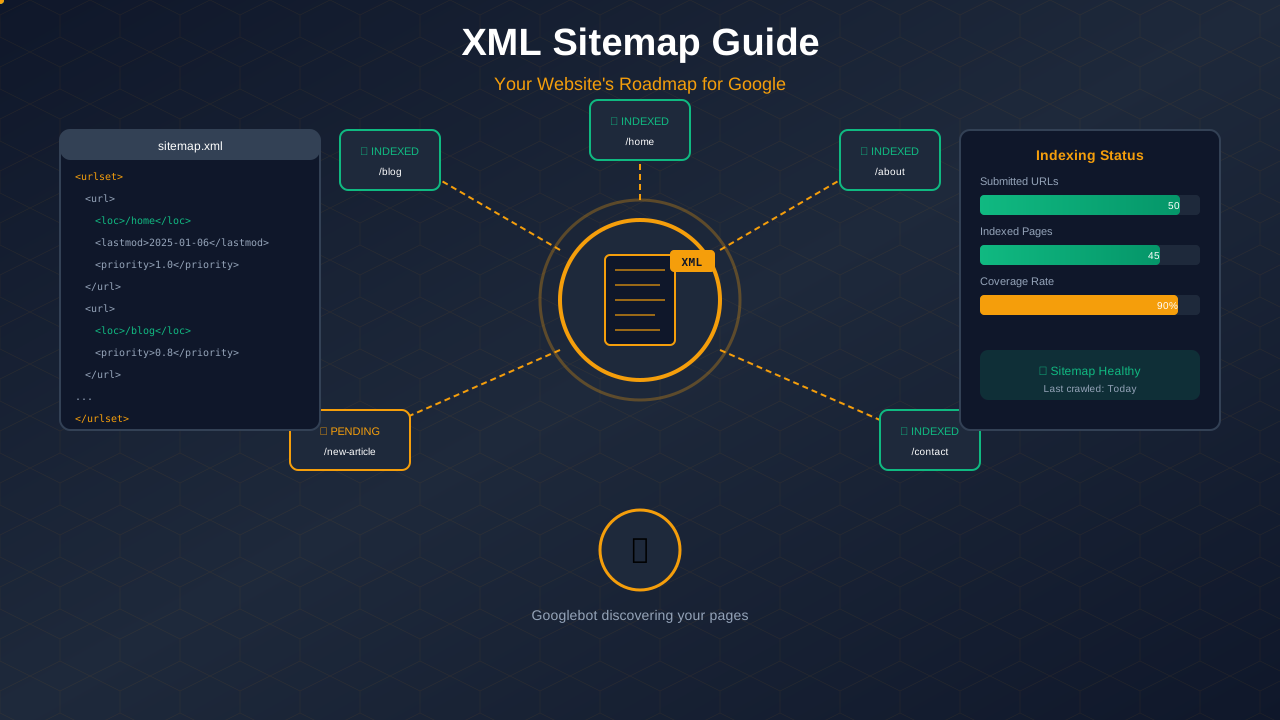
Your XML sitemap tells Google which pages are most important. Include only pages you want indexed. Keep it updated when you publish new content.
5. Remove Duplicate Content
Duplicate pages waste crawl budget. If Google finds the same content on two URLs, it crawls both but only indexes one. Use canonical tags to tell Google which version to prefer.
6. Use Internal Links Wisely
Google follows links to discover pages. Good internal linking helps Google find your most important content. Link new posts from existing popular pages. This signals that the new content matters.
7. Keep Your Site Structure Flat
Pages buried deep in your site take more crawls to reach. Aim for every important page to be within 3 clicks of your homepage. A flat structure helps Google reach all pages quickly.
8. Avoid Redirect Chains
When page A redirects to page B, which redirects to page C, that's a redirect chain. Each hop uses crawl budget. Fix chains so they point directly to the final URL.
9. Use If-Modified-Since Headers
These HTTP headers tell Google when a page last changed. If the page hasn't changed, Google can skip it and crawl something else instead. This saves budget for new content.
You might also find helpful: Structured Data Testing Guide: Validate Schema Markup Like a Pro →
10. Optimize Your Feed
If you have an RSS or Atom feed, keep it updated. Google uses feeds to discover new content quickly. A well-maintained feed can speed up indexing of new posts.
What Wastes Crawl Budget?
These common issues eat up your crawl budget without helping your SEO:
| Budget Waster | Why It's Bad | How to Fix |
|---|---|---|
| Soft 404 pages | Returns 200 but shows error content | Return proper 404 status |
| Duplicate URLs | Same content, different URLs | Add canonical tags |
| Session IDs in URLs | Creates infinite URL variations | Block in robots.txt |
| Tag/category pages | Thin content with no real value | Noindex or improve content |
| Hacked pages | Spammy URLs mixed with real pages | Clean up and secure site |
| Slow server response | Limits pages per crawl session | Upgrade hosting, use CDN |
Special Tips for Large Blogs
If your blog has thousands of posts, crawl budget optimization becomes critical. Here are advanced tips:
Prioritize Your Sitemap
List your most important pages first in your sitemap. Use the lastmod tag so Google knows which pages changed recently. Split large sitemaps into smaller ones by category.
Use Crawl Priority
Not all pages are equal. Your money pages and popular articles should be crawled more often. Use internal links and sitemap priority to guide Google's focus.
Monitor Core Web Vitals
Pages with good Core Web Vitals get crawled more often. Google prefers fast, mobile-friendly pages. Invest in performance to get more crawl budget.
Clean Up Old Content
Old, thin, or outdated posts that get no traffic waste crawl budget. Either update them to be valuable again, merge them with better posts, or remove them with proper redirects.
For more on this topic, see our guide on Canonical Tags & Duplicate Content: The Complete SEO Fix Guide →
Getting New Posts Indexed Faster
Beyond crawl budget, here are ways to get Google to index your new content quickly:
- Use the URL Inspection tool: Request indexing in Search Console
- Submit via IndexNow: Instantly notify search engines of new pages
- Link from popular pages: Google follows links from frequently crawled pages
- Share on social media: Google discovers content through social links
- Update your sitemap: Add new URLs as soon as you publish
- Ping Google: Use the Sitemap API to notify Google of changes
For a complete guide on fixing indexing problems, read our indexing issues troubleshooting guide.
Server Performance and Crawl Budget
Your server's performance directly affects how much Google crawls. Here's what to aim for:
| Metric | Poor | Good | Excellent |
|---|---|---|---|
| Server Response Time | Over 1,000ms | 200-500ms | Under 200ms |
| Uptime | Under 99% | 99-99.5% | Over 99.9% |
| Pages Per Day Crawled | Under 50 | 100-500 | 500+ |
| Crawl Errors | Over 5% | 1-5% | Under 1% |
If your server is slow, Google reduces how much it crawls. This creates a cycle: slow server → less crawling → slower indexing → less traffic → harder to justify better hosting.
Break this cycle early. Invest in good hosting before you need it.
Monitoring Your Crawl Budget Over Time
Check your crawl stats at least once a month. Look for these trends:
- Increasing crawls: Good! Google likes your site
- Steady crawls: Normal. Keep maintaining your site
- Decreasing crawls: Warning! Check for technical issues
- Sudden drops: Urgent! Something may be broken
Set up Google Search Console alerts. They'll notify you when something goes wrong before it impacts your traffic significantly.
Learn more in HTTPS & SSL Security: Essential Guide for AdSense Sites →
Frequently Asked Questions
How do I know if crawl budget is my problem?
Check Search Console's Crawl Stats report. If Google is crawling fewer pages than you have, or if new content takes more than a week to appear, crawl budget may be the issue.
Does removing pages give me more crawl budget?
Not directly. But it means Google spends more of its existing budget on your important pages. That's effectively the same as having more budget for the content that matters.
Will paying for better hosting improve crawl budget?
Yes, if speed improves. Google crawls faster sites more aggressively. Better hosting often means faster response times, which directly increases crawl rate.
Does Google Ads affect crawl budget?
No. Google's ad systems and search crawler are separate. Running AdSense or Google Ads doesn't affect how much Google crawls your site.
Should I block WordPress tag pages?
If your tag pages have little content or duplicate your category pages, yes. Block them with robots.txt or add noindex tags. This saves crawl budget for your real content.
Conclusion
Crawl budget optimization helps Google find and index your content faster. For AdSense publishers, faster indexing means faster revenue from new content.
Start with the basics: speed up your server, fix broken links, and submit a clean XML sitemap. Then tackle advanced issues like duplicate content and redirect chains.
Monitor your crawl stats regularly. When crawl numbers go up, your traffic usually follows. Every page Google crawls efficiently is a page that can earn you money.