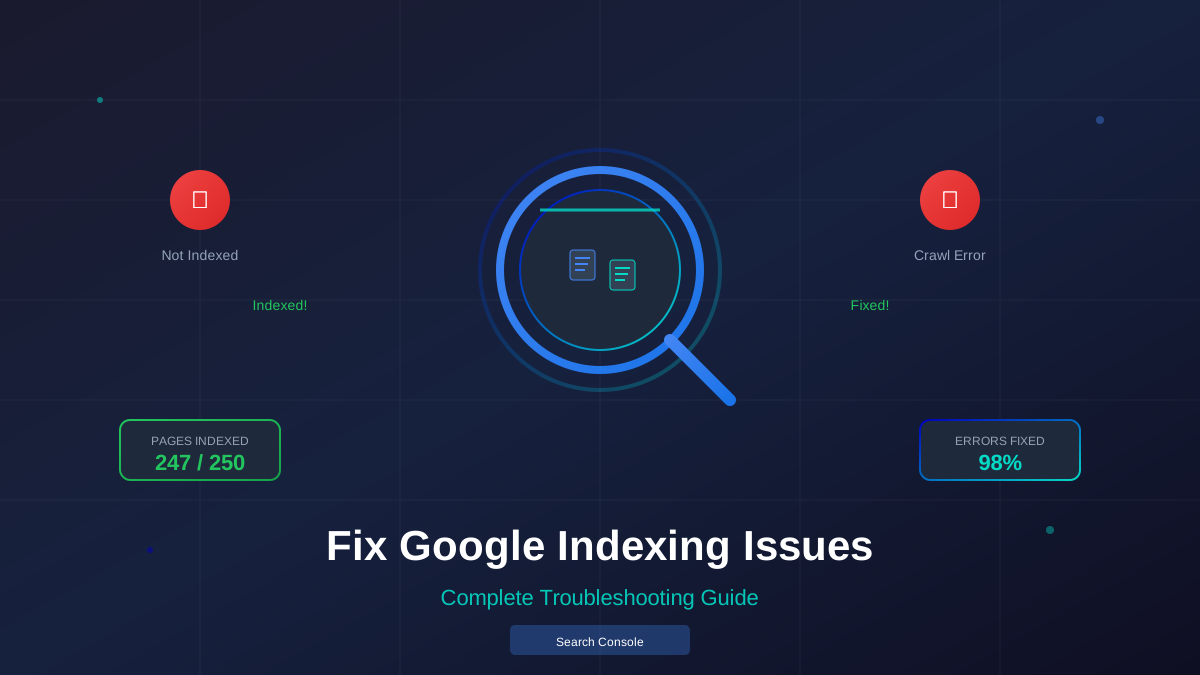
Nothing is more frustrating than publishing great content that Google refuses to index. The good news? Most indexing problems have simple fixes. This guide walks you through diagnosing and solving every common issue.
What You'll Learn:
- How to check if your pages are indexed
- Common reasons pages don't get indexed
- Step-by-step fixes for each problem
- How to speed up indexing for new content
- Tools that help you monitor indexing
How to Check If Your Pages Are Indexed
Before fixing anything, you need to know which pages have problems. Here are two quick ways to check:
Method 1: Site Search
Type site:yourdomain.com in Google. This shows all indexed pages from your site. For a specific page, use site:yourdomain.com/your-page-url.
Method 2: Google Search Console
Go to Google Search Console and check the Coverage report. It shows exactly which pages are indexed and which have issues.
Common Indexing Issues and How to Fix Them
Let's go through each problem one by one. Each section explains what causes the issue and exactly how to fix it.
1. Page Has "noindex" Tag
This is the most common issue. The noindex tag tells Google not to index a page. It might be there by accident.
How to find it: Check your page's source code. Look for:
<meta name="robots" content="noindex">in the HTML headX-Robots-Tag: noindexin HTTP headers
How to fix it:
- Remove the noindex tag from your HTML
- Check your CMS settings (WordPress often has an option to discourage search engines)
- Review your robots.txt file
- Request reindexing in Search Console
2. Blocked by robots.txt
Your robots.txt file might be blocking Googlebot from crawling the page. This prevents indexing.
See also: How to Fix Mixed Content Errors: Complete Guide for Blog Owners →
How to check: Go to yoursite.com/robots.txt. Look for Disallow rules that match your pages.
How to fix it:
- Edit your robots.txt file
- Remove or modify blocking rules
- Use the robots.txt tester in Search Console
- Wait for Google to recrawl (or request it)
3. Redirect Issues
Broken redirects, redirect chains, or redirect loops can prevent indexing.
Common problems:
- Redirect chains: A→B→C→D (more than 3 hops)
- Redirect loops: A→B→A (never-ending cycle)
- Redirect to 404: Page redirects to a dead page
How to fix it:
- Use a tool like httpstatus.io to trace redirects
- Create direct redirects (A→D instead of A→B→C→D)
- Fix or remove broken redirect targets
4. Canonical Tag Points Elsewhere
If your page has a canonical tag pointing to a different URL, Google will index that URL instead.
You might also find helpful: URL Structure Best Practices: Clean URLs That Boost SEO & AdSense Revenue →
How to check: Look for <link rel="canonical" href="..."> in your page's head section.
How to fix it:
- Make sure canonical points to the current page URL
- Check for plugin conflicts that might add wrong canonicals
- Verify the canonical URL is the version you want indexed
Learn more in our complete technical SEO guide.
5. Thin or Duplicate Content
Google may choose not to index pages with little unique value. Common causes:
- Pages with very little text (under 300 words)
- Content copied from other sources
- Multiple pages with nearly identical content
- Auto-generated or spun content
How to fix it:
- Add substantial unique content to thin pages
- Consolidate duplicate pages with 301 redirects
- Use canonical tags for intentionally similar pages
- Remove or noindex truly low-value pages
6. Crawl Budget Issues
Large sites may have crawl budget problems. Google only crawls so many pages per visit.
You might also find helpful: Structured Data Testing Guide: Validate Schema Markup Like a Pro →
Signs of crawl budget issues:
- New pages take weeks to get indexed
- Updated content doesn't get recrawled
- Deep pages never appear in search
How to fix it:
- Improve site speed (faster sites get crawled more)
- Fix internal linking to important pages
- Remove low-quality pages from the index
- Update your sitemap regularly
How to Speed Up Indexing
Want your new content indexed faster? Try these techniques:
Submit to Search Console
Use the URL Inspection tool. Enter your URL and click "Request Indexing." This puts your page in Google's priority queue.
Ping Your Sitemap
After adding new pages, ping Google with your updated sitemap. Use this URL format:
https://www.google.com/ping?sitemap=https://yoursite.com/sitemap.xml
For more on this topic, see our guide on Canonical Tags & Duplicate Content: The Complete SEO Fix Guide →
Get Quality Backlinks
Pages with links from already-indexed sites get discovered faster. Internal links from your homepage help too.
Share on Social Media
Social signals can trigger faster crawling. Share new content on Twitter, LinkedIn, and other platforms.
"While we can't guarantee specific indexing timeframes, pages with quality content and good link structures typically get indexed faster."
— Google Search Central
Tools for Monitoring Indexing
Keep track of your indexing status with these tools:
- Google Search Console – Free, official, essential
- Screaming Frog – Crawls your site like Google does
- Ahrefs Site Audit – Finds technical SEO issues
- Sitebulb – Visual crawl reports
Frequently Asked Questions
How long does indexing take?
It varies. Some pages get indexed in hours, others take weeks. Typically, new pages on established sites get indexed within 4-7 days.
Can I force Google to index my page?
You can request indexing, but you can't force it. Google decides what to index based on quality and other factors.
Learn more in HTTPS & SSL Security: Essential Guide for AdSense Sites →
Why did my indexed page disappear?
Pages can get dropped from the index for quality issues, technical problems, or manual penalties. Check Search Console for details.
Does social media help with indexing?
Indirectly, yes. Social shares can lead to links and traffic, which help Google discover and prioritize your pages.
Conclusion
Indexing issues are frustrating, but they're almost always fixable. Start with Search Console to diagnose the problem. Then work through the fixes systematically.
Remember: quality content with good technical SEO will get indexed. Focus on making pages Google wants to show users, and indexing usually takes care of itself.
For more technical help, check our guides on sitemap optimization and page speed improvements.