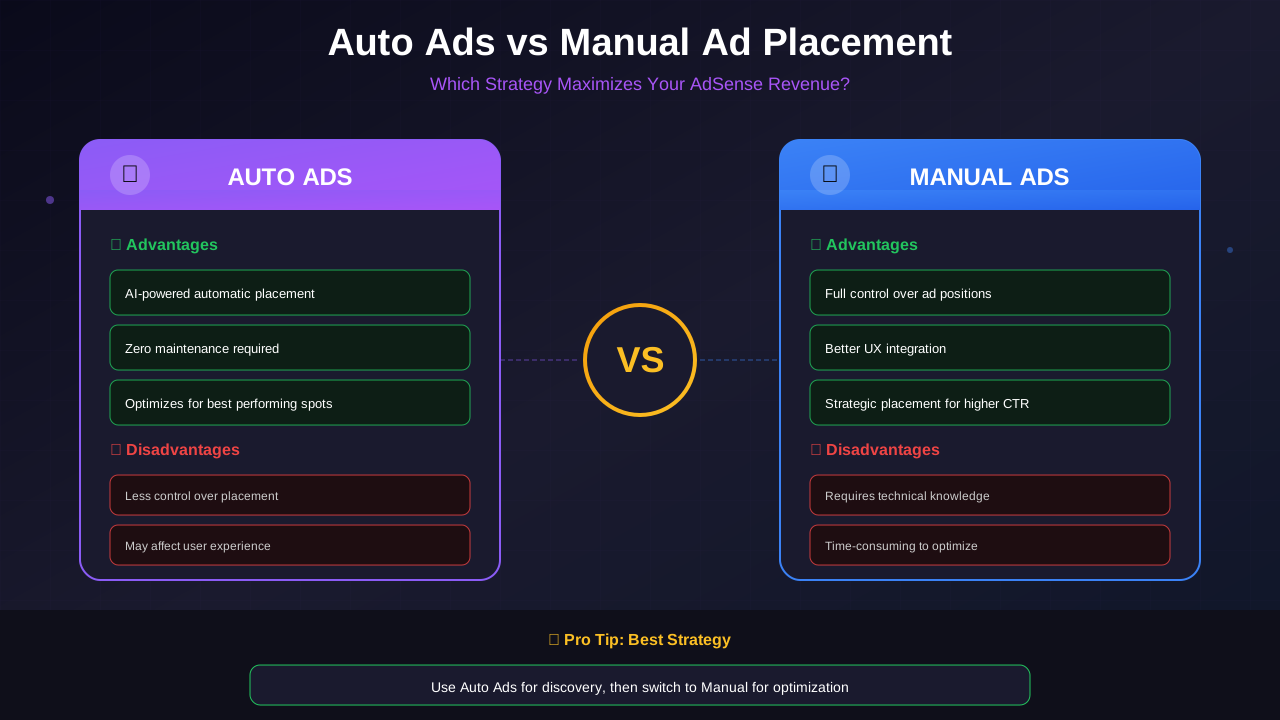
AdSense offers two approaches to ad placement: Auto Ads that use AI to place ads automatically, and manual placement where you control exactly where ads appear. Each has distinct advantages, and choosing the right approach can significantly impact your earnings.
In this comprehensive comparison, I will break down both methods based on real-world testing and data to help you make the best choice for your website.
What You Will Learn:
- How Auto Ads and manual placement work
- Revenue differences between methods
- User experience considerations
- Best practices for each approach
- A hybrid strategy for maximum earnings
How Auto Ads Work
Auto Ads use Google's machine learning to analyze your pages and automatically place ads in locations predicted to perform well. According to Google's Auto Ads documentation, the AI continuously learns from performance data.
The Technology Behind Auto Ads
Google's AI considers:
- Page layout and structure
- Content length and format
- User behavior patterns
- Device type (mobile vs desktop)
- Historical performance data
Auto Ad Types
Auto Ads can display:
- In-page ads: Within content areas
- Anchor ads: Sticky ads at screen edge
- Vignette ads: Full-screen ads between pages
- Side rail ads: On widescreen displays
- Multiplex ads: Grid-style native ads
How Manual Placement Works
Manual placement gives you complete control over where ads appear on your site.
For more on this topic, see our guide on Ezoic vs Mediavine: Which Ad Network Pays More in 2026? →
The Process
- Create ad units in AdSense dashboard
- Choose ad sizes and formats
- Copy ad code
- Place code in your site's HTML/templates
- Test and optimize placement
Ad Unit Options
Each ad type has optimal sizes and placements. See our AdSense ad unit sizes guide for detailed recommendations.
- Display ads (responsive or fixed size)
- In-feed ads
- In-article ads
- Multiplex ads
- Search ads
Revenue Comparison
The critical question: which method earns more?
Auto Ads Advantages
- More ad inventory: AI finds placements you might miss
- Continuous optimization: Algorithms improve over time
- New formats: Access to formats like vignettes
- No maintenance: Ads adjust to layout changes
Manual Placement Advantages
- Strategic positioning: Ads in proven high-performing spots
- Brand control: Protect user experience
- Fewer distractions: Better engagement metrics
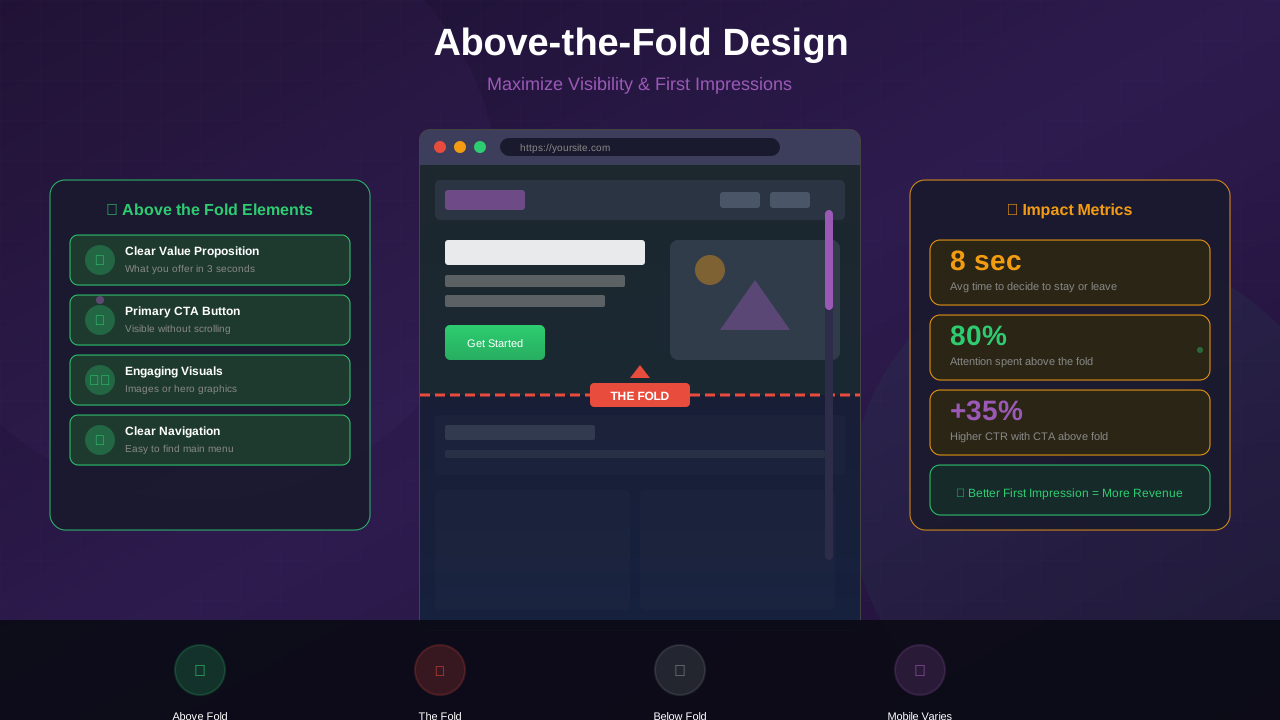
- Premium placements: Above-fold positioning
What Testing Shows
Based on publisher reports and testing:
Related reading: AdThrive Requirements Guide: What You Need to Join Raptive in 2026 →
- Auto Ads typically show 10-30% more ads than manual
- Individual ad RPM may be lower with Auto Ads
- Total page RPM often similar or slightly higher with Auto Ads
- User experience metrics often better with manual
"Auto Ads increased my impressions by 40%, but my RPM per ad dropped 25%. Net result was about 10% more total revenue."
— Publisher Case Study
User Experience Impact
Revenue is not everything—user experience matters too:
Auto Ads Concerns
- Ads may appear in awkward positions
- Content can shift unexpectedly
- Vignette ads interrupt navigation
- Pages may feel cluttered
Manual Placement Benefits
- Clean, predictable layouts
- Ads integrate naturally with design
- Better reading experience
- Lower bounce rates
Core Web Vitals Consideration
Auto Ads can negatively impact your Core Web Vitals scores:
For more on this topic, see our guide on Raptive Requirements Guide: Traffic, Content & Application Tips →
- CLS (Cumulative Layout Shift): Ads loading can shift content
- LCP (Largest Contentful Paint): Extra scripts slow loading
When to Use Auto Ads
Auto Ads work best in these situations:
Best For
- New publishers still learning AdSense
- Sites with diverse page layouts
- Publishers without technical resources
- Testing to discover new placements
- High-traffic sites where impressions matter
Auto Ads Settings to Consider
- Disable vignette ads if bounce rates increase
- Adjust ad load slider if pages feel cluttered
- Exclude specific pages that need clean layouts
- Keep anchor ads enabled—they typically perform well. Learn more in our anchor ads vs sticky ads comparison
When to Use Manual Placement
Manual placement excels in these scenarios:
Best For
- Established sites with proven layouts
- Content-focused sites prioritizing UX
- Publishers with technical capability
- Sites with consistent page templates
- When brand perception matters
Optimal Manual Placements
For detailed positioning strategies, see our ad placement best practices guide.
Learn more in Mediavine Requirements Guide: How to Qualify and Get Accepted →
- Below title: High visibility, catches attention
- After 2-3 paragraphs: Within content engagement zone
- Mid-content: When users are deeply reading
- End of content: Before comments/related posts
- Sidebar: For desktop visitors
The Hybrid Strategy
The best approach often combines both methods:
How to Implement
- Place manual ads in known high-performing positions
- Enable Auto Ads with conservative settings
- Auto Ads will fill additional inventory without duplicating manual positions
- Monitor and adjust based on performance
Recommended Hybrid Setup
- Manual: Above-fold ad, in-article ads at key positions
- Auto: Anchor ads, additional in-content placements
- Disabled: Vignettes (optional based on testing)
Why This Works
You get the best of both worlds:
- Strategic manual placements capture high-value impressions
- Auto Ads find additional opportunities
- Google's AI adapts to your manual placements
Optimization Tips for Both Methods
For Auto Ads
- Use URL groups to customize settings per section
- Check "Page-level ads" report for underperforming areas
- Test different ad load levels
- Review placement reports weekly
For Manual Placement
- A/B test different positions
- Use responsive ad units
- Implement lazy loading for below-fold ads
- Monitor viewability metrics
Decision Framework
Use this framework to choose your approach:
Learn more in RPM by Blog Niche: Which Topics Pay the Most in 2026 →
Start With Auto Ads If:
- You are new to AdSense
- You have limited time for optimization
- Your site has many different page layouts
- Revenue is the primary goal
Go Manual If:
- User experience is a priority
- You have consistent page templates
- You can invest time in testing
- Core Web Vitals matter for SEO
Use Hybrid If:
- You want to maximize revenue while controlling key placements
- You have some technical capability
- You are willing to monitor and adjust
Frequently Asked Questions
Can I use Auto Ads and manual ads together?
Yes. AdSense is designed to work with both. Auto Ads will not place ads where you already have manual units, so you get additional placements rather than duplicates.
Will Auto Ads hurt my SEO?
They can impact Core Web Vitals if too many ads load. Monitor your metrics in Search Console and adjust the ad load slider if needed.
How many manual ads should I place per page?
There is no strict limit, but 3-5 ads per page is typical. Focus on quality placements rather than quantity. Google's policies prohibit more ad content than actual content.
Do Auto Ads work on all pages?
Auto Ads analyze each page and may not place ads on pages where they predict poor performance, such as very short pages or checkout flows.
How long to test before deciding?
Test each approach for at least 2-4 weeks to gather enough data. Seasonal variations can affect short-term results.