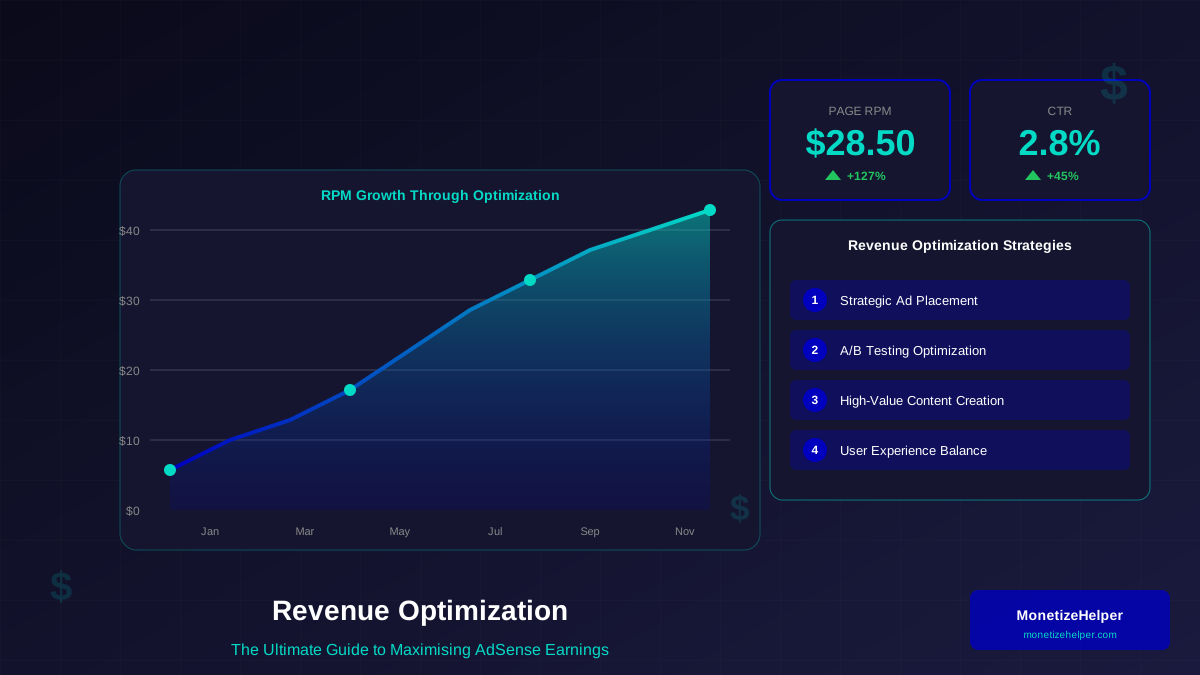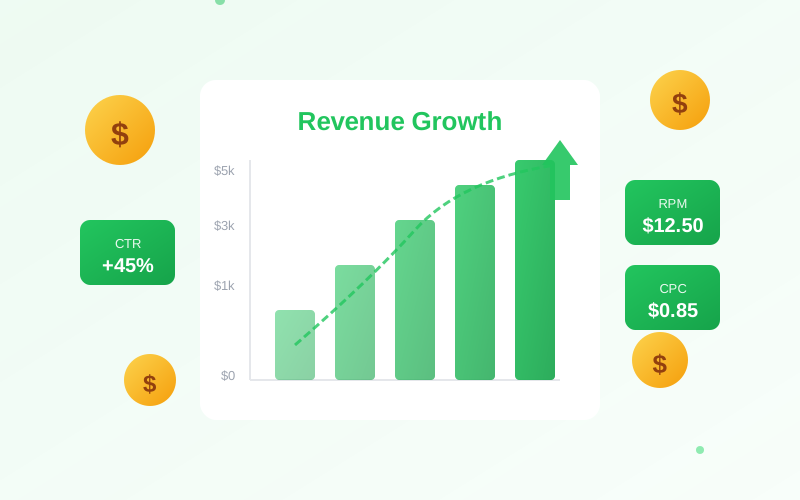
RPM (Revenue Per Mille) is the single most important metric for understanding your ad revenue performance. It tells you exactly how much money you earn for every 1,000 page views—and more importantly, it reveals opportunities to increase your earnings without needing more traffic.
In this comprehensive guide, you will learn exactly what RPM means, how to calculate it, and actionable strategies to improve your RPM for higher earnings.
What You Will Learn:
- What RPM actually measures
- How to calculate your RPM
- The difference between page RPM and impression RPM
- What constitutes a good RPM
- 15 strategies to improve your RPM
What Is RPM?
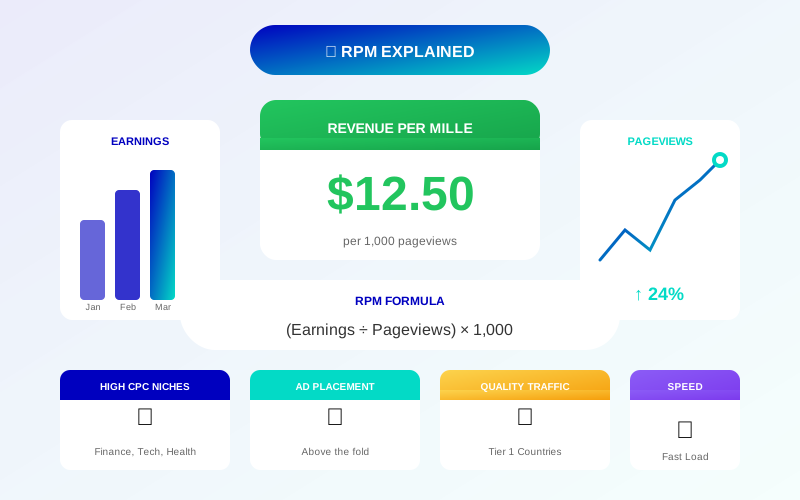
RPM stands for "Revenue Per Mille" (mille being Latin for thousand). It represents the estimated earnings you receive for every 1,000 page views or ad impressions. According to Google AdSense Help, RPM is calculated by dividing your estimated earnings by the number of page views you received, then multiplying by 1,000.
The RPM Formula
The basic formula is:
RPM = (Estimated Earnings / Page Views) × 1,000
Example Calculation
If you earned $50 from 10,000 page views:
RPM = ($50 / 10,000) × 1,000 = $5.00
This means you earn approximately $5 for every 1,000 page views.
"RPM is a useful metric for comparing revenue performance across different sites, pages, and time periods. It normalizes earnings regardless of traffic volume."
For more on this topic, see our guide on Ezoic vs Mediavine: Which Ad Network Pays More in 2026? →
— Google AdSense Help Center
Page RPM vs. Impression RPM
Understanding the difference is crucial for accurate analysis. For a broader comparison of ad metrics, see our guide on CPM vs RPM explained:
Page RPM
- Calculated based on page views
- Accounts for multiple ads per page
- Better for overall revenue assessment
- Formula: (Earnings / Page Views) × 1,000
Impression RPM (eCPM)
- Calculated based on ad impressions
- Measures individual ad performance
- Useful for optimizing ad units
- Formula: (Earnings / Impressions) × 1,000
Which Should You Focus On?
Most publishers should focus on Page RPM because:
- Reflects total revenue potential per visitor
- Easier to correlate with traffic metrics
- Not affected by the number of ads per page
- More meaningful for revenue projections
What Is a Good RPM?
RPM varies dramatically based on several factors:
Average RPM Ranges
- Low RPM: $1-3 (general content, developing countries)
- Average RPM: $5-15 (quality content, mixed traffic)
- Good RPM: $15-30 (quality US/UK traffic, good niches)
- Excellent RPM: $30-50+ (premium niches, US traffic)
Factors Affecting RPM
- Geographic location: US, UK, Canada traffic pays more (see WordStream's keyword cost data)
- Niche: Finance, legal, health pay higher CPC
- Seasonality: Q4 typically sees higher RPMs due to holiday advertising
- Ad placement: Above-fold ads earn more
- Site speed: Faster sites have better viewability (see Google's Core Web Vitals)
"Don't compare your RPM to others in different niches. A $5 RPM in entertainment is great, while $5 in finance might indicate problems."
— Experienced AdSense Publisher
15 Strategies to Improve Your RPM
Implement these proven tactics to increase your earnings:
Ad Placement Optimization
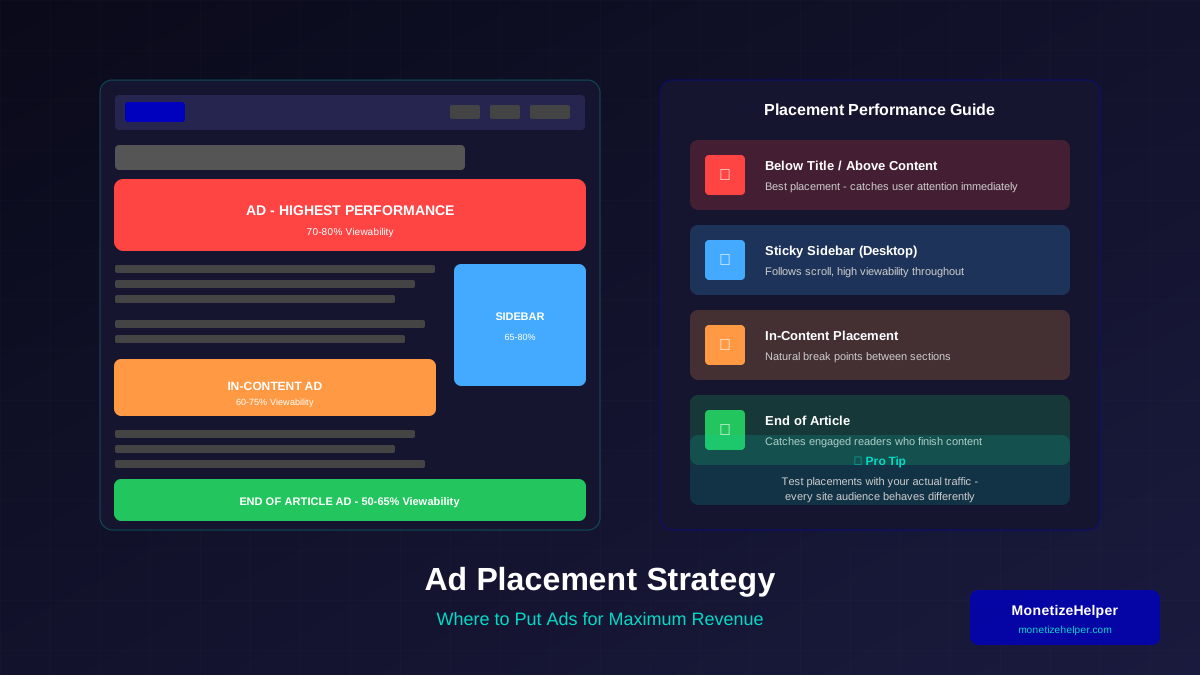
1. Prioritize Above-the-Fold Ads
Place your highest-value ad unit where it is immediately visible without scrolling. This ad sees the most impressions and highest viewability. Our ad placement best practices guide covers optimal positioning in detail.
Related reading: AdThrive Requirements Guide: What You Need to Join Raptive in 2026 →
2. Add In-Content Ads
Ads placed within article content see high engagement because readers encounter them while actively reading. Add 2-3 in-content units for long articles.
3. Optimize Ad Sizes
Larger ad units typically earn more. Use 300×250, 336×280, and 728×90 for desktop, and responsive units for mobile.
Content Optimization
4. Focus on High-Value Keywords
Create content around topics with higher advertiser competition. Research CPC data to find profitable topics in your niche. Discover the highest-paying CPC niches for AdSense to guide your content strategy.
5. Increase Content Length
Longer content allows for more ad placements while keeping ad density reasonable. Aim for 1,500+ words for pillar content.
6. Improve Content Quality
Higher quality content increases time on page, which improves ad viewability and the chance of multiple ad impressions.
Technical Optimization
7. Improve Page Speed
Faster loading pages mean ads appear sooner, increasing viewability scores. Use lazy loading for below-fold ads. Google PageSpeed Insights can help identify performance issues.
For more on this topic, see our guide on Raptive Requirements Guide: Traffic, Content & Application Tips →
8. Optimize for Mobile
Ensure ads display correctly on mobile. Mobile traffic often has different RPM than desktop—optimize for both. Test your site with Google's Mobile-Friendly Test.
9. Use Responsive Ad Units
Responsive ads automatically adjust to screen size, maximizing revenue across all devices.
Traffic Quality
10. Target Higher-Value Countries
If possible, create content that appeals to US, UK, Canada, and Australia audiences. These regions have significantly higher CPCs.
11. Focus on Search Traffic
Organic search visitors typically engage better with ads than social media traffic. Invest in SEO for better quality traffic. Use Google Search Console to monitor your search performance.
12. Reduce Bounce Rate
Keep visitors engaged longer with internal linking and compelling content. More page views per session means more ad impressions.
Ad Configuration
13. Enable All Ad Types
Allow text, display, and rich media ads to maximize competition for your ad space.
Learn more in Mediavine Requirements Guide: How to Qualify and Get Accepted →
14. Use Ad Balance
AdSense's Ad Balance feature can help identify which ads perform best. Sometimes showing fewer ads increases overall revenue.
15. Test Auto Ads
Experiment with Auto Ads to find optimal placements you might have missed. Compare performance to manual placement.
Tracking and Analyzing RPM
Regular monitoring reveals optimization opportunities:
Key Reports to Monitor
- Sites Report: Compare RPM across different sites
- Pages Report: Find high and low-performing pages
- Countries Report: Understand geographic performance
- Platforms Report: Compare desktop vs. mobile
Tracking Over Time
- Monitor daily, weekly, and monthly trends
- Note seasonal patterns (Q4 typically higher)
- Track RPM after making changes
- Compare year-over-year performance
Setting RPM Goals
- Establish your baseline RPM
- Set realistic improvement targets (10-20% increases)
- Focus on one optimization at a time to measure impact
- Celebrate wins and analyze failures
Common RPM Mistakes to Avoid
These errors hurt your revenue potential:
Too Many Ads
Excessive ads hurt user experience, increase bounce rate, and can actually lower RPM by reducing viewability.
Ignoring Mobile
Over 60% of traffic is mobile. Poor mobile ad experience means losing majority of potential revenue.
Learn more in RPM by Blog Niche: Which Topics Pay the Most in 2026 →
Chasing Quick Fixes
Tactics like deceptive ad placement may boost short-term RPM but violate policies and hurt long-term performance.
Not Testing
What works for one site may not work for yours. Always test changes and measure impact before permanent implementation.
Frequently Asked Questions
Why did my RPM suddenly drop?
Common causes include seasonal advertiser budget changes, algorithm updates affecting traffic quality, technical issues with ads, or changes to your content or site structure. Check each factor systematically.
Is a $2 RPM bad?
It depends on your niche and traffic sources. A $2 RPM is normal for entertainment content with international traffic but concerning for finance content with US visitors. Compare to your niche averages.
Can I increase RPM without more traffic?
Absolutely. RPM optimization is all about earning more from existing traffic. Ad placement, content quality, and technical improvements can significantly boost RPM without additional visitors.
Should I focus on RPM or total revenue?
Both matter. RPM tells you efficiency, while total revenue is the ultimate goal. Ideally, optimize RPM while also growing traffic for maximum total earnings.
Why is my mobile RPM lower than desktop?
Mobile typically has lower RPM due to smaller ad sizes, different user behavior, and sometimes lower-value mobile ad inventory. Optimize mobile separately to improve its performance.