You added schema markup to your website. But is it working? Broken structured data means no rich results in Google. This guide shows you exactly how to test, validate, and fix your schema markup using free tools.
What You'll Learn:
- How to use Google's Rich Results Test
- How to validate markup with Schema.org Validator
- Common structured data errors and how to fix them
- How to monitor schema in Google Search Console
- Best practices for ongoing structured data maintenance
Why Test Your Structured Data?
Structured data tells Google what your content means— not just what it says. When it works, Google can show rich results like star ratings, FAQ dropdowns, recipe cards, and how-to steps directly in search results.
But here's the problem: even tiny mistakes in your schema markup can break everything. A missing bracket, a wrong property name, or an invalid URL can stop rich results from appearing. And you won't know unless you test.
According to Google, pages with valid structured data can see up to 30% higher click-through rates from rich results. That's a huge boost just from making sure your markup is correct. For a complete guide on adding schema, check our structured data schema markup guide.
How to Use Google's Rich Results Test
The Rich Results Test is your first stop. It tells you if your structured data makes your page eligible for rich results in Google Search.
Step 1: Open the Tool
Go to search.google.com/test/rich-results. You'll see two options: test a URL or test code.
Step 2: Enter Your URL
Paste the URL of the page you want to test. Click "Test URL." The tool will fetch your page and analyze any structured data it finds.
Step 3: Read the Results
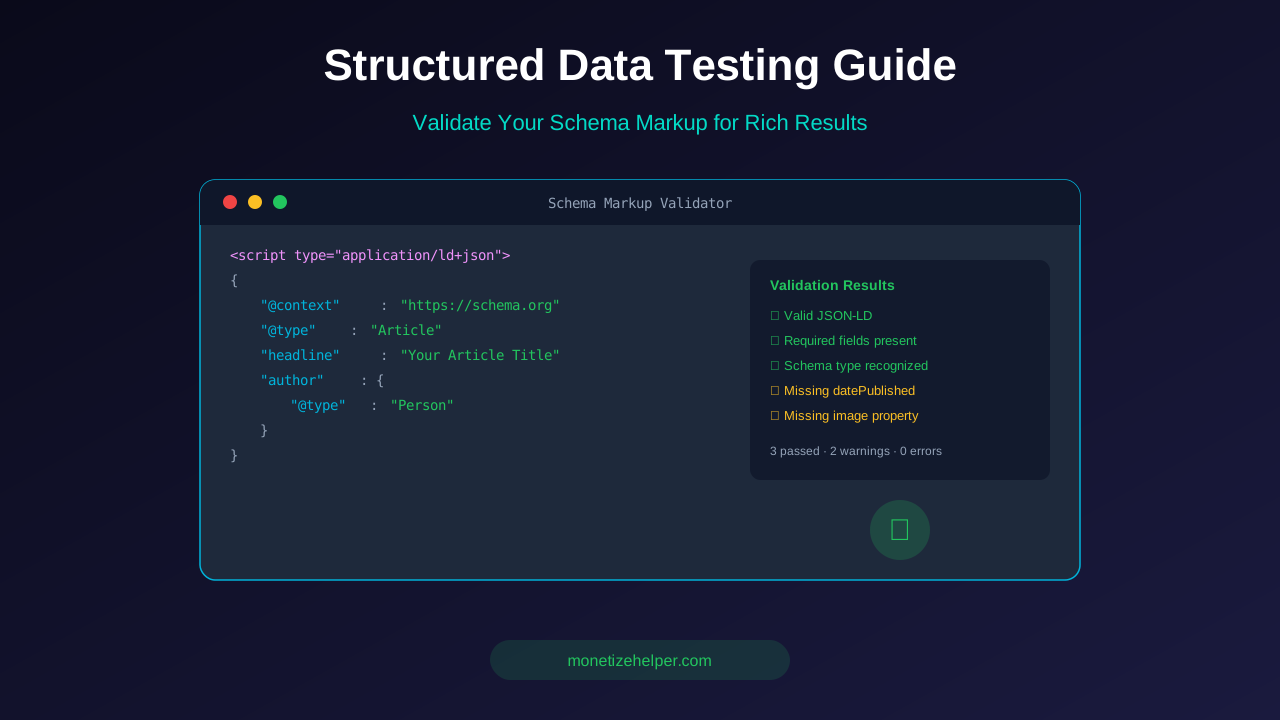
The tool shows:
- Green checkmark: Your structured data is valid and eligible for rich results
- Yellow warning: Optional properties are missing. Your markup still works but could be better.
- Red error: Required properties are missing or invalid. Fix these to get rich results.
Step 4: Preview Rich Results
Click "Preview results" to see how your page might appear in Google search. This shows the actual rich snippet that users would see. Not all pages will show a preview — it depends on the schema type.
Step 5: Fix and Retest
If you see errors, fix them on your website. Then come back and test again. Keep testing until all errors are gone.
See also: How to Fix Mixed Content Errors: Complete Guide for Blog Owners →
Using the Schema Markup Validator
The Schema Markup Validator checks your markup against the official Schema.org vocabulary. It catches issues that Google's tool might miss.
Go to validator.schema.org and paste your URL or JSON-LD code. The validator checks every property against the Schema.org specification.
This tool is more strict than Google's Rich Results Test. It will flag properties that are technically valid but not recommended, or types that are experimental. Use it for a thorough check after passing the Rich Results Test.
Common Structured Data Errors and Fixes
Here are the most common errors you'll find when testing structured data:
1. Missing Required Properties
Every schema type has required properties. For example, an Article schema needs headline, image, datePublished, and author. Missing any of these causes errors.
Fix: Check the Google documentation for your schema type. Add all required properties.
2. Invalid URL Format
URLs in structured data must be absolute (starting with https://). Relative URLs like "/images/photo.jpg" will cause errors.
You might also find helpful: URL Structure Best Practices: Clean URLs That Boost SEO & AdSense Revenue →
Fix: Use full URLs everywhere: https://yoursite.com/images/photo.jpg
3. Wrong Data Types
Some properties need specific formats. Dates must be in ISO 8601 format (2026-03-23). Ratings must be numbers, not text.
Fix: Check the expected format in Google's documentation. Common fixes include reformatting dates and converting text numbers to actual numbers.
4. Mismatch Between Page Content and Schema
Google checks if your structured data matches what's actually on the page. If your schema says the article date is January 2026 but the page shows March 2026, that's a red flag.
Fix: Make sure your structured data exactly matches the visible content on your page.
5. Deprecated Schema Types
Google sometimes changes which schema types they support. For example, the data-vocabulary.org markup was deprecated in favor of Schema.org. Using old markup means no rich results.
Fix: Always use Schema.org vocabulary with JSON-LD format. It's the format Google recommends and is the most future-proof.
For more on this topic, see our guide on Canonical Tags & Duplicate Content: The Complete SEO Fix Guide →
6. Nested Schema Errors
When you nest one schema type inside another (like an Author inside an Article), each nested type needs its own required properties. A missing nested property is easy to miss.
Fix: Test each nested type separately to make sure it's complete.
Monitoring Schema in Google Search Console
Google Search Console gives you ongoing monitoring of your structured data across your entire site.
Where to Find Schema Reports
In Search Console, go to the "Enhancements" section in the left sidebar. You'll see reports for each rich result type detected on your site — FAQ, How-to, Article, Breadcrumb, etc.
What Each Report Shows
- Valid items: Pages with correct structured data that can show rich results
- Valid with warnings: Pages that work but have recommended improvements
- Errors: Pages with broken structured data that won't show rich results
Click on any error type to see which pages are affected. Search Console also groups similar errors together, making it easy to fix issues in bulk.
Setting Up Email Alerts
Search Console sends email alerts when new structured data issues are found. Make sure your email notifications are turned on. Go to Settings → Email preferences and enable enhancement alerts.
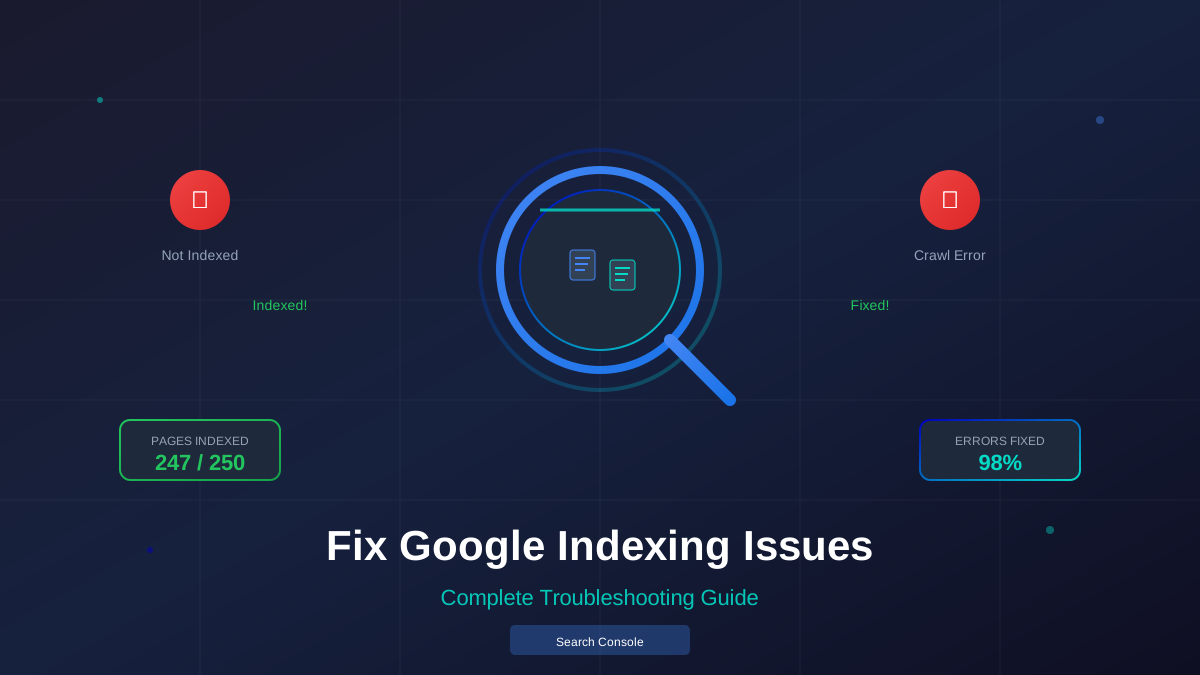
This way, you'll know immediately when something breaks instead of discovering it weeks later. Keep on top of your Google indexing issues to maintain your rich results.
Learn more in HTTPS & SSL Security: Essential Guide for AdSense Sites →
Recommended Testing Workflow
Follow this workflow whenever you add or change structured data:
- Write your schema markup. Use JSON-LD format in your page's
<head>section. - Test with Rich Results Test. Enter the URL and check for errors. Fix any red errors.
- Validate with Schema.org Validator. Paste your JSON-LD code for a deeper check.
- Check in Search Console. After deploying, request indexing and wait for Search Console to process.
- Monitor for 2-4 weeks. Watch the Enhancements reports for new errors.
- Check rich results in search. Search for your page on Google and verify the rich result shows up.
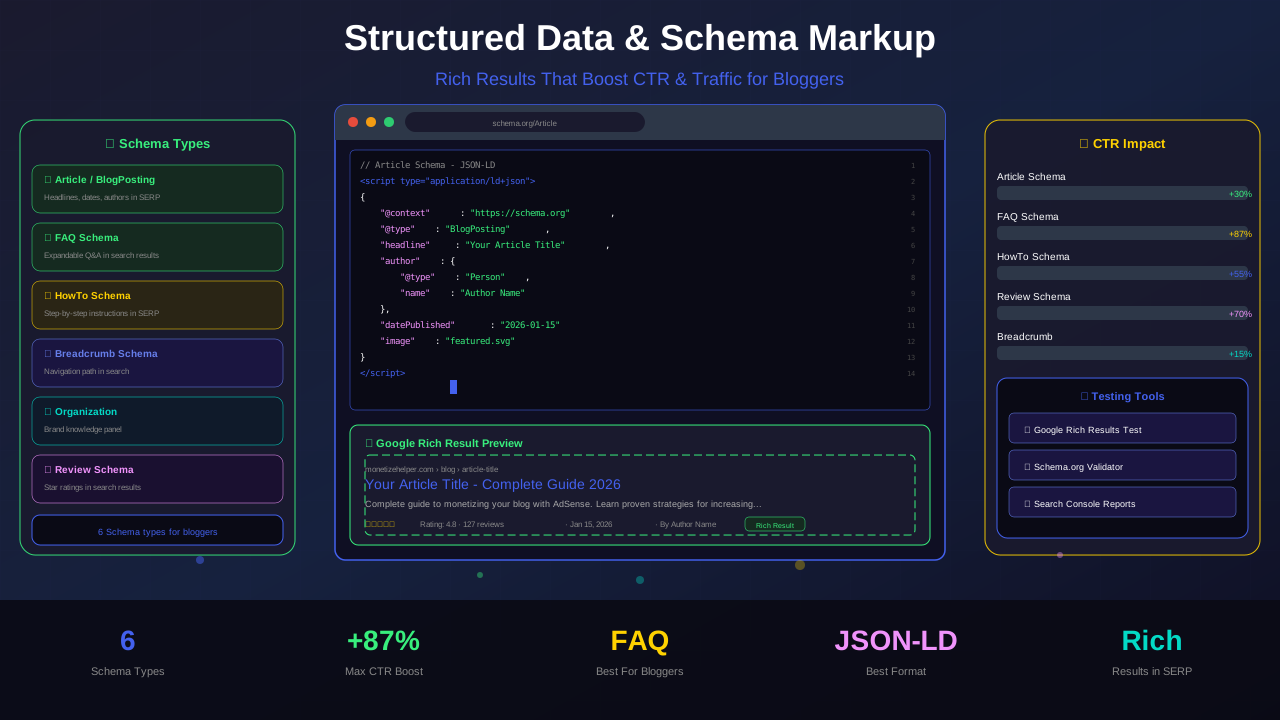
Most Important Schema Types for Bloggers
Not all schema types matter equally for bloggers. Focus on these first:
Article Schema
This is the most important one for blog content. It tells Google your page is an article and provides details like author, publish date, and headline. Use BlogPosting for blog posts.
FAQ Schema
Add this to pages with FAQ sections. Google can show expandable FAQ answers directly in search results, which dramatically increases your listing size and CTR.
How-To Schema
Perfect for tutorial and guide content. Google shows step-by-step instructions in search results. This works great for DIY, cooking, and technical how-to articles.
Breadcrumb Schema
Shows your site's navigation path in search results instead of the URL. This looks cleaner and helps users understand your site structure. Example: Home > Blog > Technical SEO > Structured Data Guide.
Organization Schema
Provides information about your brand — logo, social profiles, contact info. This helps Google's Knowledge Panel and builds brand authority.
You might also find helpful: Crawl Budget Optimization: Get Google to Index Your Blog Faster →
Best Practices for Structured Data Maintenance
Getting schema markup right is not a one-time job. Follow these practices to keep everything working:
- Test every new page: Before publishing, run every article through the Rich Results Test.
- Use JSON-LD format: Google recommends JSON-LD over Microdata or RDFa. It's easier to maintain and less error-prone.
- Keep schema updated: When you update article content, update the structured data too (especially
dateModified). - Don't mark up hidden content: Schema should describe visible content only. Marking up hidden text violates Google's guidelines.
- Check Search Console monthly: Review the Enhancements section for new errors at least once a month.
- Follow Google's guidelines: Google updates their structured data requirements regularly. Stay current with their search gallery.
"Valid structured data is like a clean, well-lit storefront. It helps Google understand your content and makes your search results more attractive to users. Test it, maintain it, and the rewards will come."
— John Mueller, Google Search Relations
Frequently Asked Questions
How often should I test my structured data?
Test every page before publishing. Then do a monthly check of your entire site using Google Search Console's enhancement reports. Test again whenever you change your site template or CMS.
Does structured data directly improve rankings?
Not directly. Structured data doesn't boost your ranking position. But rich results increase your CTR, which can indirectly improve rankings over time. Think of it as making your existing rankings work harder.
What's the best format for structured data?
JSON-LD. Google recommends it, and it's the easiest to implement and maintain. You add it as a script block in your page's head section without touching the HTML body.
Can I have multiple schema types on one page?
Yes. Most blog pages should have at least Article schema and Breadcrumb schema. You can also add FAQ, How-to, and Organization schema on the same page.
Why are my rich results not showing even though my schema is valid?
Valid schema doesn't guarantee rich results. Google decides which pages get rich results based on quality, authority, and search intent. Keep creating great content and maintaining valid schema — rich results will come.
Is there a WordPress plugin for structured data?
Yes. Yoast SEO and Rank Math both add basic structured data automatically. For more control, use the Schema Pro plugin or add custom JSON-LD manually.
Conclusion
Testing your structured data is essential for getting rich results in Google Search. Use the Rich Results Test for quick checks, the Schema Validator for deep validation, and Google Search Console for ongoing monitoring.
Fix errors promptly. Keep your schema updated. Test every new page before publishing. These simple habits will keep your structured data working and your rich results flowing.
Start by testing your most important pages today. Fix any errors you find. Then build structured data testing into your regular publishing workflow. Your search results will thank you.