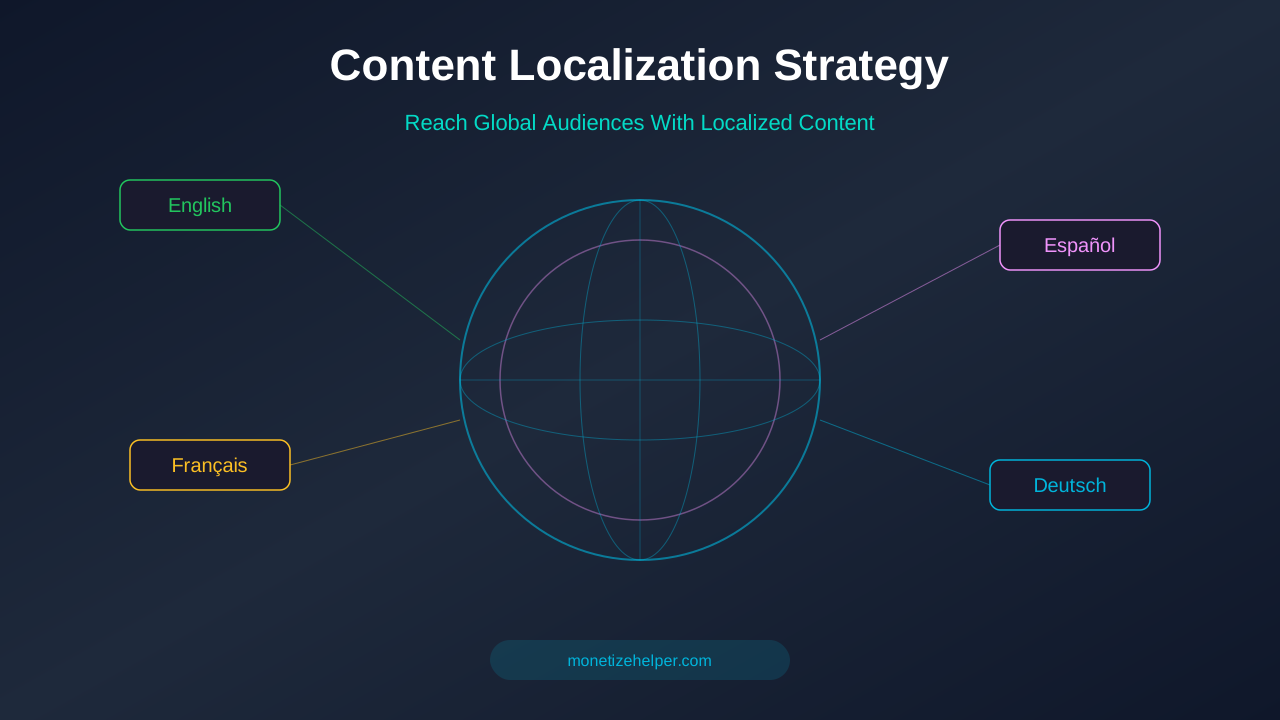
Want to reach readers around the world? Content localization helps you adapt your blog for different languages and cultures. It's not just translation — it's making your content feel local everywhere. And it can seriously boost your traffic and ad revenue.
What You'll Learn:
- What content localization really means (beyond translation)
- How localization increases your traffic and revenue
- Step-by-step process to localize your blog content
- Best tools and platforms for localization
- Common mistakes to avoid
What Is Content Localization?
Content localization means adapting your content for a specific region or culture. It goes way beyond translation. You also change images, examples, currency, date formats, and cultural references to match the target audience.
For example, a blog post about "saving money on groceries" would look very different for readers in the US, India, and Germany. The stores, products, prices, and even shopping habits are all different. Good localization accounts for all of this.
According to a CSA Research study, 76% of online shoppers prefer to buy products with information in their own language. 40% will never buy from websites in other languages. That's a lot of potential readers and revenue you could be missing.
Translation vs Localization
Translation converts words from one language to another. Localization converts the entire experience. Here's the difference:
Why Localize Your Blog Content?
Localization opens your blog to millions of new readers. Here are the biggest benefits:
1. Massive Traffic Growth
English covers about 25% of internet users. That means 75% of the internet speaks something else. By localizing into just 2-3 more languages, you can double or triple your potential audience.
Spanish, Hindi, Portuguese, and Arabic are some of the fastest-growing internet languages. Even adding one of these can bring a flood of new organic traffic.
2. Higher Ad Revenue
More traffic means more ad impressions. But there's more to it. Localized content tends to have better engagement metrics — lower bounce rates, longer time on page, and more pages per session. Google rewards these signals with higher ad CPMs.
For more on this topic, see our guide on Blog Traffic Growth Strategies: 12 Proven Ways to Get More Readers in 2026 →
Some international markets also have less competition for ad inventory, which can actually increase your RPM in certain regions.
3. SEO Advantage
Non-English SEO is often much less competitive. A keyword that has a difficulty score of 80 in English might be 20 in Spanish or Portuguese. You can rank much faster for the same topics in other languages.
4. Brand Authority
When your content appears in multiple languages, your brand looks bigger and more established. Readers trust brands that speak their language. This builds loyalty and repeat visits.
Step-by-Step Localization Process
Here's how to localize your blog content the right way:
Step 1: Choose Your Target Languages
Don't try to localize into 10 languages at once. Start with one or two. Pick languages based on:
- Your current audience: Check Google Analytics for visitors from non-English countries
- Market size: Spanish (500M+ speakers), Hindi (600M+), Portuguese (250M+)
- Ad revenue potential: Some markets pay higher CPMs than others
- Competition: Less competition means faster rankings
Step 2: Audit Your Existing Content
Not every article needs to be localized. Focus on your best content first:
Learn more in SEO Content Writing Guide: How to Write Articles That Rank and Convert →
- Top 20 articles by traffic
- Evergreen content that stays relevant
- Articles with universal topics (not US-specific)
- High-converting content (best engagement metrics)
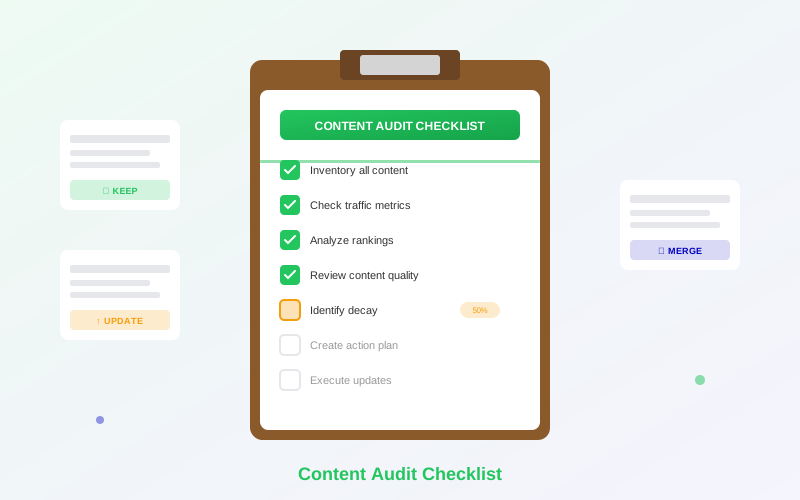
Use your content audit checklist to identify which articles have the most localization potential.
Step 3: Set Up Your Site Structure
You have three main options for organizing multilingual content:
Step 4: Localize Your Content
For each article you localize, follow this checklist:
- Translate the text accurately (use professional translators, not just AI)
- Replace examples with locally relevant ones
- Update currency, measurements, and date formats
- Check brand names and product references (some brands differ by region)
- Adjust tone and formality (some cultures prefer formal writing)
- Review images for cultural sensitivity
- Update internal and external links to point to localized versions
Step 5: Implement Hreflang Tags
Hreflang tags tell Google which language version of a page to show in search results. Without them, Google might show your English page to Spanish-speaking users, even if you have a Spanish version.
Add hreflang tags to the <head> section of each page. They look like this:
<link rel="alternate" hreflang="en" href="https://example.com/article" />
<link rel="alternate" hreflang="es" href="https://example.com/es/article" />
<link rel="alternate" hreflang="x-default" href="https://example.com/article" />
The x-default tag tells Google which version to show when no language match is found. This is usually your English version.
Related reading: AI Content and AdSense: How to Use AI Safely Without Getting Banned →
Step 6: Localize Your SEO
Don't just translate your meta titles and descriptions — research keywords in the target language. The most popular search terms in English may not be direct translations of what people search for in other languages.
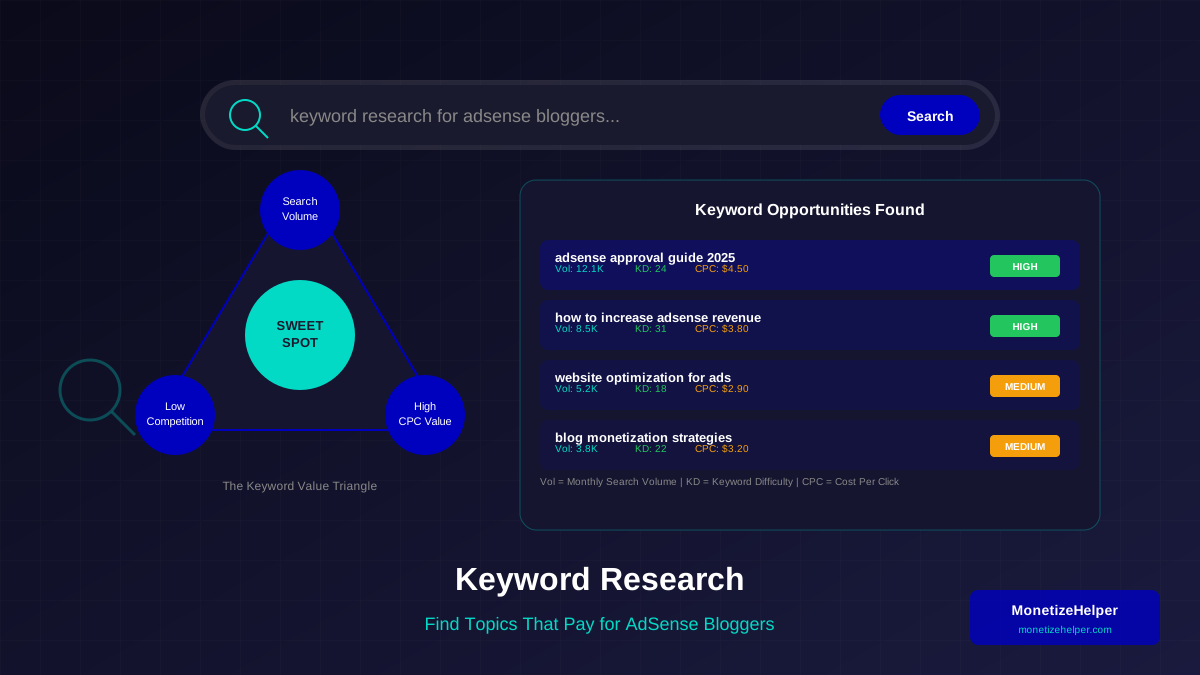
Use tools like Google Keyword Planner with the target country and language selected. Build separate keyword research for each localized version.
Best Tools for Content Localization
These tools make localization much easier:
Translation & Localization Platforms
- DeepL: Often more accurate than Google Translate for European languages. Great for first drafts.
- Lokalise: Professional localization platform with translation memory and team collaboration.
- Phrase (formerly Memsource): Enterprise-level translation management.
- Weglot: Automatically translates your website and lets you edit translations. Easy setup.
WordPress Plugins
- WPML: The most popular WordPress multilingual plugin. Paid, but very powerful.
- Polylang: Free alternative to WPML. Good for smaller sites.
- TranslatePress: Visual translation editor. Translate directly on the page.
SEO Tools for International
- Ahrefs: Switch countries and languages for keyword research
- SEMrush: International SEO toolkit with hreflang checker
- Google Search Console: Filter performance by country and language
Common Localization Mistakes to Avoid
Many bloggers mess up localization. Here are the biggest mistakes:
1. Using Machine Translation Without Editing
AI translation has gotten much better, but it still makes mistakes. Cultural nuances, idioms, and humor often get lost. Always have a native speaker review machine-translated content. Bad translations hurt your credibility.
2. Ignoring Cultural Differences
Colors, images, and expressions mean different things in different cultures. A thumbs-up emoji is rude in some Middle Eastern countries. Red means luck in China but danger in the West. Research your target culture before localizing.
Learn more in Featured Snippets Optimization: Boost Traffic and Revenue Fast →
3. Forgetting About SEO
Translating content without doing keyword research in the target language is a wasted opportunity. People search differently in different languages. Do proper keyword research for each language.
4. Not Implementing Hreflang Tags
Without hreflang tags, Google might show the wrong language version to users. This hurts your click-through rate and user experience. Always add hreflang tags to every localized page.
5. Localizing Everything at Once
Start small. Localize your top 10-20 articles first. See how they perform. Then expand based on results. Trying to localize your entire site at once leads to low-quality translations and burnout.
Measuring Localization Success
Track these metrics to see if your localization efforts are working:
- Organic traffic by language/country: Are you getting more visitors from target regions?
- Bounce rate by language: Are localized visitors staying on your site?
- RPM by region: Is ad revenue increasing from new markets?
- Keyword rankings: Are you ranking for target keywords in each language?
- Pages per session: Do localized visitors explore more of your content?
Use Google Analytics 4 to create segments for each language and country. Compare performance over time. Good localization should show improvements within 2-3 months.
Frequently Asked Questions
How many languages should I start with?
Start with one. Pick the language with the biggest potential based on your analytics and niche. Master the process with one language before adding more.
For more on this topic, see our guide on How to Find Trending Topics & Create Viral Blog Content →
Can I use AI to translate my blog posts?
AI is a great starting point, but don't publish raw AI translations. Always have a native speaker review and edit the content. AI misses cultural nuances and can create awkward phrasing.
Does localization help with AdSense revenue?
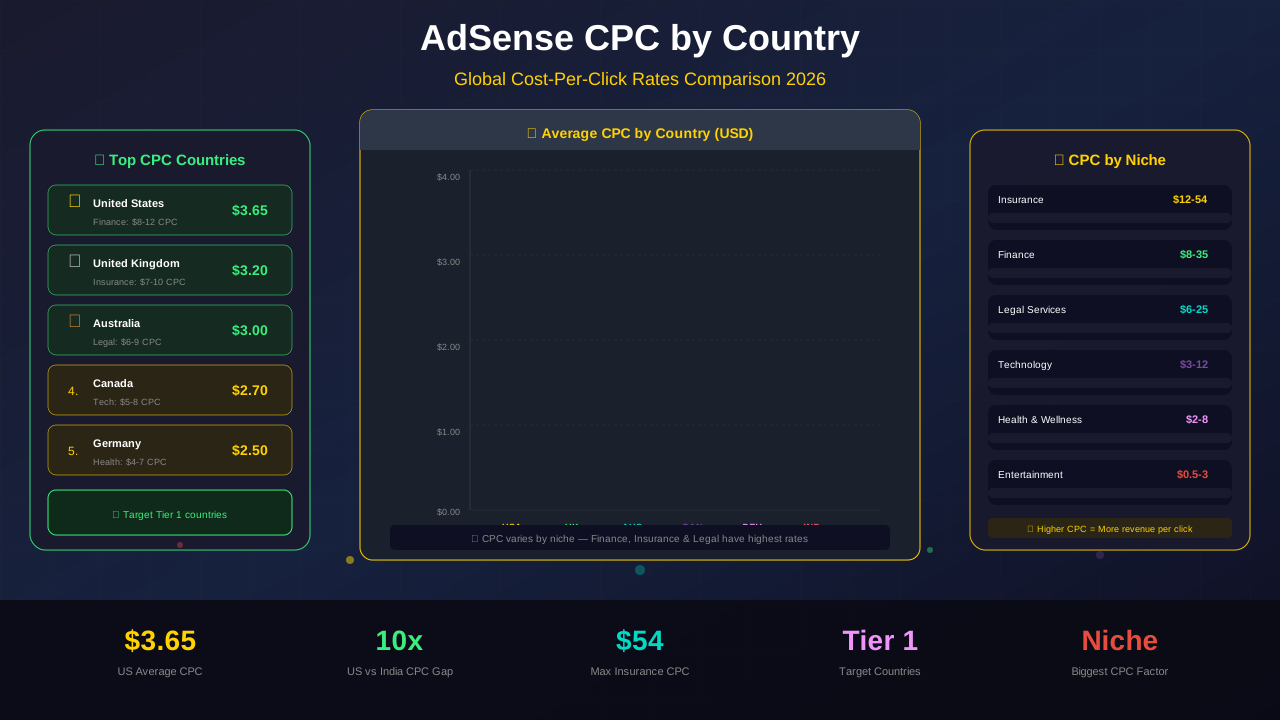
Yes. More traffic from more countries means more ad impressions. Localized content also has better engagement metrics, which can improve your CPC rates by country.
What's the best site structure for multilingual blogs?
Subdirectories (site.com/es/) are best for most bloggers. They share domain authority, are easy to manage, and work well with most CMS platforms.
How long does it take to see results from localization?
Expect 2-4 months for Google to index and rank your localized content. Some competitive markets may take longer. Build links and promote your localized content to speed things up.
Should I localize all my articles?
No. Start with your top-performing, evergreen articles. These give the best return on investment. Skip time-sensitive or region-specific content that won't translate well.
Conclusion
Content localization is one of the most powerful growth strategies for bloggers. By adapting your content for new languages and cultures, you can tap into massive audiences that your competitors are ignoring.
Start small. Pick one language. Localize your best 10-20 articles. Set up hreflang tags. Do keyword research in the target language. Then measure your results and expand from there.
The internet is global. Your content should be too. Start your localization journey today and watch your traffic and revenue grow.