Your URLs are more important than you think. A clean, descriptive URL helps Google understand your page. It helps users decide whether to click. And it makes your whole site look more professional. Here's how to design URLs that work for both SEO and people.
What You'll Learn:
- Why URL structure matters for SEO
- The anatomy of a perfect URL
- Best practices for creating clean URLs
- Common URL mistakes to avoid
- How to fix existing bad URLs safely
Why URL Design Matters for SEO
URLs serve three audiences: search engines, users, and other websites that link to you.
For search engines, URLs provide context about what a page covers. Google uses the words in your URL as a ranking signal. According to Google's URL structure guidelines, simple and descriptive URLs help both crawlers and users understand your content.
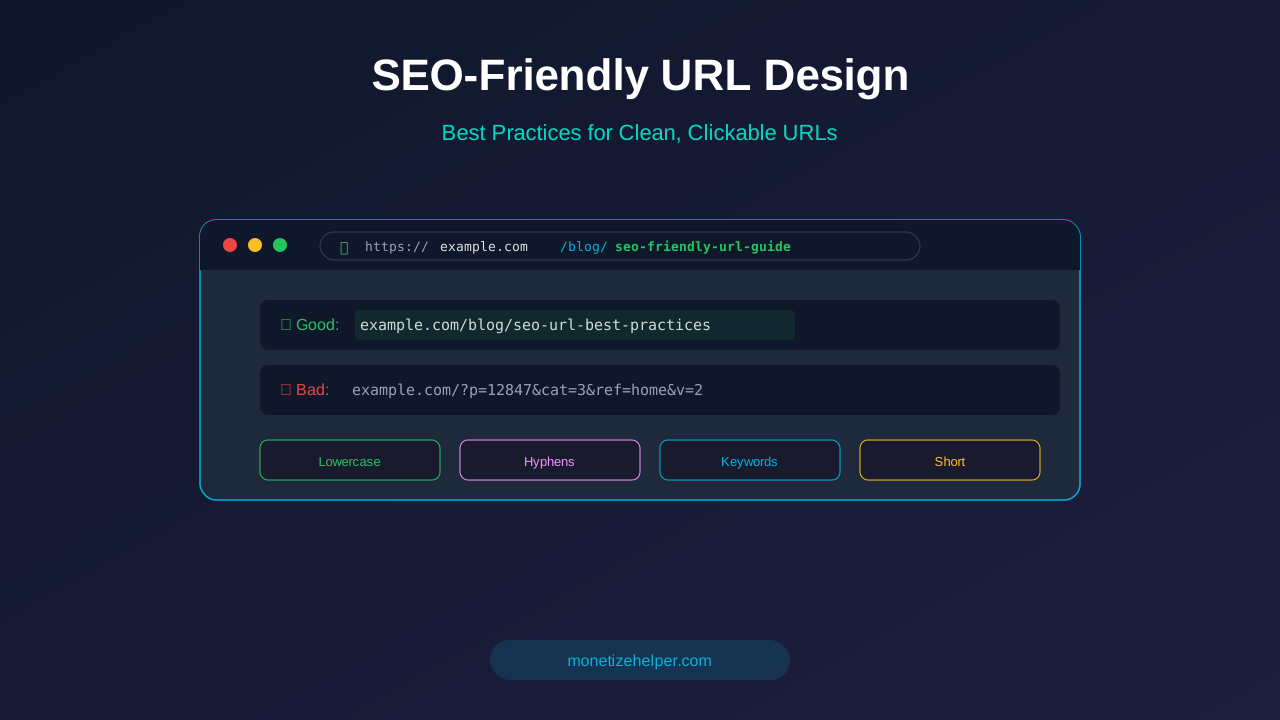
For users, a clean URL builds trust. When someone sees example.com/blog/seo-friendly-url-guide in search results, they know exactly what they'll get. Compare that to example.com/?p=12847&cat=3&ref=home — that tells the user nothing.
For backlinks, a descriptive URL is more likely to be shared and linked to. People feel more confident sharing a URL that clearly describes the content.
The Anatomy of a Perfect URL
A well-designed URL has these parts:
Protocol
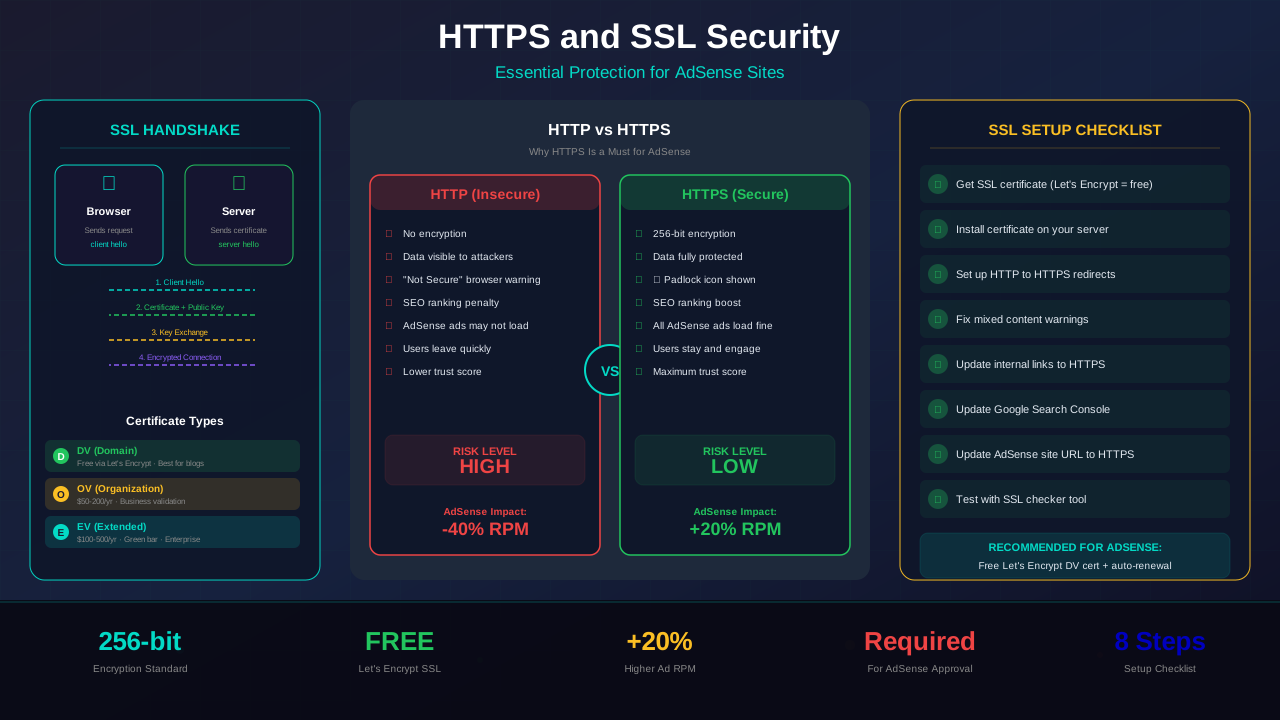
Always use https://. Google confirmed HTTPS is a ranking signal. If your site still uses HTTP, switch to HTTPS immediately. Check our HTTPS SSL security guide for help.
Domain
Keep your domain short and memorable. Avoid hyphens in your domain name (they're fine in page slugs, just not in the domain itself). Choose a .com when possible.
See also: Content Formatting Tips That Boost CTR & Keep Readers on Your Blog →
Path
The path shows where the page sits in your site structure. Use a logical hierarchy:
/blog/category/article-title— great for blogs with categories/blog/article-title— simpler structure, also works well/category/article-title— removes the /blog/ prefix
Slug
The slug is the last part of the URL that identifies the specific page. This is where you put your target keyword. A good slug is:
- 3-5 words long
- All lowercase
- Words separated by hyphens
- Contains your target keyword
- No stop words (a, the, of, in, etc.) unless needed for clarity
URL Design Best Practices
1. Use Hyphens, Not Underscores
Google treats hyphens as word separators but reads underscores as word joiners. The URL seo-friendly-urls is read as three words: "seo", "friendly", "urls". But seo_friendly_urls might be read as one word. Always use hyphens.
2. Keep URLs Short
Shorter URLs tend to rank better. A study by Backlinko found that the average URL on page one of Google is 66 characters long. Aim for 50-75 characters total. Cut unnecessary words and keep only the essential keywords.
3. Use Lowercase Only
URLs are case-sensitive on most servers. example.com/Blog and example.com/blog can load different pages. This creates duplicate content issues. Always use lowercase for everything.
See also: Ad Placement Strategies That Boost Revenue Without Hurting UX →
4. Include Your Target Keyword
Put your primary keyword in the URL slug. If your article targets "content calendar template," your URL should include those words: /blog/content-calendar-template. Don't stuff multiple keywords — one phrase is enough.
5. Avoid Dates in URLs
Don't include dates in your URLs like /2026/03/article-title. Dates make URLs longer and make your content look outdated when years pass. Keep URLs timeless so you can update content without changing the URL.
6. Remove Stop Words
Words like "a", "the", "of", "in", "and", "to", "for" add length without value. Compare:
- ❌
/a-guide-to-the-best-practices-for-seo-urls - ✅
/seo-url-best-practices
7. Use a Flat URL Structure
Avoid deeply nested URLs. Every slash adds a level of depth. Google and users prefer shallower structures:
- ❌
/blog/category/subcategory/year/topic/article(too deep) - ✅
/blog/article-topic(flat and simple)
How to Fix Existing Bad URLs
If your site already has bad URLs, you can fix them — but carefully. Changing a URL without a redirect breaks all existing links and kills your rankings for that page.
Learn more in Color Schemes for Professional Websites That Boost Revenue →
When to Change URLs
Only change URLs if:
- The current URL is truly terrible (random numbers, no keywords at all)
- The page is relatively new and doesn't have many backlinks
- The SEO benefit outweighs the temporary ranking disruption
How to Change URLs Safely
- Create the new URL. Update the slug in your CMS.
- Set up a 301 redirect. Redirect the old URL to the new one permanently. This passes most of the SEO value.
- Update internal links. Change any internal links pointing to the old URL.
- Update your sitemap. Make sure your XML sitemap reflects the new URL.
- Request re-indexing. Use Google Search Console to request indexing of the new URL.
- Monitor in Search Console. Watch for crawl errors and confirm the redirect works.
For high-performing pages with lots of backlinks, it's usually better to leave the URL as-is. The risk of losing rankings and link equity isn't worth the minor SEO gain from a better URL.
URL Settings by CMS Platform
WordPress
Go to Settings → Permalinks. Choose "Post name" for the cleanest URLs. This gives you example.com/your-post-title/. You can also edit individual post slugs when writing.
Next.js
Next.js uses file-based routing. Your file structure becomes your URL structure. Files in /app/blog/[slug]/page.tsx create URLs like /blog/your-article-slug. Keep your file organization clean and your URLs will follow.
Shopify
Shopify automatically generates URLs based on page titles. You can edit the URL handle for each product, page, and blog post. Keep them short and keyword-focused.
You might also find helpful: Best WordPress Themes for AdSense: Top Picks for Maximum Revenue →
Frequently Asked Questions
Does URL structure really affect SEO?
Yes, but it's a minor ranking factor. The bigger impact is on user experience and click-through rates. Clean URLs get more clicks from search results, which indirectly helps rankings.
Should I include category names in URLs?
It depends. /blog/seo/url-best-practices adds context but makes URLs longer. If you might reorganize categories later, a flat structure like /blog/url-best-practices is safer and simpler.
Can I change old URLs to make them SEO-friendly?
Yes, but always set up 301 redirects from the old URL to the new one. Without redirects, you'll lose all SEO value and break existing links. Only change URLs that are truly bad.
How many words should be in a URL slug?
3-5 words is ideal. Long enough to be descriptive, short enough to be clean. Google can handle longer URLs, but shorter ones look better in search results and are easier to share.
Should I use trailing slashes in URLs?
Either way works, but be consistent. Choose one style and stick with it across your entire site. Set up redirects for the other style to avoid duplicate content. Most WordPress sites use trailing slashes.
See also: UX Design Principles That Boost Blog Revenue: A Complete Guide →
What about URL parameters for tracking?
UTM parameters for campaign tracking are fine. Google knows to ignore them. But avoid using parameters for content navigation (like ?page=2). Use clean URL paths instead.
Conclusion
Good URL design is simple: keep URLs short, descriptive, lowercase, and hyphenated. Include your target keyword and avoid dates, parameters, and unnecessary words.
For new content, get the URL right from the start. For existing content, only change URLs that are truly problematic — and always use 301 redirects.
Review your site's permalink settings today. Make sure new posts get clean URLs automatically. Then check your most important pages and fix any that need it. Clean URLs are a small detail that adds up to a big difference over time.